growth
Shipping an AI Product as a Small Team: A Prep Checklist from First Website Draft to Showcase Assets
An evergreen, practical guide for small teams: draft the site with v0, sharpen copy and structure with Claude, and produce showcase assets with Canva AI, including reusable prompts, acceptance criteria, and realistic limits.
Start by splitting “launch” into three deliverables
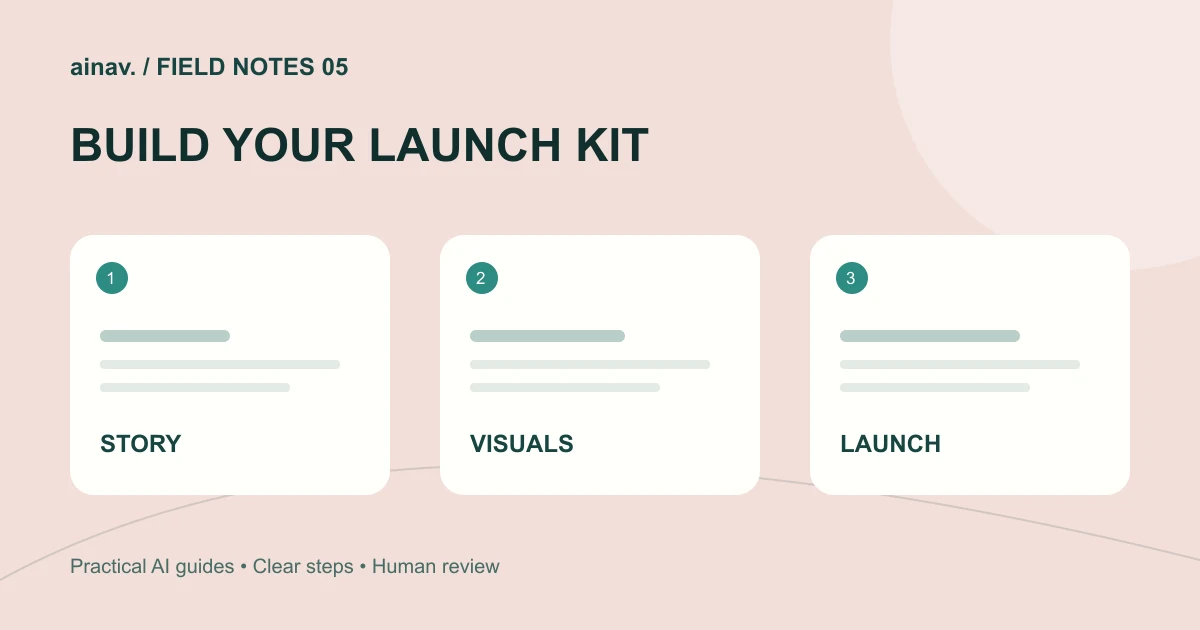
The most common mistake a small team makes when shipping an AI product is treating “launch” as one vague, oversized goal. The result is that every piece is half-finished. A more workable approach is to split it into three deliverables that are independent but reusable: a website draft that explains the value, a set of copy and information structure that survives scrutiny, and a group of visual assets for demos and distribution. The order does not have to be strictly linear, but all three must share the same factual foundation. Otherwise the page says one thing and the assets say another, and users lose trust at first glance.
Before building anything, write a one-page fact sheet: what problem the product solves, who it is for, what its core capabilities are, and what its known limits are. This sheet is the single source of truth for everything that follows. If a capability is not on the sheet, it does not go on the page and it does not appear in the assets. Small teams have limited resources, and restraint reads as professionalism more reliably than accumulation.
Step one: draft the website with [v0](/tool/v0)
The goal of a first draft is not “finished” but “a real interface you can discuss as soon as possible.” You can start by describing what you want in natural language; v0 accepts prompts in your preferred language and responds in the same language, and it also accepts screenshots, mockups, or Figma designs. It generates full-stack web apps, and previews run the app as it would in production, which helps you judge the real result.
A pragmatic approach: build only the home page and one core feature page first. Make the value proposition, main capabilities, and use cases clear, then add pages gradually. After generation, adjust visuals in the built-in editor or Design Mode so branding stays consistent. If your team uses GitHub, you can connect it so changes go through branches and pull requests and the main branch is never pushed to directly; if you do not use Git, you can still publish to Vercel and add a custom domain.
One caveat: v0 requires an internet connection to process prompts and generate code, so it cannot be used offline. The Free plan has a daily message limit, and team collaboration and higher usage require paid plans. Put these constraints into your schedule early rather than discovering them when you are blocked.
Step two: sharpen copy and structure with [Claude](/tool/claude)
Once the interface has a skeleton, the next job is making the words hold up. Treat Claude as a structured writing and review partner: it is available on web, desktop, and mobile, can search the web, create files, and run code, and keeps memory across conversations. Paid plans add task hand-off that returns finished documents, slides, sheets, and designs. For a small team, the most valuable use is turning scattered thinking into a reviewable structure.
A concrete workflow: first ask the model to turn your fact sheet into a page outline, then expand it section by section into copy, and finally do a deletion pass. Cut adjective stacking and keep verifiable statements. Be aware that usage limits exist and the Free plan has its own allowance, so batch heavy work into one session rather than reopening repeatedly and losing context. Prices shown do not include applicable tax, so budget for that.
Step three: produce showcase assets with [Canva AI](/tool/canva-ai)
Showcase assets include social images, captioned product screenshots, and demo covers. Canva AI is a conversational creative partner inside Canva’s Visual Suite. You can access it from the Canva homepage or via the Canva AI button in the top left of the editor, describe an idea with text or voice, and refine it through conversation, or edit manually. It can generate images, charts, or headlines on request and can pull context from connected tools to produce on-brand designs.
For a small team, the key is one template set reused across channels: define sizes and a color system first, then batch-produce versions for each channel. Be clear that you may not have exclusive rights to AI-generated designs and are responsible for confirming suitability for commercial use. Also note that administrators of Teams, Enterprise, and Education accounts can enable or disable AI tools from the Admin Panel, which affects collaboration workflows, so align with your account admin early.
Reusable example prompts
For the website draft: “Generate a home page for an AI writing assistant built by a small team. Include a one-line value proposition, three core capabilities, two use cases, and one call to action. Keep it clean with generous whitespace, neutral colors plus one accent color. Build only the home page for now.”
For copy review: “Here is our fact sheet and home page copy. Check each sentence against the fact sheet, flag any claim that cannot be verified, and suggest more restrained alternatives. Do not add any capability descriptions that are not already present.”
For assets: “Create three square social images for the same product, themed around ‘problem,’ ‘capability,’ and ‘limit.’ Keep a consistent type hierarchy and color palette, keep text short, and do not introduce features outside the fact sheet.”
Acceptance criteria: when is it ready to ship
First, factual consistency: every capability on the page, in the copy, and in the assets traces back to the fact sheet, with no contradictions. Second, readability: a visitor can explain what the product does and who it is for without scrolling more than two screens. Third, usability: primary buttons and links work, mobile layouts do not overflow, and preview matches published behavior. Fourth, asset discipline: sizes, colors, and type hierarchy are consistent, and text remains legible at thumbnail size. Fifth, transparent limits: known constraints are stated rather than left for users to discover.
Turn acceptance into a checklist and have someone who did not build the page walk through it. A common small-team failure is that makers are too familiar with their own page and mentally fill in missing information; an outside perspective exposes those gaps efficiently.
Realistic limits and common pitfalls
Do not expect a final draft from a single prompt. Generative tools are good at producing starting points; judgment still belongs to people. Do not confuse “can generate” with “should ship”; the longer the feature list, the higher the verification cost. Do not write performance, ranking, or comparison claims without factual grounding, since those are the statements most likely to backfire. And do not treat tools as a news source: product capabilities change, and this article describes the publicly documented capability scope of these tools as an evergreen explainer, not a report on a specific update.
Finally, a pacing suggestion for small teams: day one, produce the fact sheet and home page draft; day two, complete copy review; day three, produce assets and run one external acceptance pass; day four, publish and collect feedback. Rhythm matters more than perfection, because only after shipping do you learn which information structure actually works.