reviews
How to Choose an AI Assistant With One Shared Task Set: ChatGPT, Gemini, and DeepSeek
Running the same tasks through ChatGPT, Gemini, and DeepSeek and scoring the outputs against one checklist is more reliable than comparing feature lists or reputations. This evergreen guide offers a reusable selection process, example prompts, output checks, and realistic limits.
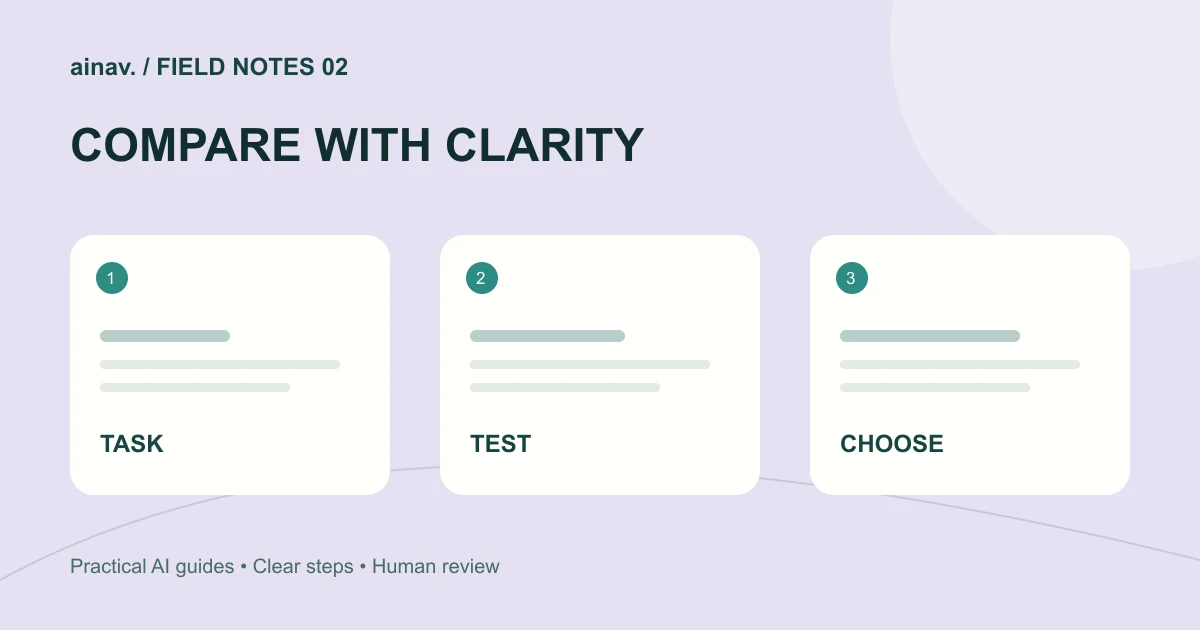
Why compare with one shared task set
The most common mistake in choosing an AI assistant is asking each product a different question and then deciding from impressions. A more reliable approach is to fix a set of tasks, give every assistant exactly the same input, and check the outputs against the same criteria. That compares how the products perform on your work rather than how they are described on a marketing page.
This is an evergreen methods explainer, not a breaking news report. The capabilities mentioned below follow what each product's public pages state. Quotas and availability vary by plan, region, and account status, so confirm details on the official pages before relying on them.
Step one: write the task list before opening any product
Before trialing anything, write five to eight concrete tasks that cover different difficulty levels. Include at least: a long passage that needs rewriting, a question that requires multi-step reasoning, a research task that needs source checking, a task that involves uploading a file, a coding or structured-output task, and one repetitive job you do most days.
For each task, specify the input, the expected output format, and the acceptance criteria. Instead of "write me some copy," write "rewrite this 300-word product description for first-time users, keep every fact, output three paragraphs of no more than 80 words each." The more specific the task, the more meaningful the comparison.
Step two: use identical prompts and change only the product
Use exactly the same prompt in every assistant for the same task. An example prompt for rewriting:
"You are my editor. Below is a product description. Rewrite it for a first-time user. Requirements: keep all facts and add no new information; output three paragraphs of no more than 80 words each; keep the tone plain; finish with one sentence naming any phrasing in the original that could mislead a reader."
For a research task: "Research the following question in multiple steps. List the types of sources you used, separate facts from inferences, and end with three actionable next steps. If information is missing, state clearly what is missing."
For a reasoning task: "First restate the known conditions in the problem, then reason step by step, then give a conclusion. If more than one interpretation is reasonable, list each and explain the conditions under which it holds."
Keep the prompts in a document and paste them each time so that wording differences do not distort the results.
Step three: record each run instead of relying on impressions
After each task, record four things: whether the output met the format requirement, whether the facts were accurate, how much rework was needed, and how many turns it took to reach a usable result. These four are easier to judge than "was the answer good" and easier to review days later.
Write down specific observations rather than "felt fine": for example, "the second paragraph dropped the price condition from the source," "the cited source would not open," or "the code had no edge-case handling." Those details are the actual selection evidence.
Step four: put all three products on one scorecard
Give each task a simple score, such as one to five for format compliance, factual accuracy, and usability, then total it. Do not look only at the total; look at the distribution. One assistant may be clearly stronger on the task you do most often even when totals are close.
Record constraints at the same time. ChatGPT's public pages state that the Free plan has limits on capabilities such as uploads, image creation, voice, and deep research, while paid plans provide different levels of access. Deep research can run multi-step research, compare sources, and produce cited reports, with access and usage limits depending on the plan. Those limits directly affect how it performs on your task list.
Gemini's public subscriptions page lists a Free option and several paid tiers with higher usage limits. Deep Research, image generation and editing, and Gemini Live are listed with access levels that vary by plan, and some plans include use in Gmail, Docs, and other Google apps. When comparing, separate "does the feature exist" from "how much of it does my plan allow."
DeepSeek offers a web chat, a DeepThink reasoning mode, Search, a desktop Harness, and an API platform. API documentation and API pricing are documented separately, and the API supports web search and fetch. Its public pages do not list consumer plan prices, so compare on the entry points and documentation that actually exist rather than assuming a subscription structure.
Step five: check outputs against one checklist
For every result, run the same checklist: can the facts be found in the material you supplied or in a checkable source; are numbers, dates, and names consistent; were format and length requirements followed; was an inference presented as a fact; was a key condition from the input dropped; do the cited sources actually exist and open.
For research outputs, additionally check that source types are varied, that facts and opinions are separated, and that information gaps are stated. For code, check handling of empty values, exceptions, and edge cases. For rewrites, check that no information was quietly added.
Step six: set realistic expectations
Every assistant makes mistakes, especially with specific numbers, time-sensitive information, and obscure topics. Public pages also note that important answers should be checked for accuracy. Treat the assistant as a first-draft generator and a way to widen your thinking, not as the final authority.
Quotas are another practical factor. Free tiers are usually enough for small tests, but if you process many files or long documents daily, the difference between paid tiers shows up quickly. Use your task list to find the quota you actually need before upgrading, which is cheaper than subscribing first and looking for a use later.
Step seven: retest on a schedule, but do not switch tools constantly
Models and plans change, so retest with the same task set once a quarter and note the differences. Do not replace your main tool because of one weak result. A better approach is to assign a default assistant per task type: give the most frequent, format-sensitive work to whichever product is most consistent, and give exploratory research to whichever handles citations better.
For a fuller comparison of features and plans, review the ChatGPT product page, the Gemini product page, and the DeepSeek product page, then decide against your own task list. The method outlasts any single ranking.