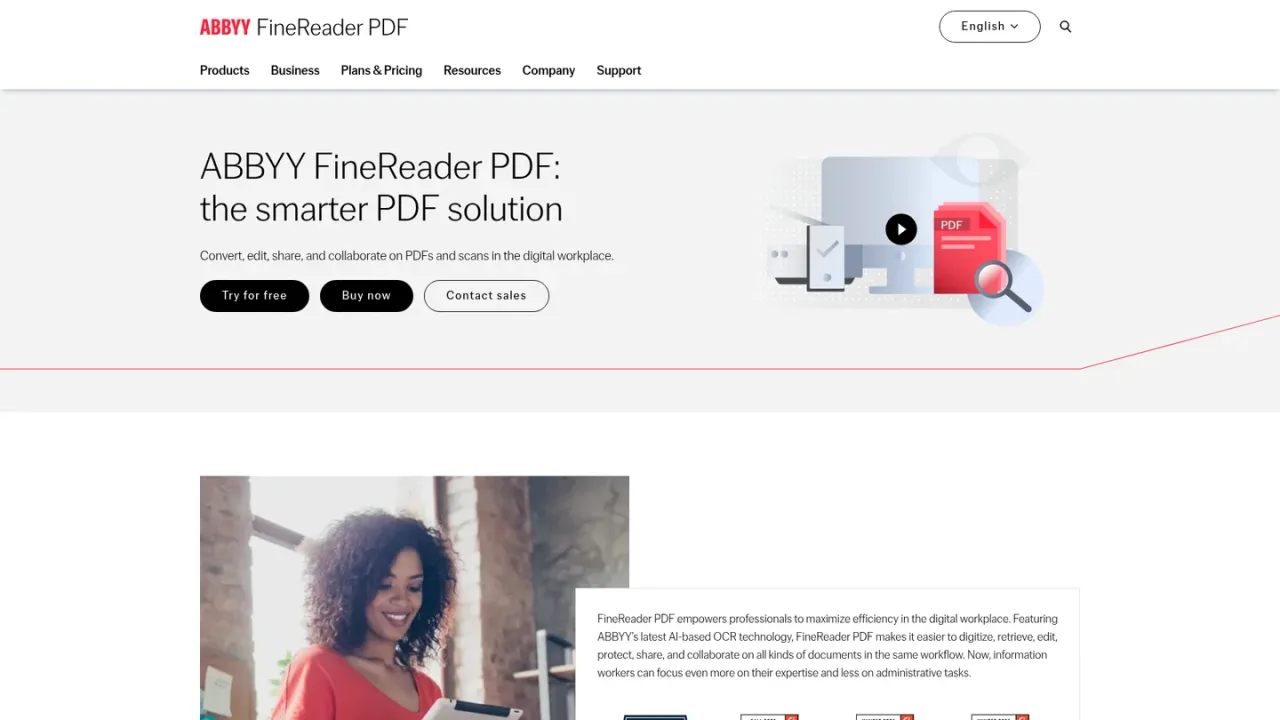
ABBYY FineReader PDF is a document productivity application built on ABBYY's AI-based OCR technology. It lets professionals digitize paper documents and scans, extract text and tables, convert PDFs into editable formats such as Word or Excel, and create, edit, organize, protect, and sign PDFs. Teams can comment on and approve PDFs, create fillable forms, and compare documents across formats, even when one or both are scans. Available for Windows, Mac, and iOS, with a Screenshot Reader and a server-based FineReader Server for large-volume conversion. Individual subscriptions and business licensing are offered, and a 7-day trial is available.
How to use ABBYY FineReader PDF
1
Download and install
Get FineReader PDF for Windows, Mac, or iOS from the official download page and install it on your workstation.
2
Digitize scans with OCR
Import scanned documents or images and run OCR to make them searchable and editable, including text and tables.
3
Convert to editable formats
Convert PDFs and scans into editable Word or Excel documents while preserving layout.
4
Edit, protect, and sign PDFs
Create, edit, organize, password-protect, and sign PDFs, and create fillable PDF forms.
5
Compare and collaborate
Compare documents in different formats to find exact differences, and comment on and approve PDFs with colleagues.
ABBYY FineReader PDF Features
AI-based OCR to digitize paper documents and scans
Extract text and tables from PDFs and scans
Convert PDFs into editable Word or Excel documents
Create, edit, and organize PDFs
Create fillable PDF forms
Compare documents in different formats, including scans
Protect and sign PDFs
Collaborate on and approve PDFs
Screenshot Reader to capture text and tables
FineReader Server for large-volume OCR conversion
ABBYY FineReader PDF Use Cases
Digitizing paper archives into searchable PDFs
Converting scanned PDFs into editable Word or Excel files
Comparing contract versions to find exact differences
Creating and filling PDF forms
Protecting and signing PDF documents
Reviewing and approving PDFs with colleagues
Capturing text and tables from screenshots without retyping
Large-volume document conversion with FineReader Server
ABBYY FineReader PDF FAQs
It is a document productivity application for digitizing, retrieving, editing, protecting, sharing, and collaborating on PDFs and scanned documents.
FineReader PDF is available for Windows, Mac, and iOS, plus a Screenshot Reader and a server-based FineReader Server.
It uses ABBYY's AI-based OCR to recognize text and tables in scans and images, making them searchable and editable, and to convert them into editable Word or Excel documents.
Yes. Cross-format document comparison finds exact differences in the texts of two documents, even if one or both are scans. Compare Documents is included in the Corporate plan.
Corporate adds document comparison and automated conversion of up to 5,000 pages per month via Hot Folder, and you can upgrade from Standard to Corporate.
Yes, a 7-day trial is available with no payment required.
In the online store, FineReader PDF Standard is 99 EUR per year, Corporate is 165 EUR per year, and FineReader PDF for Mac is 69 EUR per year.
Business options include Per Seat, Remote User, Concurrent, and Site License, with volume discounts and 1- and 3-year subscription plans for 5+ licenses.
Prices shown are from the individual online store in EUR. Business licensing for 5+ licenses is quoted by sales. A 7-day trial is available.
FineReader PDF Standard
€99EUR / year
PDF application powered by AI-based OCR for unified workflows with digital and scanned documents, for one standalone license.
1 standalone license
Edit and organize PDFs
Digitize documents and scans with OCR
Convert PDFs and compare documents
Create fillable PDF forms
FineReader PDF Corporate
€165EUR / year
Versatile productivity toolset for PDFs and document digitization, including document comparison and automated conversion of up to 5,000 pages per month.
1 standalone license
Includes document comparison
Automated conversion up to 5,000 pages per month via Hot Folder
Monthly page limit resets every 30 days
Upgradeable from Standard
FineReader PDF for Mac
€69EUR / year
OCR application for macOS to convert PDFs, paper documents, and their images into searchable and editable documents, for one standalone license.