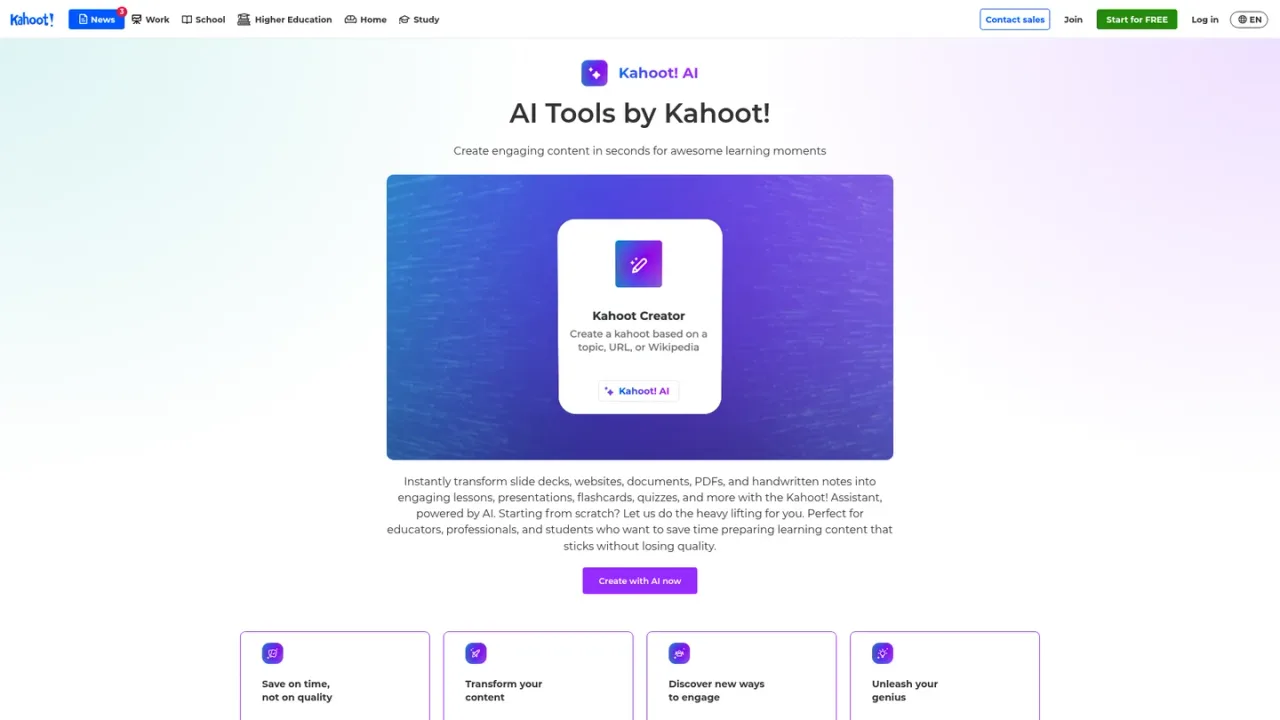
Kahoot! AI is the AI toolkit inside the Kahoot! platform, centered on the Kahoot! Assistant. It transforms topics, website URLs, Wikipedia articles, PDFs, slide decks, documents and handwritten notes into ready-to-play kahoots, quizzes, presentations, flashcards and swipeable stories. Additional tools generate fresh questions from existing slides or PDFs, create images for questions and slides, and let users chat with the Assistant to build slides, refine questions and translate content. Educators, students and professionals use it to save preparation time, review material and run more engaging lessons, training sessions and study sessions. Access is included with Kahoot!+ Gold and 360 Pro/Pro Max plans, while a free Kahoot! Go tier offers basic creation and hosting.
How to use Kahoot! AI
1
Start a new kahoot with AI
When creating a new kahoot, choose the AI-assisted Kahoot Generator and build from a topic, a website URL, a Wikipedia article or a PDF.
2
Generate questions from existing material
Use the AI question generator to create new questions from your existing slides or PDFs, or as a question bank for fresh ideas.
3
Scan handwritten notes
Scan handwritten notes with the mobile app to turn them into kahoots and flashcards for practice.
4
Pick an output format
Choose a format such as interactive lesson, presentation, practice test or survey and let the Assistant transform your content.
5
Refine with the Assistant chat
Chat with the Kahoot! Assistant to create slides, refine questions and translate content during creation.
Kahoot! AI Features
AI-assisted kahoot generator from topics, URLs, Wikipedia articles and PDFs
AI question generator from existing slides or PDFs
AI notes scanner turning handwritten notes into kahoots and flashcards
PDF to story generator for swipeable, self-paced learning
AI image generator for questions and slides
Assistant chat to create slides, refine questions and translate content
One-click AI formats such as lesson, presentation, practice test or survey
Kahoot! creator app inside ChatGPT
Content creation in 55+ languages
Reports to assess learning
Kahoot! AI Use Cases
Teachers creating lesson resources and in-class quizzes on any topic
Students turning notes, websites and files into flashcards and practice tests
Professionals building quiz-based presentations and training sessions
Hosts creating fun kahoots for social gatherings and quiz nights
Transforming PDFs into bite-sized self-paced learning stories
Kahoot! AI FAQs
According to Kahoot!, the AI tools are available on Kahoot!+ Gold for family, kids, students, teachers and higher education educators, and on 360 Pro and 360 Pro Max for professionals and teams.
When creating a new kahoot you can start from scratch or use the AI-assisted generator, which builds kahoots from a PDF or a topic, website URL or Wikipedia article.
Yes. The AI question generator creates new questions from your existing slides or PDFs, and can also serve as a question bank for fresh ideas.
It scans handwritten notes and transforms them into kahoots and flashcards so you can practice and test your knowledge.
The Assistant can transform content into formats such as interactive lessons, presentations, practice tests and surveys, selectable in one click.
Yes. The Kahoot! creator app in ChatGPT lets you upload a PDF, paste a link or describe what you need to get a ready-to-play kahoot.
Kahoot! states that it does not use any user data to train AI models, and that only the prompt is shared with Microsoft and other partners.
Kahoot! describes its AI tools as simple and easy to use, with no need to be a technology expert to make the most of them.
Prices shown in USD and exclude tax. Kahoot! AI tools are listed as available on Kahoot!+ Gold and 360 Pro/Pro Max plans; the free Kahoot! Go tier covers basic creation and hosting. Annual prices are billed yearly; monthly prices are billed monthly.
Kahoot! Go
$0USD / month
Free entry tier for getting started with classic Kahoot! creation and hosting.
Up to 10 participants per game
Basic question types and slide layout
Flashcards and goal setting for studying
Kahoot! app on mobile, tablet and desktop
Kahoot!+ Bronze
$3USD / month, billed annually
Entry paid tier for everyday learning and reviewing, with AI content creation from topics, URLs, Wikipedia or 3-page files.
Participant limit: 50
Create content from any topic, URL, Wikipedia or 3-page files
Basic review question types, including quiz and puzzle
Reports to assess student learning
Choose from 55+ languages
Kahoot!+ Silver
$7USD / month, billed annually
Mid tier for presentations and feedback, adding AI creation from existing files and richer question types.
Participant limit: 100
Create content from existing files with AI
Review and feedback question types, including drop pin and scale
Lecture experience for presentations
Game experiences for interactive learning
Kahoot!+ Gold
$9USD / month, billed annually
Full AI-powered toolkit tier for supporting learning mastery, listed as including Kahoot! AI tools.
Participant limit: 200
Create unlimited content from existing files and slides with AI
Review, feedback and precision question types
Advanced reports to track learning over time
AccessPass premium content
Kahoot! One
$19USD / month, billed annually
Complete bundle tier bringing together all features, apps and premium content.