
Free
$0USD / month
A no-subscription plan with no monthly credit allowance; credit packs can be purchased separately.
- All models included
- 2 video and 2 image + audio generations in parallel
- No watermark
- No commercial license
- No priority queue
AI Image Generator
PRODUCT OVERVIEW
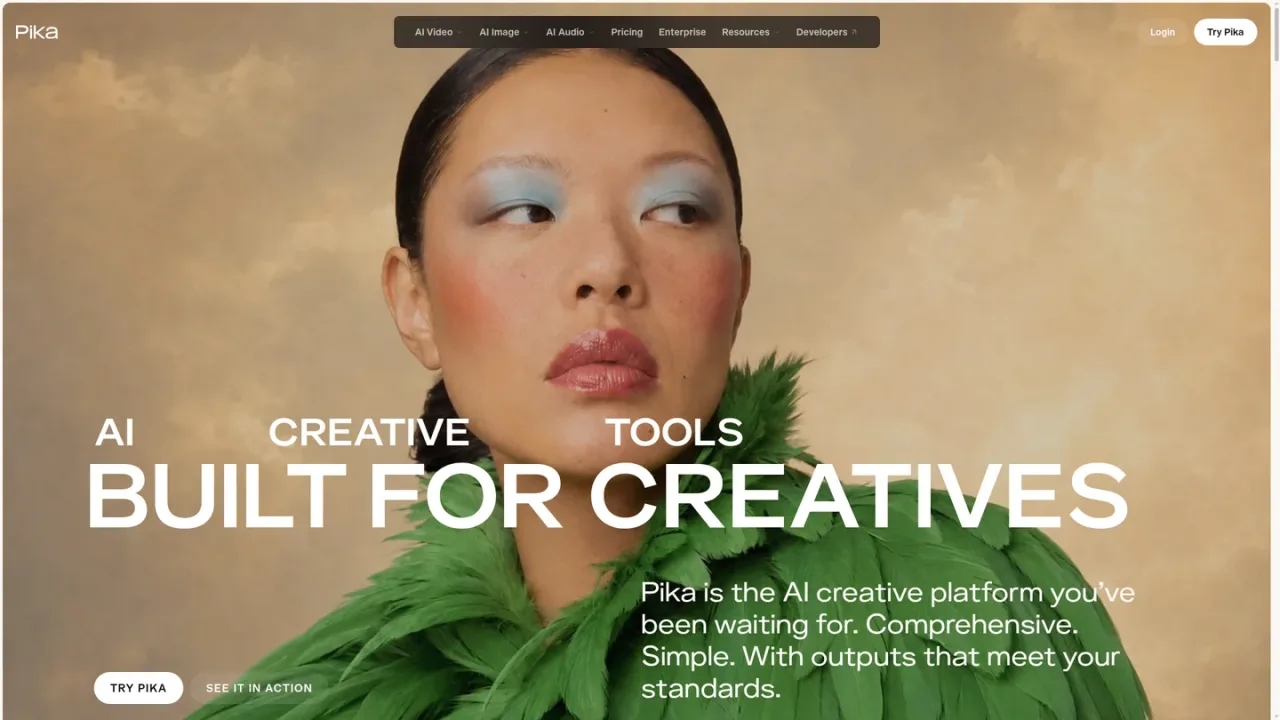
Pika is an AI creative platform for making and editing video, images, and sound. It organizes focused apps such as Video Studio, Image Studio, Edit Image, Character Studio, Product Shot, Color Grade, Extend Video, Music Studio, Speech Studio, SFX Studio, and Pika Soundtrack, supported by models including Seedance 2.5, Pika 2.5, GPT Image 2.5, Nano Banana, Seedream, Pika Music, Pika Speech, and Pika SFX. Users can start from a prompt or upload their own media, choose a model where available, and generate clips, images, voiceovers, music, or sound effects. It is aimed at ad creatives, editors, marketers, and filmmakers, with a Free plan and paid subscriptions that add credits, parallel generations, and commercial licensing.
Open the app for your task, such as Video Studio for video, Image Studio for images, or Music Studio, Speech Studio, and SFX Studio for audio.
Describe what you want or upload your own photos, videos, or audio; each app shows accepted files and any limits.
In apps with a model selector, choose a model and adjust available settings such as references, length, resolution, and sound.
Check the estimated credit cost shown before generating, then create and review the result.
Images, videos, and audio appear in your Library, where you can keep related work in projects and mark favorites.
Creating short social video clips from prompts or references
Producing styled product images without a photoshoot
Adding voiceovers, music, or sound effects to video
Extending existing footage or changing its color and mood
Maintaining a consistent character across images and clips
Pika supports creating and editing videos, images, and sound through focused apps such as Video Studio, Image Studio, and the audio studios.
Yes. You can upload your own media into the app you are using; each app shows which files it accepts and any size or length limits.
In apps with a model selector, you can choose the model and adjust available settings. Some apps choose the model for you.
It depends on the app and model. Video Studio supports short clips and multi-shot videos up to 30 seconds with supported models.
Yes. The Free plan lets you buy credit packs without a monthly subscription, but it does not include a monthly credit allowance.
Plan credits refresh each billing period and do not roll over. Top-up credits carry over and expire 365 days after purchase.
Paid subscription plans (Starter, Creator, and Fancy) include commercial use; the Free plan does not. You also need the rights to any material you upload, and the chosen model's terms still apply.
Open the Subscription page, choose Adjust plan, and follow the cancellation option. Your plan stays active until the end of the current billing period, then moves to Free; payments are non-refundable.
Prices shown in USD. Monthly plans are billed monthly; annual billing saves 20%. Plan credits refresh each billing period and do not roll over; top-up credits carry over and expire 365 days after purchase. Payments are non-refundable.
A no-subscription plan with no monthly credit allowance; credit packs can be purchased separately.
A monthly subscription with 900 credits per month and commercial licensing.
A monthly subscription with 3,150 credits per month and higher parallel generation limits.
A monthly subscription starting at $95 with 8,550 credits per month, unlimited parallel generations, and priority queue access.
COMMUNITY REVIEWS
No reviews yet.

Adobe's generative AI app for creating and editing images, video, audio, and designs with Adobe and partner models.

Hailuo is an AI video and image creation platform from MiniMax, offering text- and image-driven generation, templates and a free-credit signup.

All-in-one AI creative platform for generating and editing videos, images, and audio from prompts, images, or URLs.

