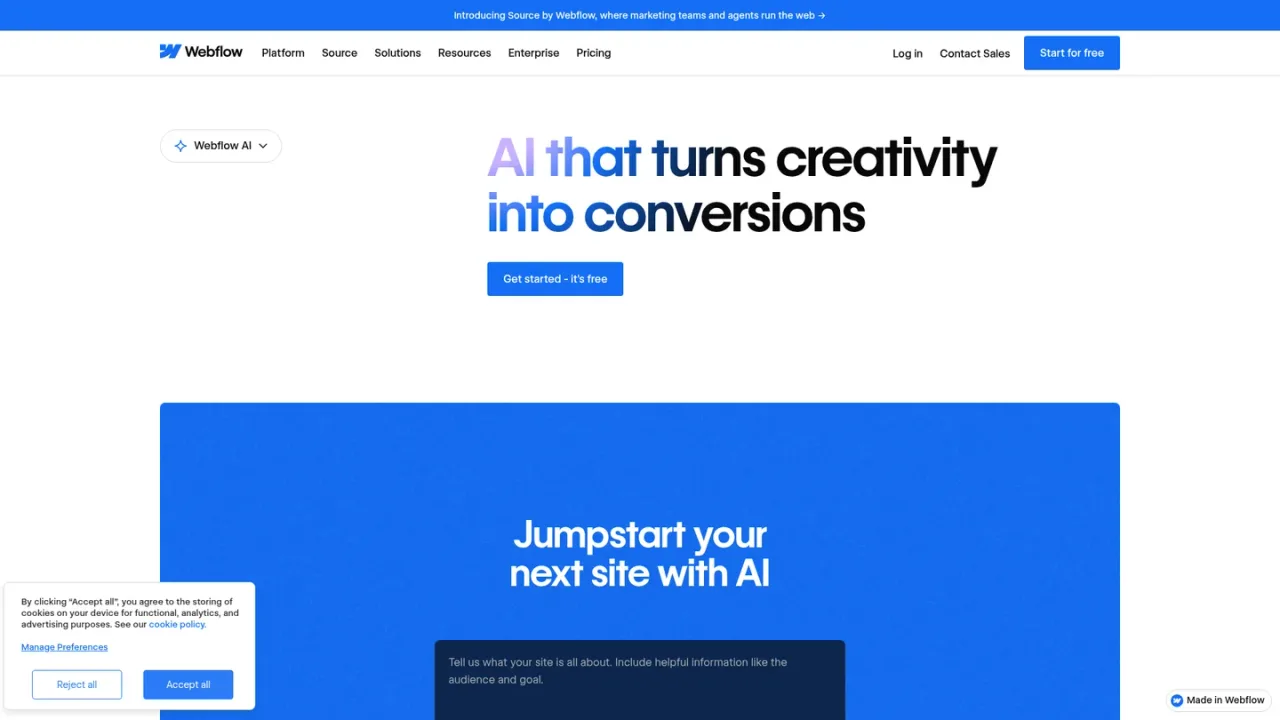
Webflow AI is the artificial intelligence layer built into the Webflow website platform. It helps marketers, designers, developers, and agencies move from idea to published site: an AI site builder generates starting pages without design or technical expertise, the AI Assistant drafts copy and CMS Collection items, and beta features design new page sections using a site's existing design system. Teams can also generate React code components with AI and edit them visually, run sitewide audits with AI-generated suggestions to improve SEO and AEO, and get contextual answers from the Webflow Help Center. Webflow states it does not use customer data to train generative AI models, and access begins through a Webflow account.
How to use Webflow AI
1
Create a Webflow account
Sign up or log in at webflow.com to access Webflow AI features within the platform.
2
Generate a starting site
Use the AI site builder with a prompt describing your business or project to produce initial pages.
3
Draft copy and CMS items
Use the Webflow AI Assistant to generate first drafts, content variants, and CMS Collection items, then publish within Webflow.
4
Design new sections
In beta, generate new page sections that follow your site's existing design system.
5
Build code components
Generate React components with AI, then edit them visually inside Webflow.
6
Audit SEO and AEO
Run sitewide audits and review AI-generated, actionable suggestions to improve SEO and AEO.
Webflow AI Features
AI site builder that generates starting pages from a prompt
AI Assistant for drafting copy and generating CMS Collection items
Beta generation of new page sections using an existing design system
AI-generated React code components editable visually in Webflow
Sitewide SEO and AEO audits with AI-generated suggestions
Contextual help answers from the Webflow Help Center (beta)
Machine-learning powered site localization
Webflow MCP server connecting sites to AI tools like Claude
Webflow AI Use Cases
Launching a first website draft without design or technical expertise
Producing marketing copy variants and publishing them in Webflow
Speeding up CMS item creation and page structuring
Improving organic and AI-search visibility through SEO and AEO audits
Building and visually editing React components
Localizing a site for a global audience
Webflow AI FAQs
It can help build a site, modify page designs, generate copy, generate code components, and optimize for conversion, according to Webflow.
Webflow says the AI site builder requires no design or technical expertise.
Yes. The AI Assistant can generate copy and CMS Collection items, and Webflow provides documentation on that workflow.
Designing sections and getting contextual help are labeled beta on the Webflow AI page.
It runs sitewide audits and provides AI-generated, actionable suggestions to improve both SEO and AEO.
Yes. You can build React components with AI and then edit them visually inside Webflow.
Webflow states that it does not use customer data to train any generative AI models.
Webflow offers an MCP server that connects Webflow to AI tools such as Claude and Grok Build for designing and managing sites.
All prices are in USD, per site, plus applicable taxes added at checkout. Basic and Premium prices shown are billed yearly; monthly billing is also offered. Team requires an annual contract. Enterprise pricing is custom and available only by contacting sales.
Starter
$0USD / per month
Free site plan for exploring and experimenting with Webflow. Publish to a webflow.io subdomain; upgrade to a paid Site plan to publish to a custom domain and unlock additional features.
Webflow.io domain
2 static pages
1 GB bandwidth per month
50 form submissions per site
Limited Webflow CMS
Basic
$15USD / per month, billed yearly
Paid site plan for simple sites that don't need a CMS. Adds a custom domain and higher site limits than Starter.
Custom domain
300 static pages
10 GB bandwidth per month
Unlimited form submissions
Password protection
Premium
$25USD / per month, billed yearly
Paid site plan for content-rich sites with robust CMS and traffic needs. Includes everything in Basic plus CMS and advanced site features.
Everything in Basic
Webflow CMS (20,000 items, 40 collections)
Bandwidth up to 2.5 TB per month
Code components
Site search
Team
$2500USD / per month, annual contract required
Platform plan for growing teams that need more control without complexity. Requires an annual contract; contact sales to purchase.
Everything in Premium
Webflow Localize
AEO agents
Publishing workflows and single-page publishing
Priority support
Enterprise
USD / custom
Platform plan for organizations that need a flexible, fully customizable solution. Pricing is custom; contact sales.