Free
$0USD / month
Entry tier for getting started with basic creation tools at no cost.
- Free templates to start fast
- Basic editing tools
AI Photo Editing Tools
PRODUCT OVERVIEW
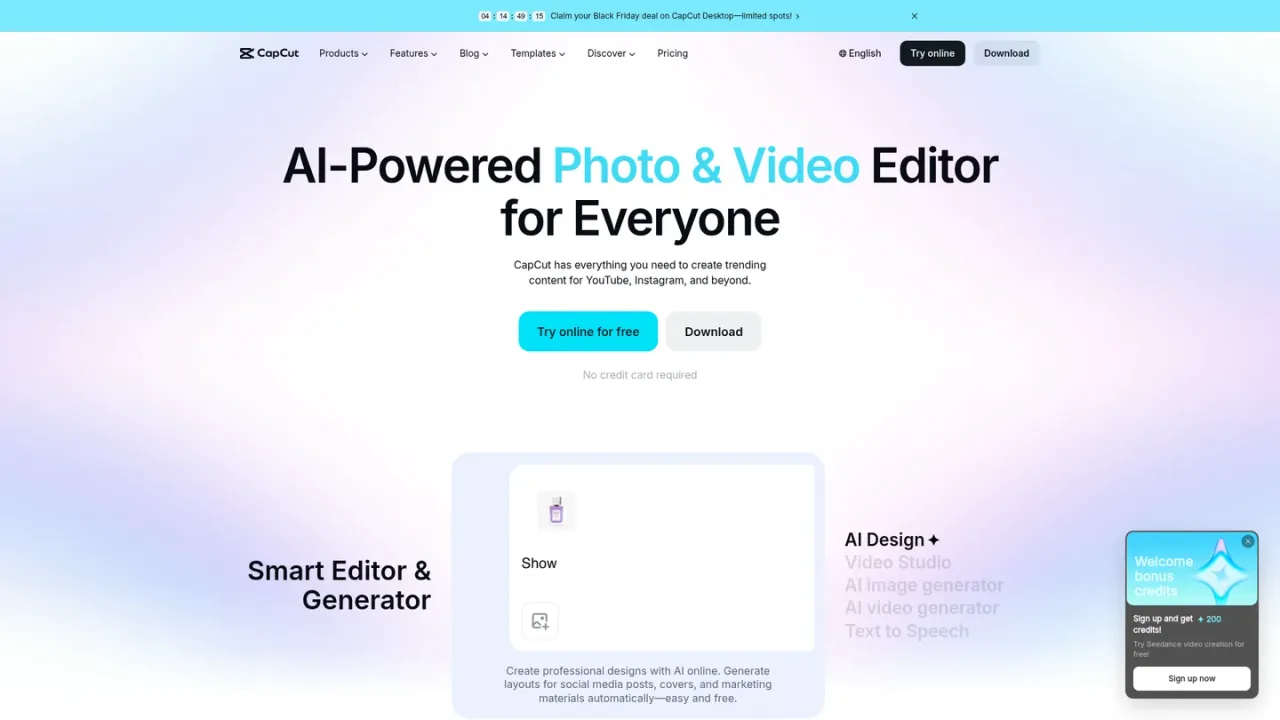
CapCut Web is the browser-based edition of CapCut's AI-powered photo and video editor, aimed at creators producing content for YouTube, Instagram, TikTok, and similar channels. It combines a timeline video editor with AI tools: AI Design for social posts and covers, Video Studio and AI video generation from text, images, or keyframes, an AI image generator, auto captions and subtitles, text-to-speech and voice enhancement, background and noise removal, image enhancement and resizing, and a photo editor. Users can start from free templates or generate assets, then cut, trim, add transitions and subtitles, and export HD video without a watermark. A free tier covers basic editing and templates, while Pro, Ultra, and Teams plans add AI credits, premium templates and features, and storage. No credit card is required to try online.
Go to capcut.com and choose Try online to open the browser editor; sign in when prompted.
Pick a free template for social content or begin a new edit in the timeline.
Cut and trim clips, add transitions, subtitles, text, and effects, and use text-to-speech or voice tools for narration.
Generate images or video from text or reference images, remove backgrounds, enhance image quality, or resize assets for different platforms.
Export HD video without a watermark for YouTube, TikTok, or Reels.
Creating YouTube, TikTok, and Instagram Reels content
Producing social media posts and covers with AI Design
Adding automatic subtitles to videos in multiple languages
Generating voiceovers for videos and podcasts with text to speech
Removing image or video backgrounds for product photos and ads
Enhancing and resizing images for social media and marketing
Converting and trimming video clips in the browser
No. CapCut Web runs in the browser; you can choose Try online from capcut.com and sign in to start editing.
Yes. The Free plan includes free templates and basic editing tools at USD 0.
Pro, Ultra, and Teams plans add AI features, premium templates, monthly AI credits, and 1 TB of space storage, with Ultra including exclusive AI features and Teams adding a brand kit.
Pro includes 1200 monthly AI credits, Ultra includes 8645 monthly AI credits, and Teams includes 1200 monthly AI credits per seat.
CapCut Web describes exporting HD videos without a watermark for YouTube, TikTok, and Reels.
Yes. It offers an AI auto subtitle generator that adds automatic captions to videos in multiple languages.
Yes. CapCut Web includes AI video generation from text, images, or keyframes, and Video Studio can build a video from a chat prompt.
The CapCut Help Center at capcut.com/help provides FAQs, tutorials, and troubleshooting articles.
Displayed pricing is for reference only; sign in to see final pricing, taxes, and applicable offers. Monthly and yearly options are listed, with promotional first-month rates for some AI video models.
Entry tier for getting started with basic creation tools at no cost.
Individual plan adding AI features, premium templates, and monthly AI credits; also offered yearly at USD 179.99/year.
Higher-tier individual plan with more AI credits and exclusive AI features; also offered yearly at USD 900/year.
Per-seat plan for teams with shared Pro features and a brand kit; seat pricing varies by seat count and billing term.
COMMUNITY REVIEWS
No reviews yet.

Jimeng is an AI creation platform for generating images and videos from Chinese text or image prompts, with an intelligent canvas for multi-image editing.

Adobe's generative AI app for creating and editing images, video, audio, and designs with Adobe and partner models.