Free
$0USD / month
Canva’s Free plan provides access to a range of AI-powered tools in Canva AI.
- Access to a range of AI-powered tools
- Available to everyone
AI Assistant
PRODUCT OVERVIEW
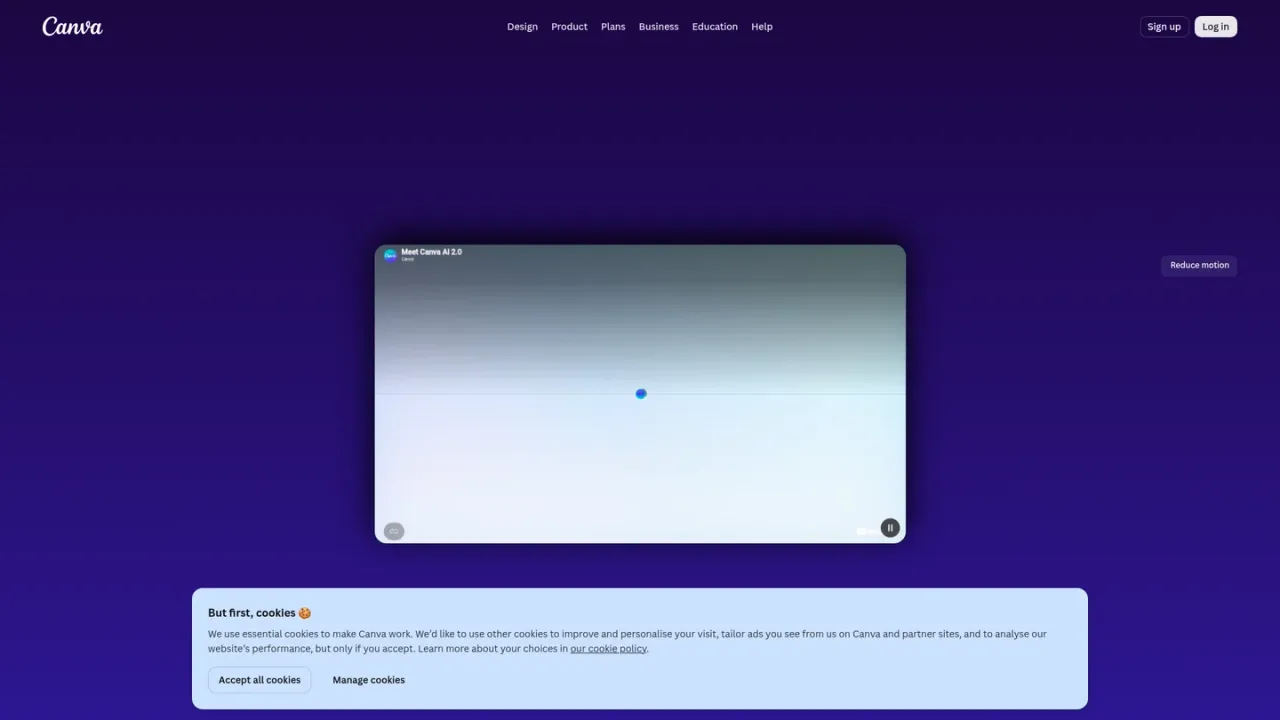
Canva AI 2.0 is a conversational creative partner built into Canva’s Visual Suite. It lets you start with an idea by describing what you want to create using text or voice, then refine designs through chat or manual edits while staying in control. It can pull context from connected tools to generate on-brand designs, and generate elements such as images, charts, or headlines on request. Access is available from the Canva homepage or the Canva AI button in the editor. Canva AI is available to everyone, with a range of AI-powered tools on the Free plan and increased usage and advanced features on paid plans.
Access Canva AI 2.0 from the Canva homepage or via the Canva AI button in the top left of the editor.
Start with an idea by describing what you want to create with text or voice.
Chat with Canva AI 2.0 to refine your design, or make edits yourself.
Ask Canva AI 2.0 for an image, chart, or headline and add it to your design.
Creating and refining designs through conversation
Generating on-brand designs using context from connected tools
Adding generated images, charts, or headlines to designs
Canva AI 2.0 is a conversational creative partner built across Canva’s Visual Suite that helps you create and refine designs from first idea to final design.
You can access Canva AI 2.0 from the Canva homepage or via the Canva AI button in the top left of the editor.
Canva AI is available to everyone, with a range of AI-powered tools on Canva’s Free plan and increased usage and more advanced features on paid plans.
Yes, you can chat with Canva AI 2.0 to refine your design or make edits yourself, staying in control of the outcome.
Yes, you can ask Canva AI 2.0 for an image, chart, or headline and easily add it to your design.
Yes, Canva AI 2.0 can pull context from your connected tools to generate on-brand designs through a conversation.
Yes, Canva AI can be used for both personal and commercial projects, but you may not have exclusive rights to AI-generated designs and are responsible for ensuring suitability for commercial use.
Teams, Enterprise, and Education account administrators can enable or disable Canva’s AI tools from their Admin Panel.
Canva AI is available to everyone. A range of AI-powered tools is available on Canva’s Free plan, with increased usage and more advanced features on paid plans.
Canva’s Free plan provides access to a range of AI-powered tools in Canva AI.
Paid plans unlock increased usage and more advanced features for Canva AI.
COMMUNITY REVIEWS
No reviews yet.

Baidu's ERNIE assistant for conversation, writing, image generation, PPT creation, research, and task automation.

Skywork is an AI workspace agent that handles multi-step tasks and creates documents, slides, sheets, websites, images, and videos.