
Doubao
Doubao is a Chinese AI assistant website that requires login before use and offers an alternative called Dola in region-restricted cases.
AI Chat Assistants ToolsNot specified
AI Assistant
PRODUCT OVERVIEW
ChatGLM is the AI assistant offered by Zhipu Qingyan (智谱清言). It centers on a conversational interface where users can start new dialogues and choose among models such as GLM-5.3 and GLM-Flash, with adjustable thinking intensity for quick replies or deeper processing of complex tasks. Built-in tools include study buddy, AI drawing, AI reading, AI video generation, cloud knowledge base, and agent exploration. Task shortcuts support research reports, PPT creation, data analysis, creative posters, and web apps. Users can select cloud knowledge bases or local files, enable web-connected mode, and share files with memory and task categorization across conversations. The service is accessed through the website and supports login via WeChat or phone number. Pricing details are not documented on the supplied pages.
Open the ChatGLM website and begin a new dialogue in the chat interface.
Select an available model such as GLM-5.3 or GLM-Flash, and adjust thinking intensity for fast replies or deeper processing.
Pick a task such as research report, PPT creation, data analysis, creative poster, or web app to start a structured workflow.
Select a cloud knowledge base or local file, and enable web-connected mode when needed.
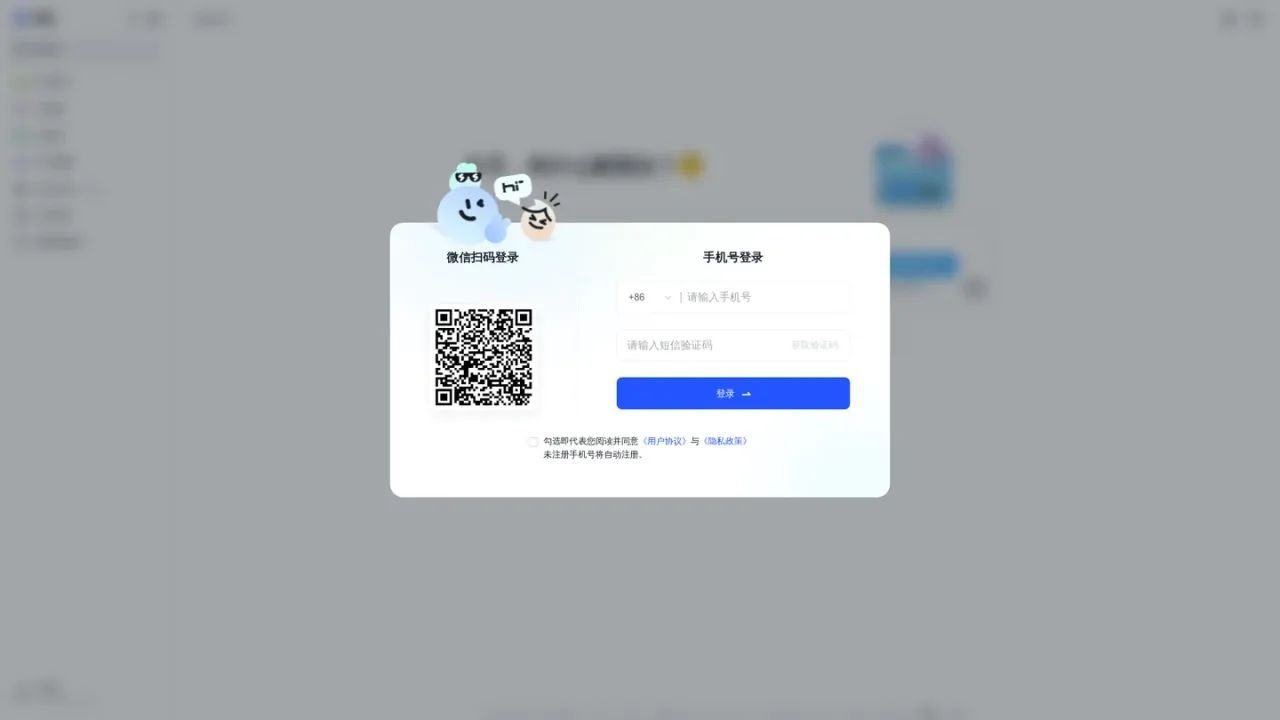
Sign in with WeChat scan or a phone number to access the assistant.
Drafting research reports
Creating presentations
Analyzing data
Reading and processing documents with AI reading
Generating images and videos
Building web apps
Studying with a study buddy
Organizing tasks and sharing files across conversations
The interface lists GLM-5.3 and GLM-Flash, and allows adjusting thinking intensity for fast or deep processing.
Task shortcuts include research reports, PPT creation, data analysis, creative posters, and web apps.
Yes, you can select a cloud knowledge base or a local file, and enable web-connected mode when needed.
The tools list includes AI drawing and AI video generation.
You can log in by scanning a QR code with WeChat or by using a phone number.
The page includes download options for desktop and mobile, and mentions a Windows application.
Study buddy is one of the built-in tools listed alongside AI drawing, AI reading, and AI video generation.
The interface mentions memory interoperability, task categorization, and file sharing.
See the official website for current pricing.
COMMUNITY REVIEWS
No reviews yet.
Doubao is a Chinese AI assistant website that requires login before use and offers an alternative called Dola in region-restricted cases.

Anthropic's AI assistant for chat, web search, file creation, code execution, and task hand-off across web, desktop, and mobile.

ChatGPT Atlas is OpenAI's ChatGPT experience with a built-in browser, combining AI chat, search, and web access across desktop, web, and mobile.