

Tungsten TotalAgility
AI workflow automation platform that turns documents into trusted data, orchestrates processes, and surfaces insights for enterprise decisions.
AI Agents & Automation ToolsNot specified
AI Document Automation Tools
PRODUCT OVERVIEW
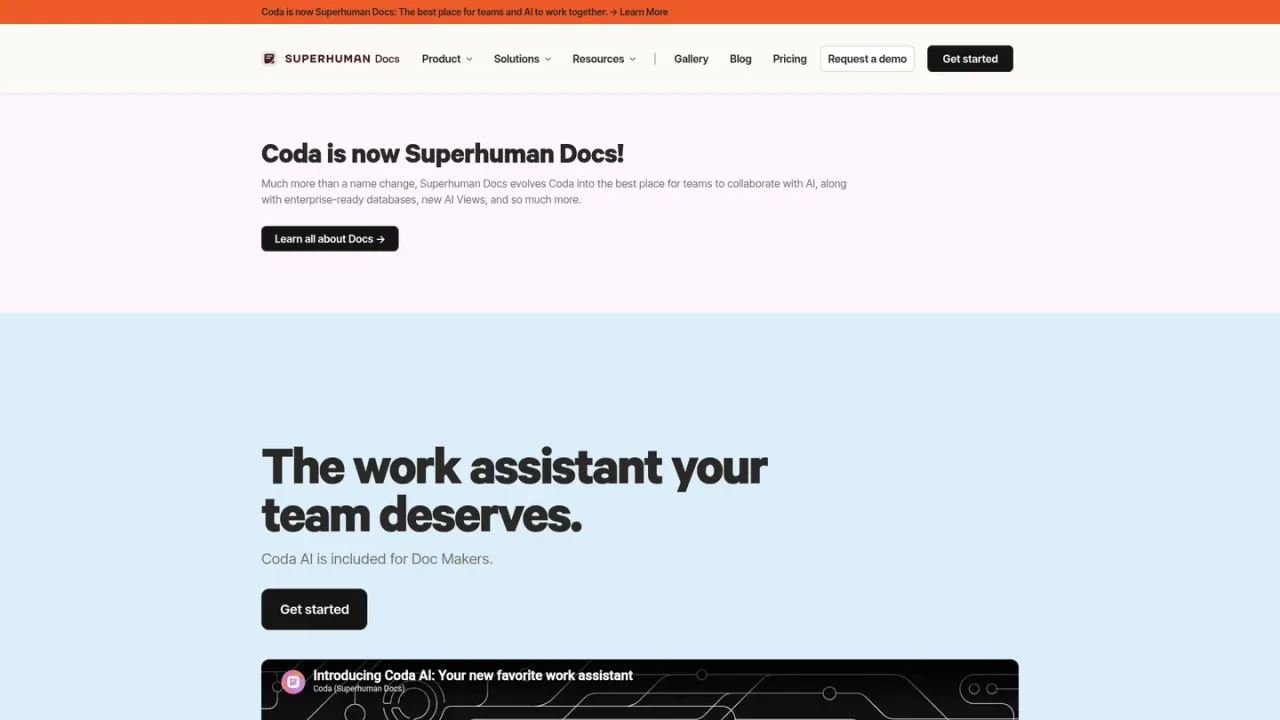
Coda AI is the connected work assistant built into Coda, the collaborative all-in-one platform that blends docs, spreadsheets, and applications. It lets teams brainstorm and ask questions through AI chat, draft and edit content with writing assistance, summarize and extract key findings from data, and generate tables or structured content. AI column brings AI at scale to turn data into insights and automate repetitive tasks, while AI-powered knowledge assistance connects to 600+ integrations so information across tools becomes organized and searchable. Coda AI is included for Doc Makers rather than sold as a separate add-on or license, and ready-to-run AI templates for meeting notes, voting tables, and writeups help teams get started. It is aimed at teams and makers who want AI where work already happens, not in a separate chat window.
Get started with Coda and open or create a doc where your team already works.
Use AI chat to brainstorm, create content, or ask questions about your work.
Let the AI assistant start from scratch, summarize content, or generate tables to share work faster.
Use the AI column to turn data into insights or auto-generate content across rows.
Jump in with AI-powered templates such as meeting notes with AI or a voting table with AI.
Brainstorming and drafting content inside team docs
Summarizing and extracting key findings from scattered information
Generating tables and structured content faster
Automating repetitive tasks with AI column
Turning meeting notes into captured action items
Running voting tables that track questions and feedback
Coda AI is included for Doc Makers and is not a separate add-on or license. See the Coda pricing page for current plan details.
No. The page states Coda AI is included for Doc Makers, not sold as a separate add-on or separate license.
You can brainstorm, create content, or ask questions through AI chat inside your doc.
It can start from scratch, summarize content, or generate tables so you can share work faster.
The AI column lets you apply AI at scale to turn data into insights or auto-generate content for tedious tasks.
Yes. AI-powered knowledge assistance connects to 600+ integrations so information across tools can be organized and referenced.
Yes. Ready-to-run AI-powered templates include meeting notes with AI, a voting table with AI, and a two-way writeup with AI.
Coda provides a getting-started guide for Coda AI and a help center for further documentation.
Coda AI is included for Doc Makers rather than sold as a separate add-on or license. Specific plan amounts are not listed on the supplied pages.
See the official website for current pricing.
COMMUNITY REVIEWS
No reviews yet.
AI workflow automation platform that turns documents into trusted data, orchestrates processes, and surfaces insights for enterprise decisions.

AI-native contract intelligence platform for drafting, managing, and analyzing enterprise contracts across their lifecycle.

Microsoft's low-code and AI-powered platform for automating business processes across cloud apps, desktops, and websites.