

ChatGPT Atlas
ChatGPT Atlas is OpenAI's ChatGPT experience with a built-in browser, combining AI chat, search, and web access across desktop, web, and mobile.
AI Chat Assistants ToolsFreemium
AI Personal Assistants Tools
PRODUCT OVERVIEW
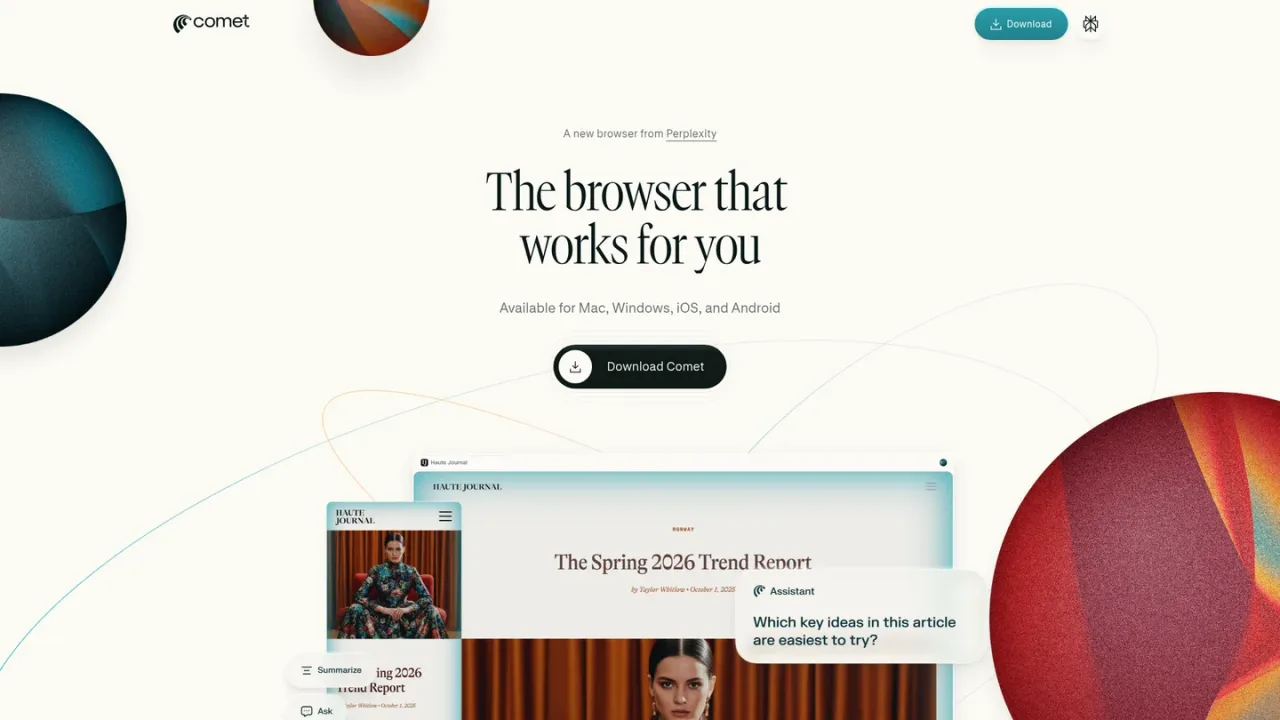
Comet is a browser from Perplexity, available for Mac, Windows, iOS, and Android. It pairs everyday browsing with an assistant that can understand and act on what is on screen: comparing how different news outlets cover a story, drafting email replies that share your upcoming schedule, building a basic website, creating a study plan from a syllabus, or shopping for an office chair. The product positions itself as a personal assistant for tasks such as managing inboxes, ordering groceries, tracking finances, and planning vacations. Users download Comet, can set it as their default browser, and browse with intelligence while controlling privacy and safety settings. The official page presents Comet as a new browser from Perplexity that works for you.
Use the official download link on the Comet page to get the browser for Mac, Windows, iOS, or Android, then follow the installation prompts.
After installation, make Comet your default browser so links open in it, as described in the official FAQ.
Use Comet Assistant to understand page content, draft replies, build a basic website, create a study plan, or shop, based on the examples shown on the official page.
Control privacy settings and browse safely using the options referenced in the official FAQ.
Comparing how different news outlets cover the same story
Drafting an email reply that shares your upcoming schedule
Building a basic website with a website generator
Creating a study plan from a syllabus for an upcoming test
Shopping for a comfortable, affordable office chair
Delegating personal tasks such as inbox management, grocery ordering, finance tracking, and vacation planning
Comet is available for Mac, Windows, iOS, and Android.
Use the official download link on the Comet page and follow the installation prompts for your platform.
Yes. The official FAQ includes instructions for making Comet your default browser.
According to the official page, it can understand page content, build a basic website, draft email replies, create a study plan, and shop, among other tasks.
Yes. The official page shows a Pause Comet Assistant control.
The official FAQ references controlling privacy settings and browsing safely with Comet.
The official FAQ lists this question, but the supplied page text does not include the answer.
The official FAQ lists this question, but the supplied page text does not include pricing details.
See the official website for current pricing.
COMMUNITY REVIEWS
No reviews yet.
ChatGPT Atlas is OpenAI's ChatGPT experience with a built-in browser, combining AI chat, search, and web access across desktop, web, and mobile.

AI browser for macOS and Windows that reads across your tabs and connected tools to brief you, synthesize context, and answer questions.

Google's AI assistant for conversations, image generation and everyday tasks, available on the web and as an app.

