

ChatGPT Atlas
ChatGPT Atlas is OpenAI's ChatGPT experience with a built-in browser, combining AI chat, search, and web access across desktop, web, and mobile.
AI Chat Assistants ToolsFreemium
AI Assistant
PRODUCT OVERVIEW
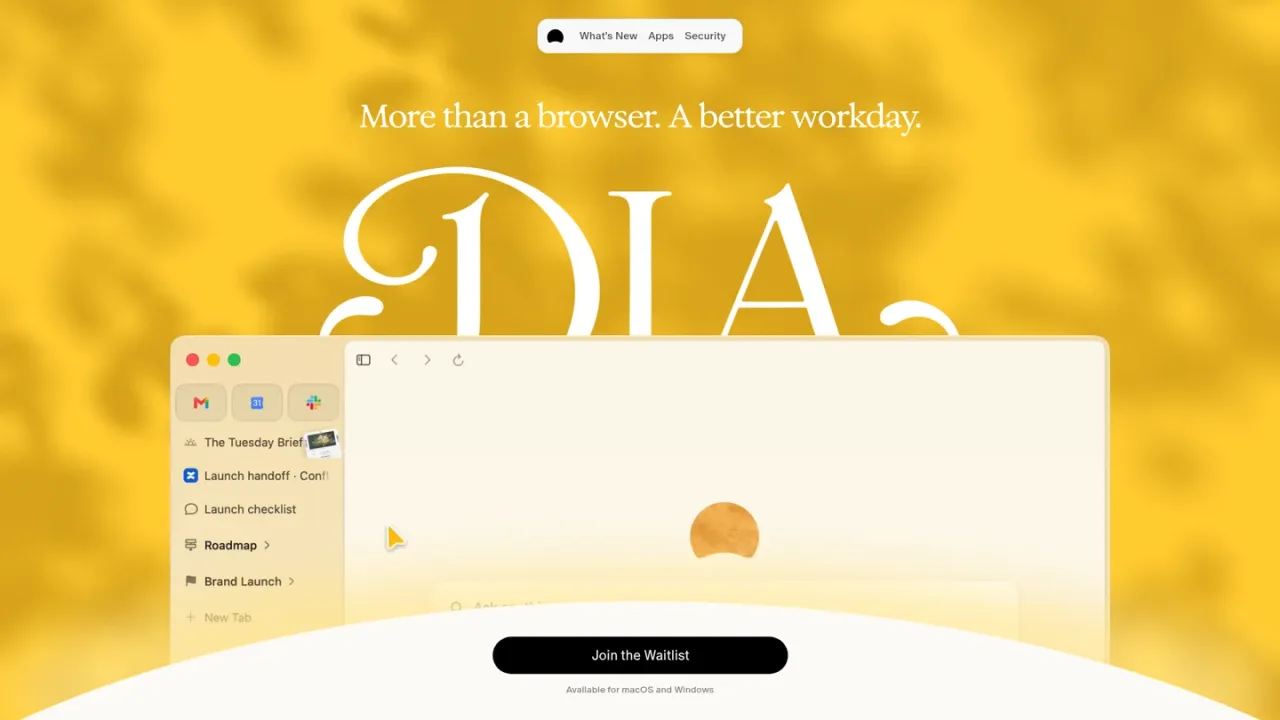
Dia is an AI-powered browser from The Browser Company, available for macOS and Windows. It reads across your tabs and connected tools such as Slack, Notion, Teams, GSuite, and GitHub to surface context in one place. A Morning Brief lays out your calendar, inbox, and key links, while ask-once queries pull answers from your full context and turn scattered information into shareable reports. Dia also supports profiles for separating work and personal life, organized tab groups, split layouts, meeting pages, and slide decks. Privacy controls let you manage trackers, ads, memory, and content sharing, with end-to-end encrypted Sync. Dia for Work adds SSO and admin tools for teams. Access is currently offered through a waitlist.
Use the Join the Waitlist link on the Dia website to request access.
Dia is available for macOS and Windows; download and install the browser once you have access.
Connect tools such as Slack, Notion, Teams, GSuite, and GitHub so Dia can gather context across them.
Ask a question once and Dia searches your tabs and connected tools to return an answer or a shareable report.
Create separate profiles for work, freelance, and personal use, and save split layouts for recurring meetings or focus time.
Starting the workday with a consolidated brief of calendar, inbox, and links
Pulling answers from multiple connected tools without switching apps
Turning scattered project context into a shareable report
Keeping work and personal browsing separated with profiles
Preparing for meetings with the right pages and docs already open
Generating presentation slides from gathered context
Dia is available for macOS and Windows.
Access is requested through the Join the Waitlist link on the Dia website.
The site names Slack, Notion, Teams, GSuite, and GitHub among the tools Dia can gather context from.
It lays out your calendar, inbox, and key links before the day starts so you know what you are walking into.
Yes. You ask once and Dia searches your full context across tabs and connected tools to return an answer.
Yes, profiles keep separate tabs, logins, and AI for work, freelance, and personal use, switchable with a swipe.
You can toggle tracker blocking, ad blocking, memory, chat personalization, and content data sharing, and Sync is end-to-end encrypted.
Dia for Work adds team guardrails such as SSO and admin tools.
See the official website for current pricing.
COMMUNITY REVIEWS
No reviews yet.
ChatGPT Atlas is OpenAI's ChatGPT experience with a built-in browser, combining AI chat, search, and web access across desktop, web, and mobile.

ChatGPT is an AI assistant for chatting, creating images, uploading files, and running multi-step research with cited reports.

Google's AI assistant for conversations, image generation and everyday tasks, available on the web and as an app.

