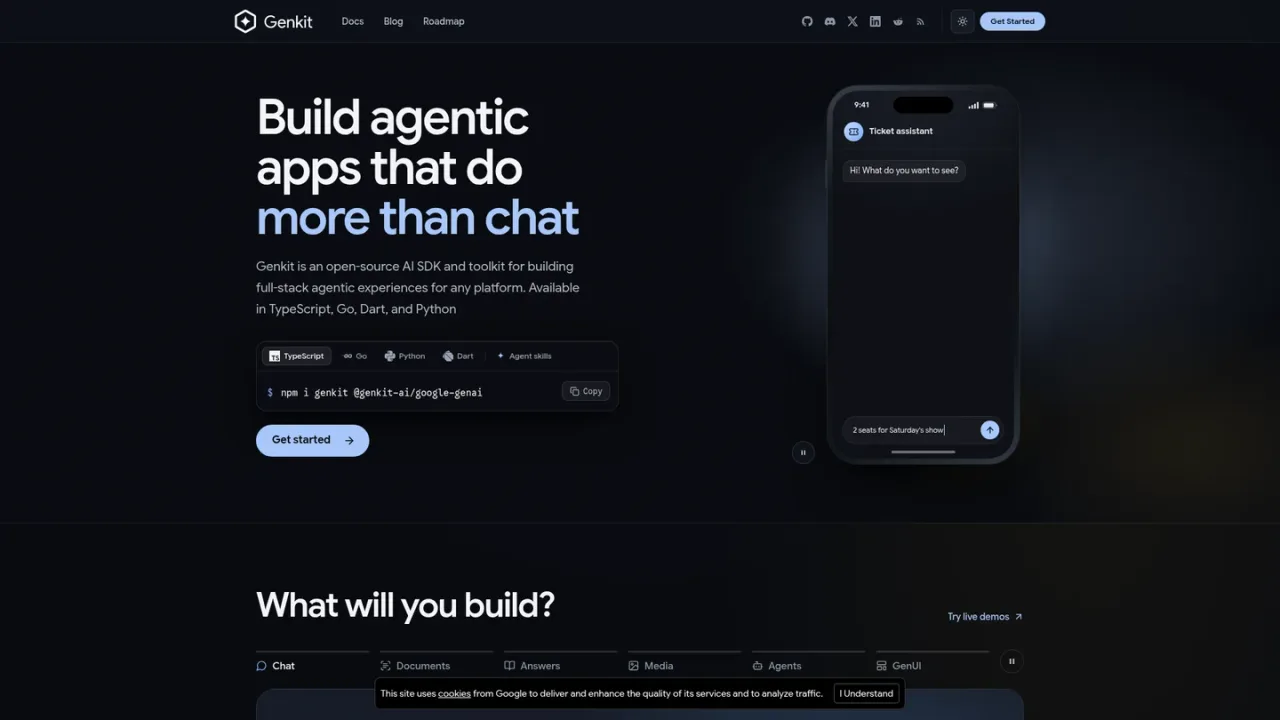
Genkit is Google's open-source framework for building AI-powered apps and agents on any platform. It provides one consistent way to call AI models from providers such as Gemini, Claude, OpenAI, and Ollama, connect them to your data and code through tool calling and retrieval-augmented generation, and test and deploy the results. Official SDKs cover TypeScript, Go, Python, and Dart, with flows for type-safe inputs and outputs, streaming, persistent chat, multi-agent systems, and generative UI. A local Developer UI and CLI trace every prompt, tool call, and response, while agent skills and an MCP server let coding assistants write and verify Genkit code. It suits developers and teams adding chat, structured data extraction, answers from content, or action-taking agents to their applications. Genkit is free and open source under the Apache 2.0 license; you only pay for the models and hosting you choose.
How to use Genkit
1
Install the SDK
Install Genkit for your language, for example npm i genkit @genkit-ai/google-genai for TypeScript, go get github.com/firebase/genkit/go, pip install genkit genkit-google-genai, or dart pub add genkit genkit_google_genai.
2
Configure a model provider
Initialize Genkit with plugins for the model providers you want, such as Google AI, Anthropic, OpenAI, or Ollama, and switch models with a one-line change.
3
Define flows
Wrap your AI logic in flows with input and output schemas for type-safe validation, streaming support, and deployment as HTTP endpoints.
4
Test in the Developer UI
Run genkit start with your code command to open the local Developer UI, where you can run flows, prompts, tools, and retrievers and inspect step-by-step traces.
5
Deploy anywhere
Deploy to Cloud Run, Firebase, AWS Lambda, Azure Functions, or any platform that runs your code.
Genkit Features
One API across model providers including Gemini, Claude, OpenAI, xAI Grok, DeepSeek, and Ollama
Official SDKs for TypeScript, Go, Python, and Dart
Flows with type-safe input and output schemas and streaming
Tool calling, interrupts, and multi-agent systems
Retrieval-augmented generation with indexers, embedders, and retrievers
Generative UI (A2UI) responses with charts, forms, and buttons
Local Developer UI and CLI with step-by-step traces
Agent skills and MCP server for AI coding assistants
Deployment to Cloud Run, Firebase, AWS Lambda, and Azure Functions
Observability, evaluation, and prompt templating
Genkit Use Cases
Building chat assistants for support, shopping, and in-app help
Turning receipts, invoices, and PDFs into structured data
Answering questions from your docs, help center, or files with sources
Creating agents that call your APIs and request human approval
Generating images and media from prompts within an app
Adding interactive charts and forms to assistant responses
Genkit FAQs
Genkit is an open-source framework from Google for building AI features into apps. It gives you one consistent way to call AI models, connect them to your data and code, and test and deploy the results, in TypeScript, Go, Python, or Dart.
No. Common features like chat, structured data, and answers from your content take a few lines of code, and you can install Genkit skills so AI coding assistants write Genkit code for you.
Genkit adds one API across model providers, structured output, tool calling, retrieval, streaming, agents, and a local Developer UI that traces every step, so you can switch models without rewriting your app.
Gemini, Anthropic Claude, OpenAI, xAI Grok, DeepSeek, models on AWS Bedrock and Azure AI Foundry, open models like Gemma and Llama through Ollama, and any OpenAI-compatible API.
Genkit has official SDKs for TypeScript and JavaScript, Go, Python, and Dart.
Yes. Genkit is free and open source under the Apache 2.0 license. You only pay for the models and hosting you choose to use.
Anywhere your code runs. The docs include guides for Cloud Run, Firebase, AWS Lambda, and Azure Functions, and you can run Genkit on any server that supports your language.
Yes. Genkit agent skills teach assistants like Antigravity, Claude Code, and Cursor current Genkit APIs, and the Genkit MCP server lets them run flows and read traces.