
Pay-as-you-go
Google Cloud’s pay-as-you-go structure charges only for services used, with no up-front fees or termination charges.
- Only pay for what you use
- No up-front fees
- No termination charges
- Pricing varies by product and usage
AI Subtitles & Translation Tools
PRODUCT OVERVIEW
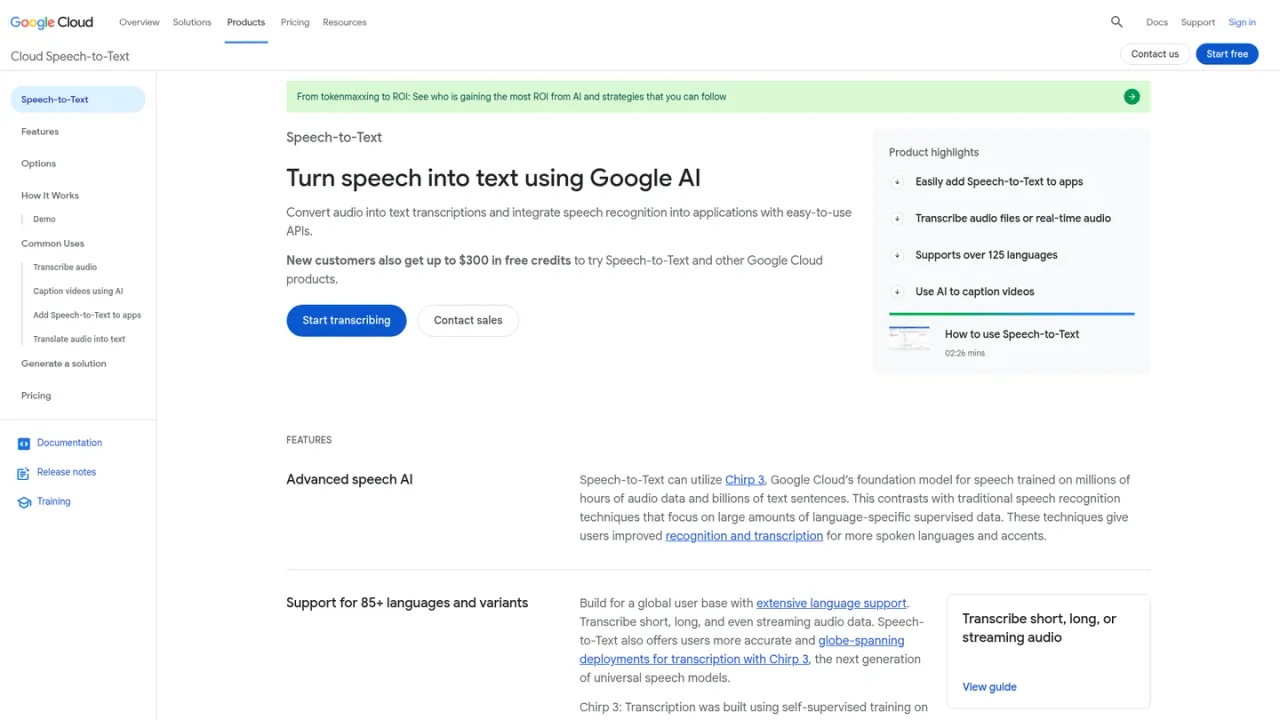
Google Cloud Speech-to-Text is a speech recognition service that turns audio into text transcriptions and lets developers integrate speech recognition into applications through easy-to-use APIs. It supports short, long, and streaming audio, real-time recognition, speaker diarization, automatic punctuation, model adaptation, noise robustness, multichannel recognition, and domain-specific models. Chirp 3 provides improved recognition across 85+ languages and variants. Teams can transcribe audio, caption videos, add speech-to-text to apps, and translate audio into text. Access is pay-as-you-go, with new customers receiving up to $300 in free credits and 20+ products available in a free tier.
Open the Speech-to-Text console to create an audio transcription and try streaming, short, or long audio.
Use the Speech-to-Text demo to transcribe a file upload or microphone input and review JSON output.
Use the Speech-to-Text V2 API to add speech recognition to applications with synchronous, asynchronous, or streaming methods.
Transcribe audio files and recordings
Caption videos using AI
Add speech-to-text to applications
Translate audio into text
Transcribe phone calls with domain-specific models
Evaluate transcription quality with your own voice data
It can transcribe short, long, and streaming audio, including microphone input and prerecorded files sent inline or through Cloud Storage.
The product supports 85+ languages and variants, with Chirp 3 providing improved recognition across many spoken languages and accents.
Yes. Speaker diarization provides automatic predictions about which speaker in a conversation spoke each utterance.
Yes. Model adaptation and speech adaptation let you boost accuracy for domain-specific terms, rare words, and phrases.
Yes. The demo lets you create a transcription from a file upload or microphone input, and Chirp 3: Transcription in Agent Platform offers a no-code web interface.
Google Cloud uses pay-as-you-go pricing, so you only pay for the services you use, with no up-front fees or termination charges.
New customers can get up to $300 in free credits to try Speech-to-Text and other Google Cloud products.
Yes. Speech-to-Text On-Prem lets you use Google’s speech recognition technology in your own private data centers; contact sales to get started.
Google Cloud uses pay-as-you-go pricing; new customers get up to $300 in free credits, and 20+ products are available in a free tier with monthly usage limits.
Google Cloud’s pay-as-you-go structure charges only for services used, with no up-front fees or termination charges.
New customers can receive up to $300 in free credits to try Speech-to-Text and other Google Cloud products.
All customers can use 20+ products for free up to monthly usage limits.
COMMUNITY REVIEWS
No reviews yet.
