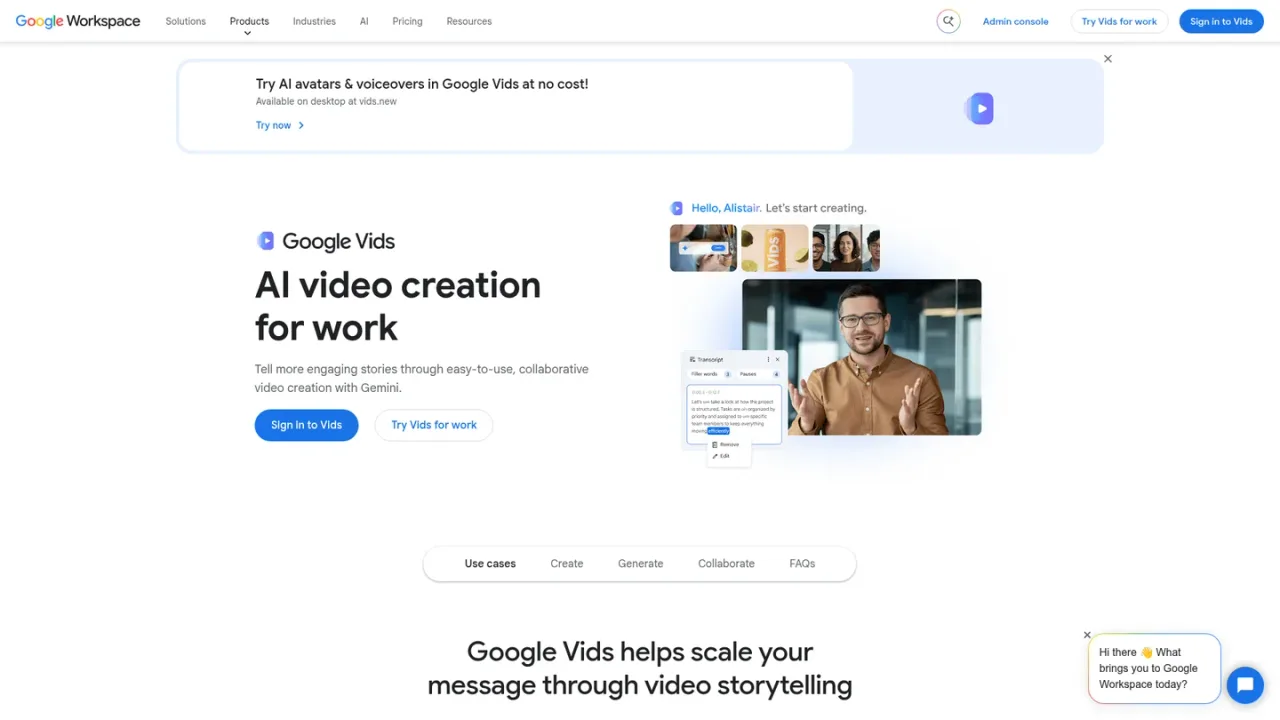
Google Vids is an AI-powered video creator and editor within Google Workspace. It helps teams create, edit, and collaborate on work videos, with AI assistance for generating and assembling content and support for AI avatars. Because it lives in Workspace, videos can be produced and shared in the same environment teams already use for Docs, Slides, and Drive. It is intended for business and workplace communication such as presentations, training, and internal updates. Access is available through Google Workspace business plans that include Vids, and a free sign-in option to create videos is offered on the product page.
How to use Google Vids
1
Sign in to Vids
Open the Vids product page and sign in with your Google account to start creating videos.
2
Create a video
Start a new video project in Vids and use the AI-assisted creation and editing tools to assemble your content.
3
Add AI avatars
Use the AI avatars capability described on the Vids product page to include presenter-style elements in your video.
4
Collaborate and share
Work on videos with your team in Workspace and share them through your organization's Workspace environment.
Google Vids Features
AI-powered video creation and editing
AI avatars for presenter-style video content
Collaborative video work inside Google Workspace
Included in Google Workspace business plans
Sign-in option to create videos from the product page
Google Vids Use Cases
Creating internal business update videos
Producing training and explainer videos for teams
Building presentation videos with AI assistance
Collaborating on work videos within Google Workspace
Google Vids FAQs
Google Vids is an AI-powered video creator and editor within Google Workspace for making and collaborating on work videos.
The Google Workspace pricing page lists Google Vids in the Starter plan, and Standard and Plus build on Starter.
The pricing page lists Starter at $7.00, Standard at $14.00, and Plus at $22.00 per user per month in USD, excluding tax, with Enterprise priced by contacting sales.
The pricing page shows a limited-time 50% discount for the first three months and a 14-day Google Workspace trial.
Yes, the Vids product page describes AI avatars as part of its video creation capabilities.
According to the pricing page, Starter, Standard, and Plus can be purchased for a maximum of 300 users.
Google provides user support documentation linked from the Vids product page for access and usage help.
Prices are per user per month in USD, exclude tax, and reflect the annual commitment option shown on the Google Workspace pricing page. A limited-time 50% discount applies to the first three months. Starter, Standard, and Plus can be purchased for a maximum of 300 users. A 14-day Google Workspace trial is offered.
Starter
$7.00USD / per user per month
Entry Google Workspace business plan that includes Google Vids as the AI-powered video creator and editor.
Google Vids AI-powered video creator and editor
30 GB pooled storage per person
Secure custom business email
Gemini AI assistant in Gmail
Video meetings for 100 participants
Standard
$14.00USD / per user per month
Mid-tier Google Workspace plan that builds on Starter with more storage and broader Gemini access.
All Starter features, including Google Vids
2 TB pooled storage per user
Gemini AI assistant in Gmail, Docs, Meet, and more
Video meetings with recording and 150 participants
eSignature with Docs and PDFs
Plus
$22.00USD / per user per month
Higher-tier Google Workspace plan adding more storage, Vault, and advanced security controls.
All Standard features, including Google Vids
5 TB pooled storage per user
Vault to retain, archive, and search data
Video meetings with attendance tracking and 500 participants
Advanced endpoint management
Enterprise
Custom Google Workspace plan for organizations, priced through sales contact.
All features mentioned in lower plans
5 TB storage or upgrade for more
Secure custom business email with S/MIME encryption
Video meetings with in-domain live streaming and 1000 participants