
Free
$0USD / month
A no-credit-card plan for recording, editing, and publishing with text-based editing and a trial of the AI tools.
- Record, edit, and publish for free
- 100 AI credits, one time, for Underlord and other AI tools
- Text-based editing
AI Video Generator
PRODUCT OVERVIEW
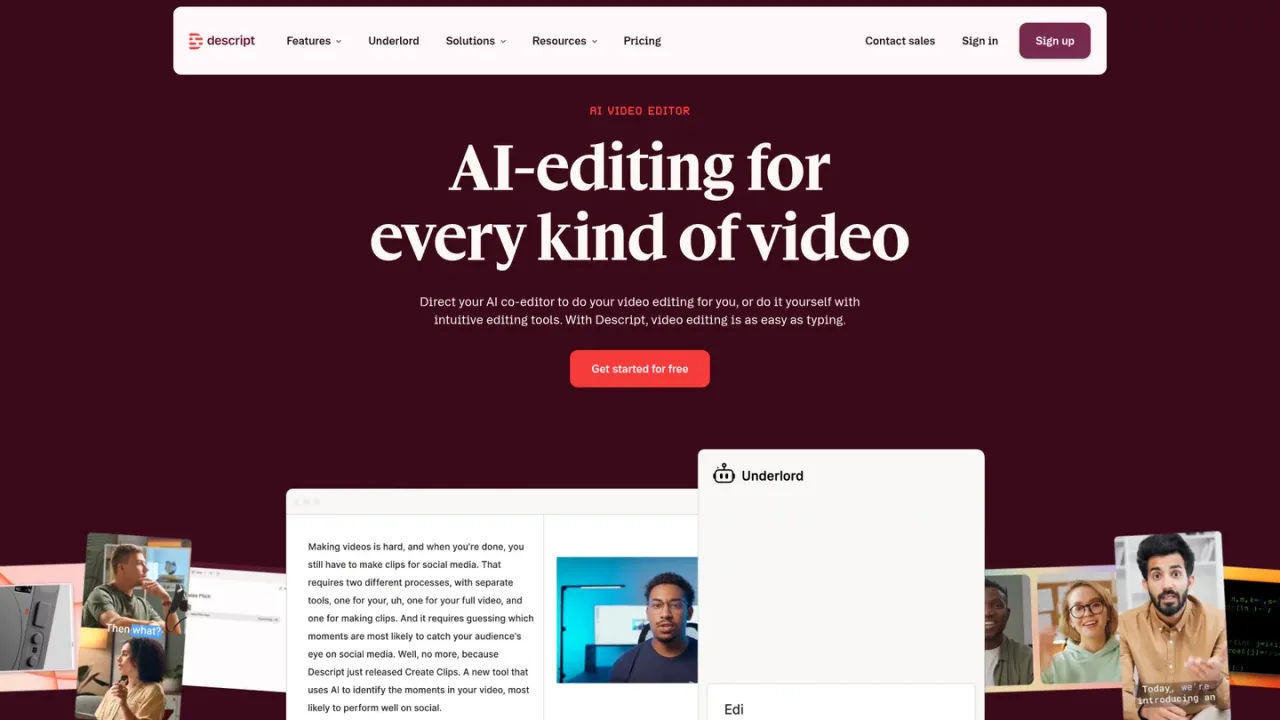
Descript is an AI video and audio editor built around text-based editing: it transcribes your recording, then deleting a word deletes that moment of video and moving a sentence moves the footage. You can record yourself, your screen, or remote guests in Rooms, or import video, audio, and Zoom recordings. Underlord, the AI co-editor, can take a raw recording and a goal and move toward a fine cut, while tools like Studio Sound, Remove Filler Words, Eye Contact, captions, clips, and translation refine and repurpose content. It suits creators, podcasters, and marketing or support teams producing video without a dedicated video team. A free plan is available, with paid Hobbyist, Creator, and Business tiers and custom Enterprise plans.
Record yourself, your screen, or remote guests in Rooms, or drag in video, audio, or a Zoom recording; Descript transcribes it automatically.
Delete or move words in the transcript to cut and rearrange the corresponding video and audio, using the timeline only for fine control.
Give Underlord a raw recording and a goal to move toward a fine cut, then refine with tools such as Studio Sound, Remove Filler Words, and Eye Contact.
Add captions and subtitles in a click, create clips, and translate or dub video on supported plans.
Export watermark-free video at 1080p on Hobbyist or 4K on Creator and above, depending on your plan.
Editing podcasts and video by editing the transcript
Producing marketing, tutorial, and product demo videos without a video team
Recording remote interviews and webinars with separate tracks per guest
Repurposing long recordings into short clips for social media
Adding captions and translating or dubbing video for wider reach
Automating transcription and clip creation through the API or MCP
Descript is an AI video and audio editor that lets you edit by editing text. You record or upload, Descript transcribes it, and you cut, trim, and rearrange the video by changing the transcript.
Descript transcribes your recording, so deleting a word deletes that moment of video and moving a sentence moves the footage with it. The timeline is available for fine control when you want it.
Yes. The free plan requires no credit card and includes recording, editing, and publishing plus 100 AI credits, one time, for Underlord and other AI tools.
Media hours track uploaded media files and media recorded in Descript, whether or not they are transcribed. AI credits track usage of AI features such as Underlord, Studio Sound, Green Screen, Eye Contact, and AI-generated media and avatars.
Yes. Rooms records up to 4K with separate tracks per participant, and guests join from a browser link.
Yes. The Descript API lets you automate transcription, editing, and clip creation, and Descript MCP lets AI agents such as Claude or ChatGPT do the same by conversation.
You can drag in video, audio, or a recording from a Zoom call, and Descript's AI transcribes it so you can start editing right away.
Descript states SOC 2 Type II compliance, SAML SSO and SCIM, GDPR compliance, and admin controls for users, permissions, and separate drives.
Prices shown are per person per month. Annual billing saves up to 35% over monthly; the first amount listed is the annual rate and the second the monthly rate. Paid plans can be topped up for more media hours and AI credits.
A no-credit-card plan for recording, editing, and publishing with text-based editing and a trial of the AI tools.
For individuals elevating projects watermark-free, with a monthly media and AI allowance.
For scaling creators who need advanced AI creativity, higher limits, and 4K export.
For teams collaborating on video, adding brand controls, translation, avatars, and priority support.
Custom plan for teams with more video to make than editors, with sized AI credits and media hours.
COMMUNITY REVIEWS
No reviews yet.

Browser-based AI photo and video editor with templates, auto captions, text-to-speech, background removal, and AI generation tools.

AI video platform that turns scripts, images, and audio into avatar-led videos, with translation and dubbing across 175+ languages.

All-in-one AI creative platform for generating and editing videos, images, and audio from prompts, images, or URLs.

