
Community
$0USD / free tier
AI Data Analysis Tools
PRODUCT OVERVIEW
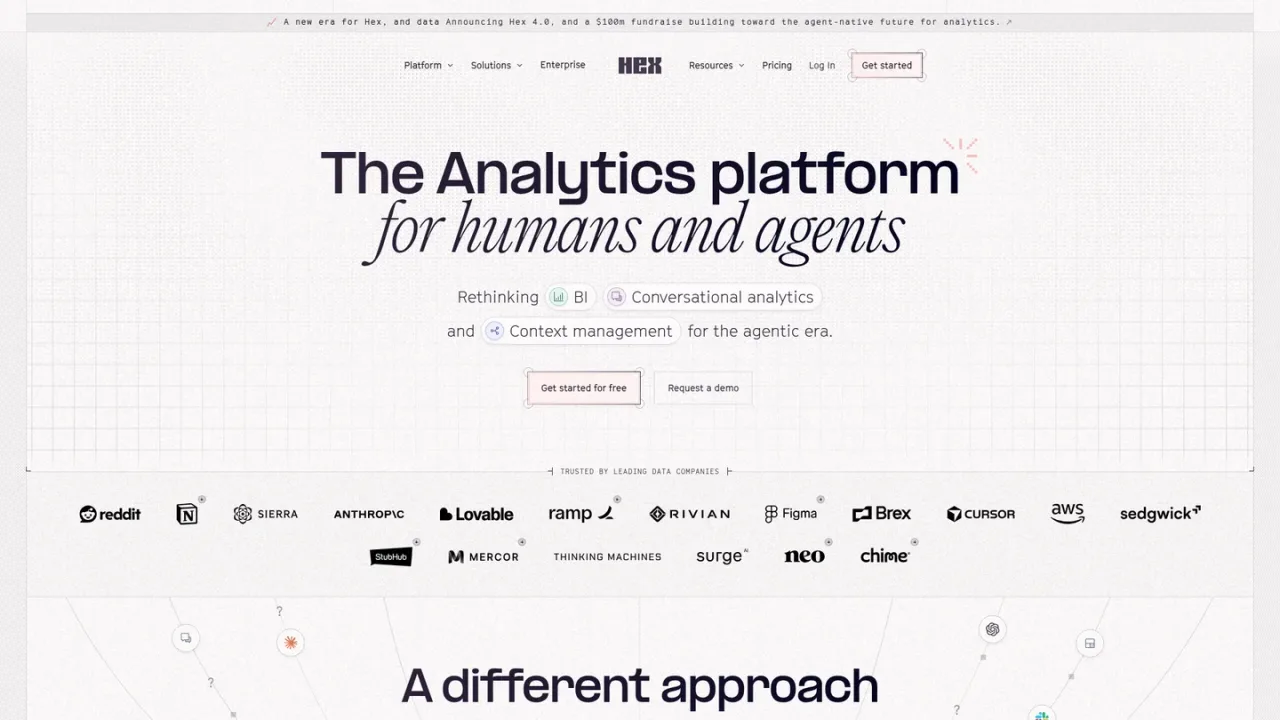
Hex is an AI analytics platform that unites deep analysis, conversational self-serve BI, and governed dashboards in one connected workspace. Data practitioners use agentic notebooks with SQL, Python, and all cell types, while business users ask questions in plain language in Hex, Slack, or via MCP and receive answers grounded in semantic models, business rules, and definitions. Context Studio lets data teams curate context, audit how answers are produced, and improve agent accuracy over time. Teams can build and share interactive data apps and dashboards, schedule runs and alerts, and connect sources such as Snowflake, BigQuery, Databricks, and dbt. A free Community plan is available, with paid Professional, Team, and Enterprise plans.
Sign up at app.hex.tech to start on the free Community plan or begin a Team trial.
Connect your warehouse or database, such as Snowflake, BigQuery, Databricks, Redshift, or Postgres, to make data available in projects.
Use conversational analytics to ask questions and explore follow-ups without writing SQL or Python.
Use agentic notebooks with SQL, Python, and other cell types for exploratory analysis and experiments.
Turn analysis into interactive dashboards and data apps, then share them with your team.
Ground AI answers in semantic models, endorsements, and guides, and audit how answers are produced.
Business users self-serving data questions without SQL or Python
Data teams running deep exploratory analysis in notebooks
Building and sharing governed dashboards and data apps
Grounding AI answers in semantic models and business rules
Auditing and improving agent answer quality over time
Automating recurring reports with scheduled runs and alerts
Hex is an AI analytics platform where data practitioners run deep analysis, business users ask questions in plain language, and teams collaborate on the same governed data context.
Yes. Users can ask questions in plain language in Hex, Slack, or via MCP and receive AI-generated analysis backed by the organization's data, metrics, and business rules.
Hex's context engine combines database descriptions, semantic models, business rules, and analytical logic into a curated layer, and Context Studio lets data teams audit answers and improve context over time.
Yes. Hex can build semantic models natively or sync existing models from dbt MetricFlow, Snowflake Semantic Views, and Cube.
Hex offers a free Community plan, Professional at $36 per Editor per month, Team at $75 per Editor per month, and custom Enterprise pricing.
Anyone can try the Team plan free for 14 days without a payment card; at the end you can continue on a paid plan or be downgraded to the free Community plan.
AI features consume credits based on task effort. Paid plans include credit grants, with optional add-on credits; Professional and Team grants are per seat, refresh monthly, and do not roll over.
Students and educators at universities and bootcamps can access the Professional plan for free, and qualified non-profits can request a discounted program by contacting support@hex.tech.
Official pricing checked 2026-11-09. Paid prices are per editor; the Community Hex agent allowance is a trial, not unlimited free AI.
COMMUNITY REVIEWS
No reviews yet.

Unified data and AI platform for engineering, analytics, machine learning and governed AI agents on open lakehouse architecture.

AI agent for data teams that plans and executes data science, engineering, ML and BI workflows inside the Databricks platform.