

ChatGPT Atlas
ChatGPT Atlas is OpenAI's ChatGPT experience with a built-in browser, combining AI chat, search, and web access across desktop, web, and mobile.
AI Chat Assistants ToolsFreemium
AI Assistant
PRODUCT OVERVIEW
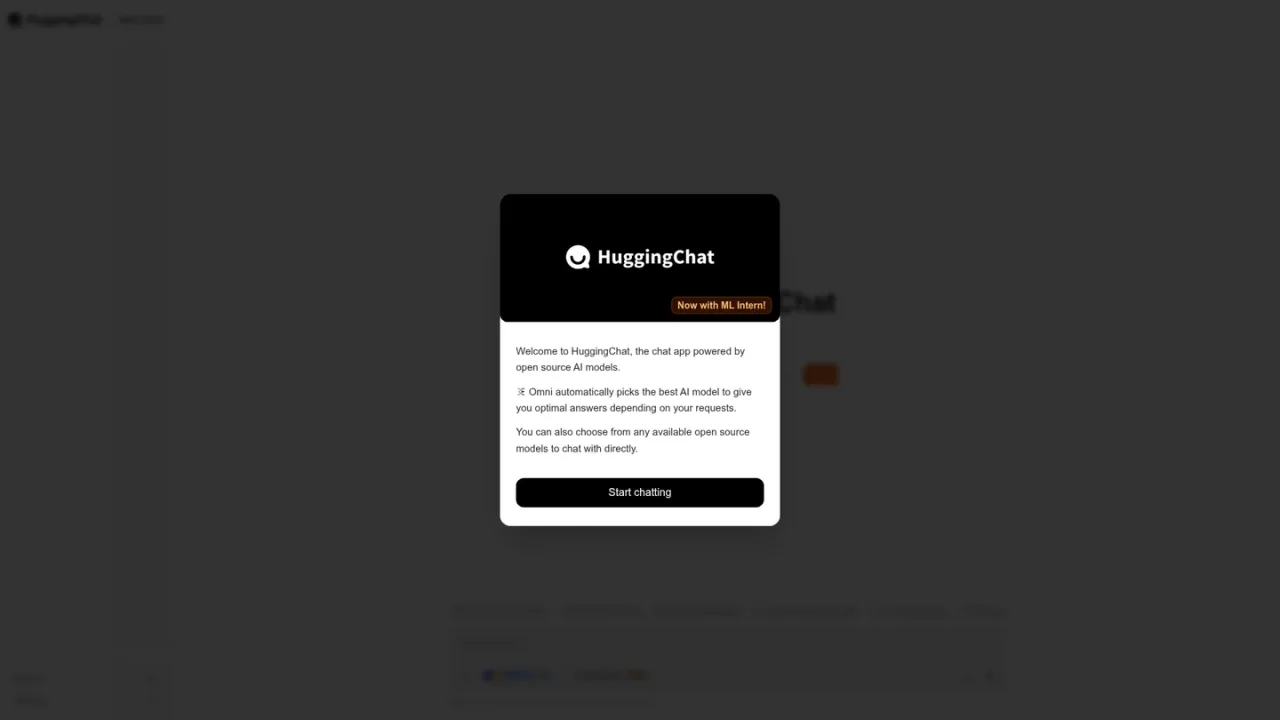
HuggingChat is a chat application powered by open source AI models. It offers Omni, a router that automatically selects an AI model to answer requests, and also lets users choose from available open source models to chat with directly. A newer ML Intern mode plans and runs machine learning ideas, working across papers, training, Spaces, datasets, evaluation, and the Hub. The interface includes model browsing, settings, and MCP connections, and supports prompts such as generating images, building a website, planning a trip, comparing technologies, finding datasets, or learning something new. It is aimed at people who want an open-model chat workspace and at users exploring ML research and development tasks. Access is through the website; no pricing details are provided in the supplied pages.
Open the HuggingChat website and begin a conversation from the New Chat entry.
Let Omni automatically pick an AI model for your request, or open model settings to choose an available open source model directly.
Enable ML Intern mode to plan and run machine learning ideas across papers, training, Spaces, datasets, evaluation, and the Hub.
Use the Models page to view the available open source models listed in the app.
Open Settings to manage application and Omni preferences.
General chat with open source AI models
Comparing technologies or planning a trip through prompts
Generating images or building a website from chat prompts
Finding datasets or learning something new
Planning and running machine learning experiments with ML Intern
HuggingChat is powered by open source AI models. Omni automatically picks a model for your request, and you can also choose from available open source models directly.
Omni is a router that automatically selects an AI model to give optimal answers depending on your requests.
ML Intern is a mode that plans and runs machine learning ideas, working across papers, training, Spaces, datasets, evaluation, and the Hub.
Yes. Besides Omni's automatic selection, you can choose from any available open source models to chat with directly.
The Models page in the supplied interface lists 138 models.
Suggested prompts include generating an image, making a website, planning a trip, comparing technologies, finding a dataset, and learning something new.
The interface shows MCP connections, including entries associated with Exa and Hugging Face.
The supplied pages do not include pricing or plan information, so cost details cannot be confirmed here.
No pricing or plan information is provided in the supplied pages.
See the official website for current pricing.
COMMUNITY REVIEWS
No reviews yet.
ChatGPT Atlas is OpenAI's ChatGPT experience with a built-in browser, combining AI chat, search, and web access across desktop, web, and mobile.

Google's AI assistant for conversations, image generation and everyday tasks, available on the web and as an app.