

ThoughtSpot
Governed AI analytics platform with BI agents, AI-augmented dashboards, a semantic layer, and embedded analytics for apps and workflows.
AI Data Analysis Tools
PRODUCT OVERVIEW
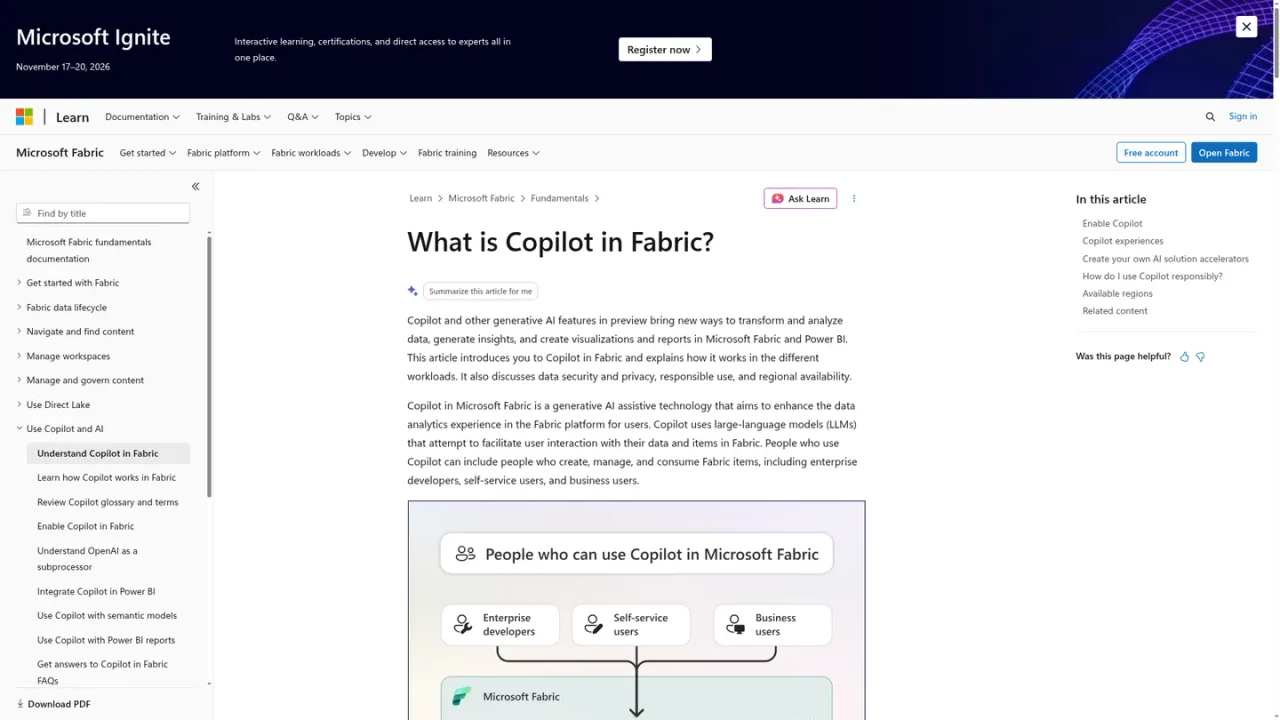
Microsoft Fabric AI refers to Copilot and other generative AI features within Microsoft Fabric and Power BI. It is an assistive technology built on large language models that helps users interact with their data and Fabric items, transforming and analyzing data, generating insights, and creating visualizations and reports. Copilot experiences span Fabric workloads including Data Engineering, Data Factory, Data Warehouse, SQL Database, Power BI, and Real-Time Intelligence. It is designed for enterprise developers, self-service users, and business users, as well as BI and analytics leaders, Fabric administrators, data architects, and Center of Excellence teams. Administrators control who can use Copilot per workload and monitor how usage affects Fabric capacity. Access requires enabling Copilot in Fabric; a Fabric trial is available.
An administrator enables Copilot in Fabric for the organization and controls which users can use it in each workload.
Work in a supported workload such as Data Engineering, Data Factory, Data Warehouse, SQL Database, Power BI, or Real-Time Intelligence.
Use Copilot to facilitate interaction with your data and Fabric items, such as transforming and analyzing data or generating insights.
Use Copilot in Power BI to help create visualizations and reports from your data.
Administrators monitor how Copilot usage affects available Fabric capacity.
Business users exploring and analyzing data with natural interaction
Self-service users generating insights and reports
Enterprise developers working with Fabric items
BI teams creating visualizations and reports in Power BI
Administrators governing Copilot access and capacity usage
It is a generative AI assistive technology in Microsoft Fabric that uses large language models to help users interact with their data and Fabric items.
Copilot experiences span workloads such as Data Engineering, Data Factory, Data Warehouse, SQL Database, Power BI, and Real-Time Intelligence.
Users can include enterprise developers, self-service users, and business users who create, manage, and consume Fabric items.
Fabric administrators oversee who can use Copilot in Fabric for each workload.
Yes. Administrators monitor how Copilot usage affects available Fabric capacity.
No. Copilot aims to augment the abilities of human users and does not aim to replace the people who create and manage reports or other Fabric items.
The documentation links to a free Fabric account trial, and there is guidance for troubleshooting Copilot unavailability after a trial expires.
The supplied pages do not list Copilot in Fabric prices. They note that Copilot usage affects Fabric capacity and that a Fabric trial is available.
See the official website for current pricing.
COMMUNITY REVIEWS
No reviews yet.

Unified data and AI platform for engineering, analytics, machine learning and governed AI agents on open lakehouse architecture.