Studio
0
The basics for individual analysts. Free sign-up; up to 3 users per account.
- SQL, Python, & R
- 10 MB/query
- Private database connections
- Up to 3 users
- Visualization builder
- Thousands of rows
- SQL Editor
- Google SSO
AI Data Analysis Tools
PRODUCT OVERVIEW
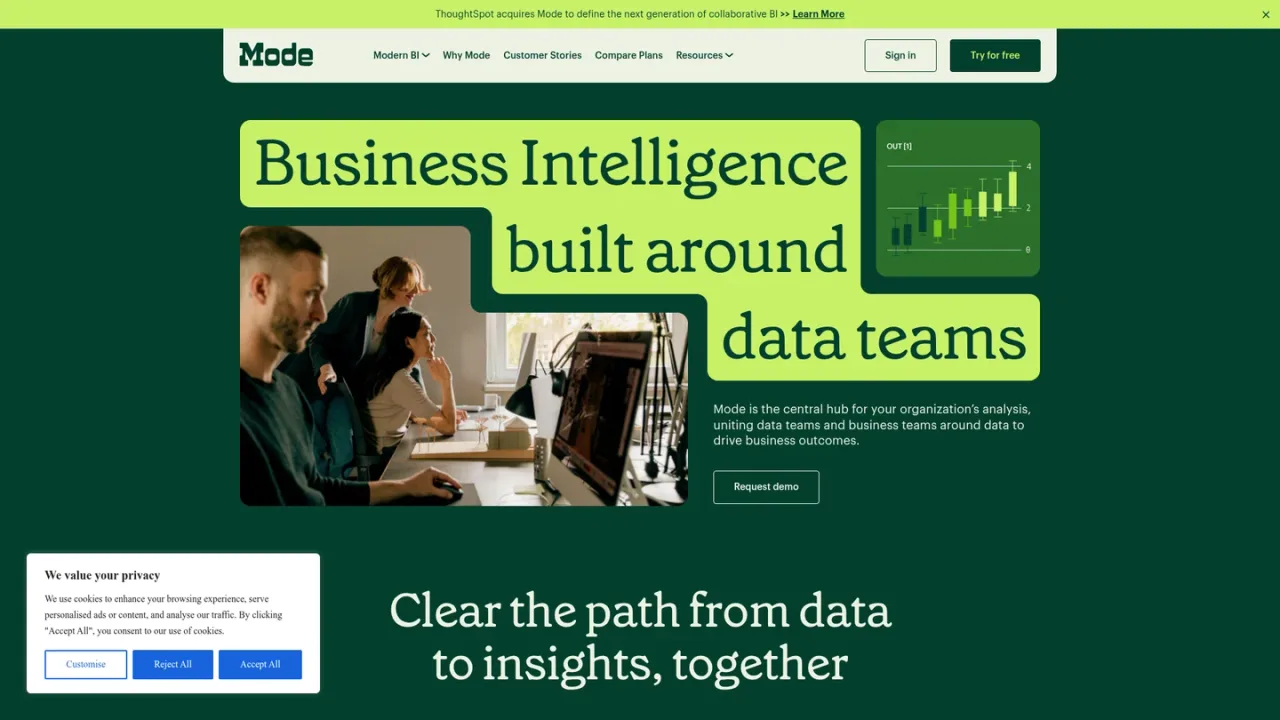
Mode is a collaborative business intelligence platform that acts as a central hub for an organization's analysis. Analysts work in a shared SQL editor and integrated notebooks using SQL, Python and R, then move results into the Visual Explorer to build charts, interactive dashboards and custom data apps. Reusable datasets and queries, calculated fields, drilldowns, filters and parameters support self-serve reporting, while schedules, permissioning and email and Slack sharing help teams distribute findings. Private database connections, SSO options and REST APIs serve larger organizations. Studio is available by free sign-up for individual analysts; Pro and Enterprise are arranged by scheduling a demo.
Create a workspace and connect a private database connection so Mode can query your data.
Use the SQL editor and Python or R notebooks to run ad hoc analysis and answer data questions.
Define reusable datasets and queries so reports and dashboards share governed definitions.
Build charts and interactive dashboards in the Visual Explorer and share them with your team.
Ad hoc analysis by data teams
Self-serve reporting for business teams
Building interactive dashboards
Creating custom data apps
Advanced analytics with Python and R
Centralizing analysis across the data stack
Mode supports SQL, Python and R, with a SQL editor and integrated notebooks for analysis and modeling.
Yes. The Studio plan can be signed up for free and includes SQL, Python and R, 10 MB/query, private database connections and up to 3 users.
Pro lists 250 GB/month and 5 GB/query, while Studio lists 10 MB/query. Enterprise adds Custom Data Compute and visualization of tens of millions of rows.
Pro and Enterprise include schedules, permissioning, and email and Slack sharing, which are not listed for Studio.
Studio supports up to 3 users, Pro requires a minimum of 3 users, and Enterprise requires a minimum of 50 users.
Studio lists Google SSO, Pro adds Microsoft SSO, and Enterprise adds SAML SSO along with advanced identity management.
Pro includes API access, and Enterprise adds admin-level API access plus the Discovery API.
Pro and Enterprise plans are arranged by scheduling a demo, and support can be reached through the Mode contact support page.
Studio is free to sign up for individual analysts (up to 3 users per account). Pro and Enterprise require scheduling a demo; no numeric prices are published.
The basics for individual analysts. Free sign-up; up to 3 users per account.
Collaboration for data-driven teams. Pricing requires scheduling a demo. Minimum 3 users.
Security and control for large orgs. Pricing requires scheduling a demo. Minimum 50 users.
COMMUNITY REVIEWS
No reviews yet.

Qlik's AutoML product for building, explaining, and deploying predictive models and forecasts with no-code workflows.