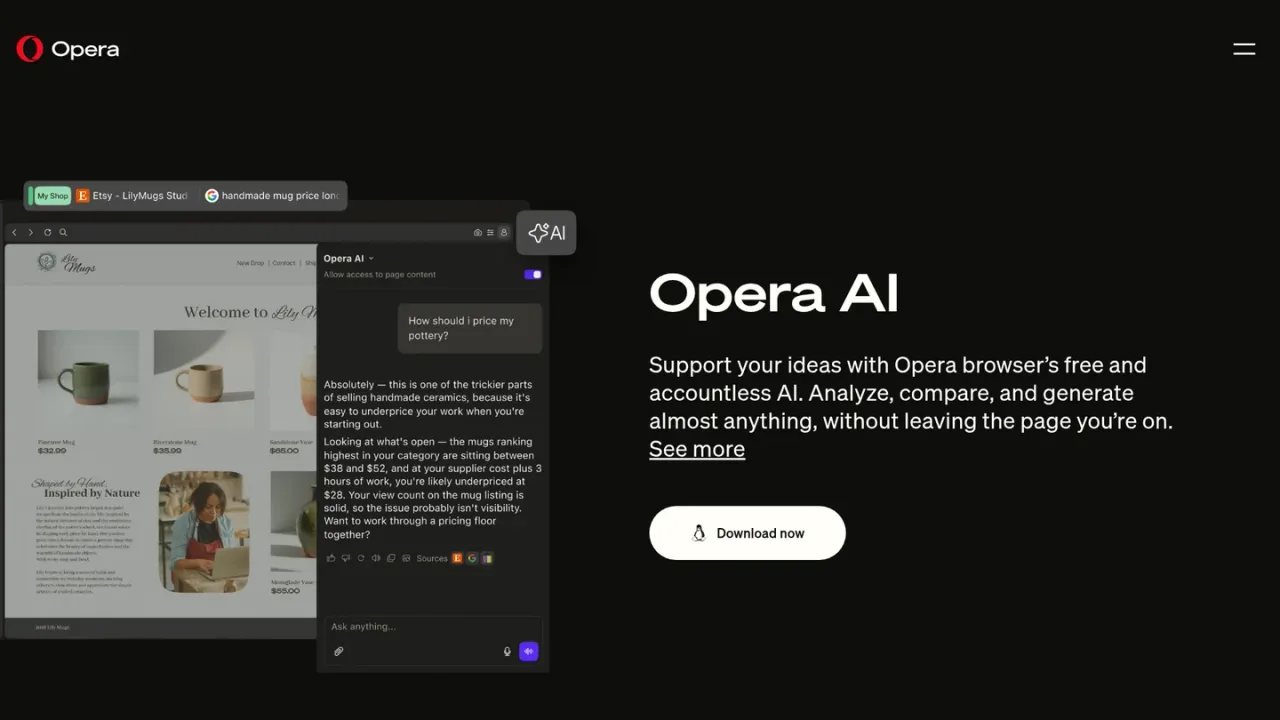
Opera AI is the built-in AI assistant in the Opera browser, previously known as Aria AI. It provides free, accountless access to models from OpenAI and Google in one place, so you can ask questions and get contextual answers without leaving the page you are on. It understands your current page or tab group, can summarize key points from multiple pages, and can analyze files such as reports, PDFs, spreadsheets, and documents. It also supports voice input and output, direct access to YouTube transcriptions for translating, summarizing, or searching videos, and text highlighting actions like Explore more and Translate into 50 languages. An AI image generator creates images from text prompts, and you can upload drafts or sketches for feedback. It is intended for everyday browsing, research, comparison, creative work, and quick help with new challenges, and is available by downloading the Opera browser.
How to use Opera AI
1
Open Opera AI
Click the Ask AI button in the top-right corner of the Opera browser, or use Ctrl+O on Windows or Cmd+O on macOS.
2
Ask about open tabs
With Opera AI open, ask questions about the current page or all tabs within the same tab island to get summaries, explanations, or deeper insights.
3
Generate content
Describe what you imagine in natural language and Opera's generative AI will create it for you.
4
Analyze files and images
Upload images or documents to ask questions, get summaries, compare content, or extract key information.
5
Explore or translate text
Highlight text on any webpage and choose Explore more or Translate to get instant AI insights or translations into 50 languages.
Opera AI Features
Free, accountless AI with no log-in or sign-up needed
Access to models from OpenAI and Google in one place
Contextual answers based on the current page or tab group
Summarize key points from multiple pages
Analyze files such as reports, PDFs, spreadsheets, and documents
Voice input and output support
Direct access to YouTube transcriptions for translating, summarizing, or searching videos
Highlight text to Explore more or Translate into 50 languages
AI image generation from text prompts
Upload drafts or sketches for creative feedback
Opera AI Use Cases
Get quick answers and explanations without leaving the current page
Summarize and compare information across multiple open tabs
Extract key data from reports, PDFs, spreadsheets, and documents
Translate highlighted webpage text into 50 languages
Summarize or search YouTube videos via transcriptions
Create visual moodboards and images from text prompts
Get feedback on drafts, sketches, or scripts
Opera AI FAQs
Yes. The page states that Opera AI offers free, accountless access with no log-in or sign-up needed.
No. Opera AI is described as accountless, so you can use it without logging in or signing up.
The page states that Opera AI gives access to models from OpenAI and Google in one place.
Yes. Opera AI understands your current page or tab group and can provide contextual answers from minimal prompts.
Yes. It can summarize key points from multiple pages and analyze files such as reports, PDFs, spreadsheets, and documents.
Yes. The page states that Opera AI supports voice input and output.
Yes. It has direct access to YouTube transcriptions so it can translate, summarize, or search through videos for specific details.
Yes. Opera AI includes an AI image generator that creates images from text prompts.