
Community
$0USD / permanent free plan
Free for testing & learning. Includes selected analysis types, 10 unrestricted simulations, and up to 2000 core hours.
- Selected analysis types
- 10 unrestricted simulations
- Up to 2000 core hours
- 1 user
AI Industry-Specific Tools
PRODUCT OVERVIEW
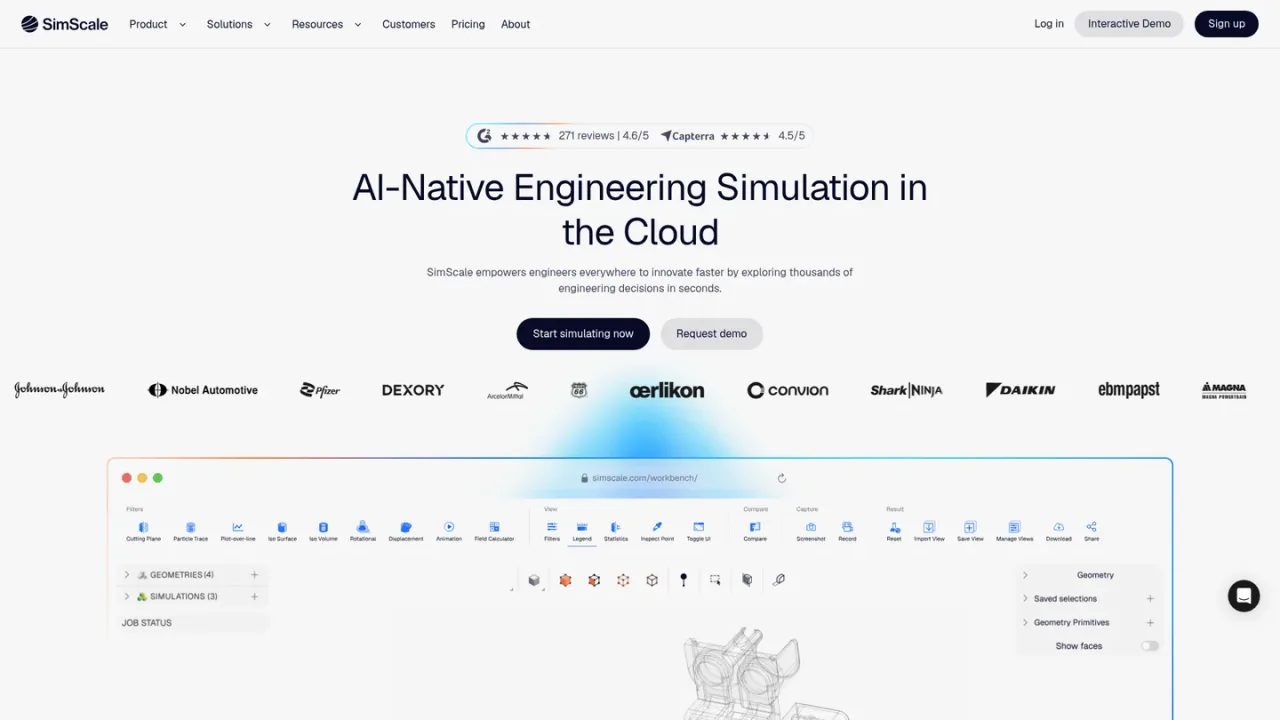
SimScale is a browser-based, AI-native engineering simulation platform that unites CFD, FEA, thermal and electromagnetic solvers with Engineering AI and Physics AI in one cloud stack. Engineering AI agents orchestrate simulation setup, execution, evaluation and documentation, while Physics AI models trained on high-fidelity simulation data predict physical behavior in seconds so teams can screen thousands of design variants. Intended for engineers and engineering teams across aerospace, automotive, electronics, energy and machinery, it supports workflows such as RFQ automation, R&D cost reduction and new product development acceleration. Access is via subscription plans, including a free Community tier for testing and learning.
Create a SimScale account and access the browser-based workbench; no local installation or HPC hardware is required.
Upload CAD geometry and use the platform's CAD preparation and editing tools to clean and prepare the model for simulation.
Choose an analysis type such as incompressible fluid flow, conjugate heat transfer or static structural, then assign materials, boundary conditions and meshing settings.
Launch runs on cloud compute and review results with the integrated post-processor, including plots and reports.
Train a model from at least 20 completed simulation runs of one analysis type, check accuracy metrics, then use it to predict new design variants in seconds.
Use the SimScale Agent to inspect CAD, assign materials and boundary conditions, launch runs and compile results, or call it through the API.
Running CFD, FEA, thermal and electromagnetic simulations without local hardware
Screening thousands of design variants with Physics AI before full validation
Automating simulation setup and reporting with Engineering AI agents
Accelerating RFQ responses with simulation-backed feasibility checks
Reducing R&D costs by replacing physical prototypes with virtual testing
Accelerating new product development from concept to launch
SimScale is a browser-based engineering simulation platform that combines CFD, FEA, thermal and electromagnetic solvers with Engineering AI and Physics AI in one cloud environment.
No. Physics AI models are trained on solver results and depend on them for training data and validation; they are used to screen variants before validating the shortlist with full CFD or FEA.
You can train a model from at least 20 completed simulation runs of one analysis type; more runs generally give higher accuracy.
No. It operates the platform directly, performing tasks such as inspecting and preparing CAD, assigning materials and boundary conditions, launching runs and compiling results, and it is also callable through the SimScale API.
Yes. Results from third-party CFD and FEA solvers can be imported as training datasets.
Yes. The Community plan is free for testing and learning and includes selected analysis types, 10 unrestricted simulations and up to 2000 core hours.
No. SimScale is cloud-native and runs in a browser, with no HPC hardware to buy or maintain.
No. According to SimScale, customer prompts, uploaded content, tool outputs, simulation data and model responses are not used to train or improve AI models.
SimScale offers a permanently free Community plan (10 simulations, up to 2000 core hours). The Mechanical, Professional, and Enterprise plans are priced as 'Custom' and require requesting pricing; no numeric prices are published.
Free for testing & learning. Includes selected analysis types, 10 unrestricted simulations, and up to 2000 core hours.
For structural & thermal simulation work. All from Community, plus private projects, all standard structural & thermal analysis types, and live support. Pricing is custom; request pricing.
For higher fidelity simulation work. All from Community, plus private projects, all standard fluid, structural & thermal analysis types, custom computing quota included, and live support. Pricing is custom; request pricing.
For broad simulation roll-outs. All from Professional, plus Engineering AI, Physics AI, and dedicated API support. Pricing is custom; request pricing.
COMMUNITY REVIEWS
No reviews yet.

Enterprise AI platform for building AI apps, agents, and automations on operational data, with human-in-the-loop approvals and evaluation tooling.

Zhuiyi provides AI digital employee solutions including service bots, outbound call bots, assistant bots, and conversation analytics for enterprises and governments.