reviews
Adobe Firefly vs Canva AI vs Ideogram for Brand-Safe Marketing Images
Choose Adobe Firefly when brand/legal care about training-data claims and Creative Cloud handoff for ads; Canva AI when non-designers must ship square social + layout in one surface; Ideogram when poster-style copy-in-image readability matters most. Split by commercial-use path, brand-color lock, text-in-image reliability, and export/re-edit friction—not “most AI.”
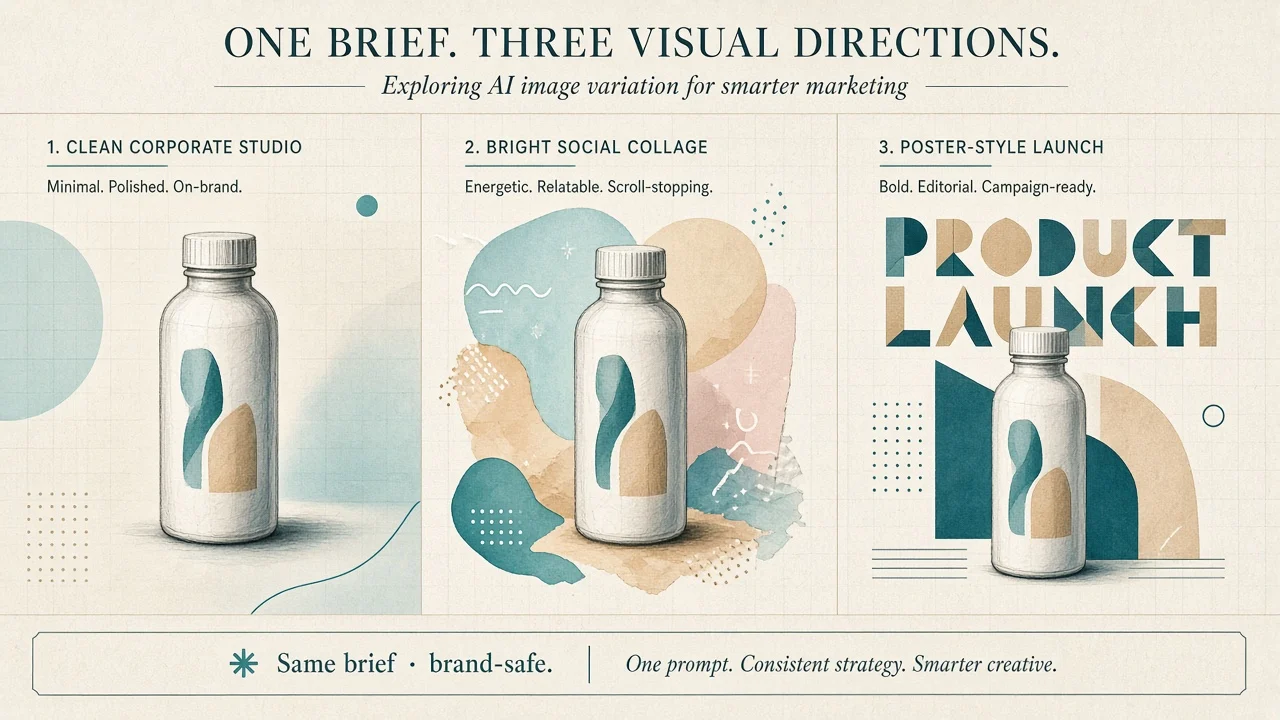
Picking the wrong AI image stack for paid ads costs more than a muddy first draft: a week regenerating off-brand packs, a legal review that stalls launch, or a poster headline that no one can read. Primary: Adobe Firefly, Canva AI, Ideogram. Optional adjacency only—Flux, Leonardo AI—for open/explore paths. Do not expand into a five-way “best model” listicle.
Bottom line:
- Choose Adobe Firefly when brand/legal care about training-data claims, Creative Cloud handoff, and commercially framed Firefly-model outputs for ads and campaign stills.
- Choose Canva AI when non-designers must ship square social + layout in one surface (Magic Studio / Magic Media inside Canva).
- Choose Ideogram when the brief is poster-style copy-in-image—readable 6–8 word headlines matter more than CC round-trips.
Do not rank by “most AI.” Split by commercial-use path, brand-color lock, text-in-image reliability, and export/re-edit friction.
Findings: public docs + limited hands-on framing on a shared product brief (verification 2026-11-06, Asia/Shanghai). No invented accuracy %, MAU, or locked dollar prices. Cross-check the pre-buy checklist in How to Evaluate AI Image Tools Before You Subscribe; for a wider directory snapshot see Best AI Image Generators 2026.
What each product is optimized for
| Product | AINav | Public positioning (shape) | Best first fit |
|---|---|---|---|
| Adobe Firefly | /tool/adobe-firefly | Generative image/video/audio inside Adobe’s Firefly + Creative Cloud surface; Adobe states Firefly models train on licensed Stock + public-domain/openly licensed content (not customer content / not web-mined); commercial-safe framing + Content Credentials; partner models called out separately | Brand/ads teams that want an Adobe-backed commercial-use story + Photoshop/Express edit path |
| Canva AI | /tool/canva-ai | Magic Studio / Magic Media: prompt → image (and design) inside Canva templates, Brand Kits, and social sizes; AI Product Terms allow commercial use of outputs subject to AUP; exclusivity/clearance not guaranteed | Marketing ops / social producers who live in Canva already |
| Ideogram | /tool/ideogram | Text-to-image (and related) with a public emphasis on typography / text rendering; hosted app + API credit plans; licensing pages separate app/API vs open-weights self-host | Creatives who need readable poster type inside the image |
How we tested (identical five tasks)
One shared consumer-product brief (fictional SKU, fixed brand hex, one 6–8 word headline). Same five checks on each tool. Results are limited hands-on / public-doc grounded—not a lab scorecard.
| # | Shared task | What “good” looks like |
|---|---|---|
| 1 | Same product brief → 3 square social stills | Subject recognizable; no invented packaging awards / fake seals treated as fact |
| 2 | Brand primary color + “no competitor motifs” for 3 consecutive gens | Color holds; no serial palette drift / competitor-looking packaging |
| 3 | Same 6–8 word headline baked into the image | Readable letters; few garbled glyphs |
| 4 | Commercial-use path from public pages | Rights / training / prohibited-use statements you can paste into a decision memo |
| 5 | Export + re-edit one line of copy / background | Friction of returning to an editor vs locked static PNG |
Task 1 — Same product brief → three square socials
| Product | Fit | Watch-out |
|---|---|---|
| Adobe Firefly | Strong when the brief stays photographic / product-still. Firefly’s public commercial framing is built for this use case. | Limited hands-on: scrub invented badges, fake “#1” seals, and partner-model outputs if your policy only covers Firefly models. |
| Canva AI | Fast path from prompt → on-canvas social template; easy to drop into a carousel layout the same afternoon. | Outputs are not exclusive (Canva’s own commercial FAQ). Kill lookalike packaging before paid spend. |
| Ideogram | Good when the social still is really a mini-poster (headline + product). | Treat decorative “awards” as hallucination risk; regenerate until seals disappear. |
Takeaway: For paid-ad stills, verify the subject before the style. Hallucinated packaging is a brand risk in all three.
Task 2 — Brand color + no competitor motifs (three runs)
| Product | Fit | Watch-out |
|---|---|---|
| Adobe Firefly | Brand-lock improves when you stay inside Adobe workflows (hex guidance, reference, Custom Models on eligible business paths—confirm live docs). | Freeform web prompts without references still drift; enterprise custom-model paths are plan-gated. |
| Canva AI | Best ops fit for non-designers—Brand Kits / locked colors in the surrounding Canva design, not only the generative fill. | AI fill can still introduce off-kit accents; re-check after Magic Media insert. |
| Ideogram | Prompt + style lock can hold a palette for poster work. | Less “Brand Kit admin” than Canva; expect more human QA on consecutive runs. |
Takeaway: Color compliance is a system problem (kit + review), not a single lucky generation.
Task 3 — Copy-in-image (same 6–8 word title)
| Product | Fit | Watch-out |
|---|---|---|
| Adobe Firefly | Usable for short labels; Adobe’s design apps often win by setting type after generation. | Do not force long headlines into the pixel layer if CC typography is available. |
| Canva AI | Magical for image fill, but readable campaign type usually belongs on Canva text layers—not inside the raster. | If Magic Media bakes garbled words, replace with real text boxes. |
| Ideogram | Best first fit for baked-in poster type among this trio (public positioning + common creative practice). | Still proofread every glyph; never ship a misspelled CTA. |
Takeaway: Need the words inside the picture → start Ideogram. Need editable type over a clean still → Firefly/Canva + real text layers.
Task 4 — Commercial-use path (public pages only)
Re-open these on purchase day; no dollar locks here.
- Adobe Firefly — Adobe’s Firefly generative AI approach and Generative AI product terms: Adobe states Firefly models are trained where Adobe has permission (Stock + public-domain/openly licensed), not on customer content and not via web mining; commercially safe framing for Firefly-model outputs; Content Credentials; partner models are called out separately—your memo must say which model produced the asset. IP indemnification, where offered, is plan/eligibility-gated—read the live Enterprise/teams materials, do not assume every seat includes it.
- Canva AI — Magic Studio + AI Product Terms / Help on using Magic Studio safely: commercial use allowed subject to terms/AUP; you own inputs/outputs as between you and Canva, but exclusivity and third-party clearance are not guaranteed; some political/medical/legal generation uses are restricted—read before ad spend.
- Ideogram — Licensing + Pricing + Terms: Ideogram states it does not claim ownership of generated images and commercial use is allowed subject to Terms / Acceptable Use; hosted app/API ≠ open-weights self-host—self-host commercial paths are a separate license ladder. Confirm the path you actually bought.
Takeaway: “Commercial OK” on a marketing page is not a substitute for counsel on trademarks, likeness, or paid-media policies. Paste the vendor sentences you relied on into the brief.
Task 5 — Export and re-edit friction
| Product | Fit | Watch-out |
|---|---|---|
| Adobe Firefly | Wins when the next click is Photoshop, Express, or another CC surface—generative fill → design system. | Static PNG-only handoff loses the advantage; keep the editable project. |
| Canva AI | Wins for social ops: regenerate, swap background, change headline text boxes without leaving Canva. | Heavy illustration edits outside Canva mean a new export round-trip. |
| Ideogram | Strong as a generator; re-edit often means remix/regenerate or bring the PNG into another editor. | Plan your “one copy change” workflow before you commit the stack. |
Task 5b — Pricing & seats (public pages only)
Map trial vs credit/seat path; do not paste blog dollar figures into a SOW.
- Adobe Firefly — Open Adobe’s live Firefly / Creative Cloud plan pages (credits for premium features, individual vs teams/enterprise, indemnification eligibility). Credits and partner-model access move—screenshot today’s matrix.
- Canva AI — canva.com/pricing: Free → Pro → Business → Enterprise; Magic Studio / AI allowance is plan-shaped and shared across tools. Confirm which AI features count against the monthly allowance on the day you buy.
- Ideogram — ideogram.ai/pricing: free + paid credit plans (Plus / Pro / Team / Enterprise shapes on the public table) and pay-as-you-go; slow vs priority credits matter for volume. Self-host licensing is separate.
Metering note: Firefly and Ideogram both lean on credits for heavier or premium generations; Canva’s AI story is allowance-inside-seat. Match metering to how often you regenerate for brand QA.
Scenario picks (not a leaderboard)
- Performance ads + legal wants an Adobe-backed Firefly-model story → Adobe Firefly
- Social team already living in Brand Kits / templates → Canva AI
- Launch poster with a must-read baked headline → Ideogram
- Exploring open/community models after the brand-safe fork → Flux / Leonardo AI as adjacency only (separate rights review)
- Still deciding category-wide → evaluate checklist
FAQ
When is Firefly the wrong buy?
When the brief is mostly typography-inside-pixels and nobody opens Creative Cloud—or when your counsel rejects partner-model outputs and your team keeps selecting them by accident.
When is Canva AI the wrong buy?
When you need exclusive generative outputs, deep Photoshop compositing, or a training-data indemnity story that Canva’s public AI terms do not claim.
When is Ideogram the wrong buy?
When the org standard is “edit forever inside Canva/CC” and poster type can be real text layers anyway—or when you confuse hosted-app rights with open-weights self-host licenses.
What did we not measure?
Paid-media CTR lift, full trademark clearance, SSO rollouts, or pixel-perfect brand-guideline audits under every theme. Generation notes are limited hands-on.
How to re-check rights before annual commit?
Open Firefly approach/terms, Canva AI Product Terms, and Ideogram licensing/pricing side by side on purchase day; record which model family, credit/seat meter, and commercial sentences apply to your tier.
Related on AINav
- Adobe Firefly · Canva AI · Ideogram · Flux · Leonardo AI
- How to Evaluate AI Image Tools Before You Subscribe · Best AI Image Generators 2026
List your AI tool → /submit