workflows
From Source Gathering to Cited Notes: An AI Research Workflow
A reusable three-stage AI research pipeline: deep retrieval and document work in Kimi, a knowledge base and generated reports in ima, and cited structured notes in Notion AI.
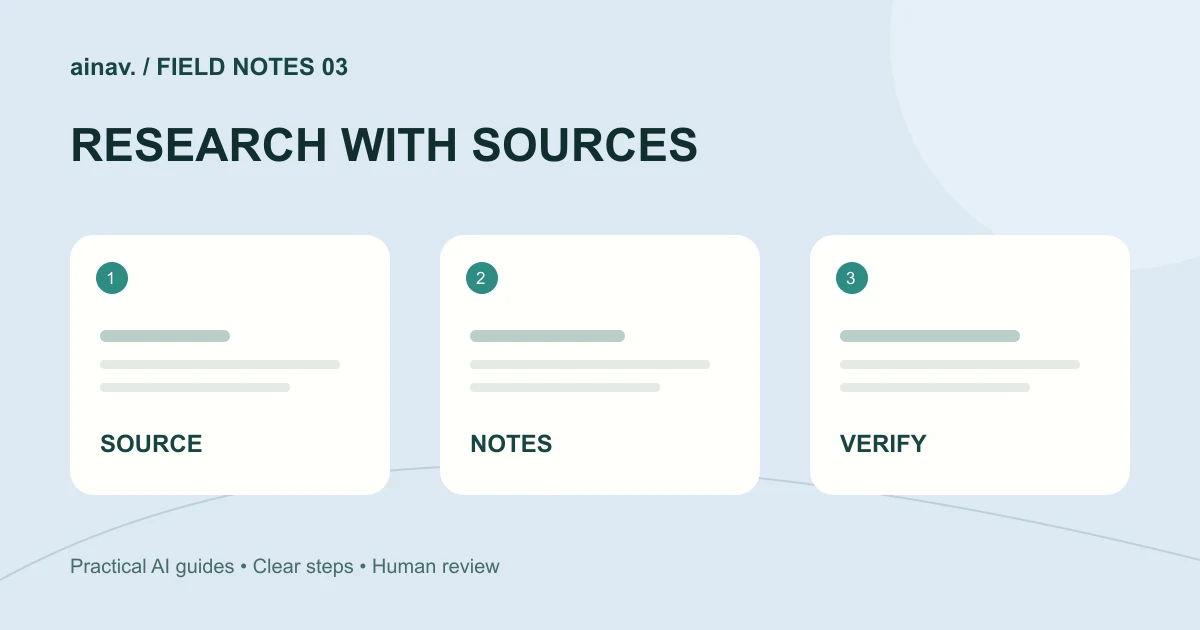
The hard part of research is rarely finding material. It is keeping material from scattering, keeping conclusions attached to their sources, and being able to trace a claim back weeks later. Putting AI tools into a fixed pipeline works better than asking questions ad hoc. What follows is a three-stage workflow: retrieval and triage, consolidation and structuring, then drafting with source checks.
Stage one: break the question apart before you search
Research starts with a question list, not a search box. Write down the core question you need to answer, then split it into three to five sub-questions, each tied to a type of evidence. If you are studying a business model, the sub-questions might be market size, main players, revenue structure, and regulatory constraints.
In Kimi, you can enter Deep Research mode from the home page for sub-questions that need multi-step retrieval, or use plain chat for quick clarification. Kimi is Moonshot AI's assistant that combines chat with Deep Research, Docs, Slides, Sheets, Design, and Build in one workspace. Chat history syncs after you log in, and Projects group related chats and tasks. That matters here: you can create one project per research topic and keep each sub-question's conversation inside it instead of losing them in a long history list.
The goal at this stage is to widen the candidate set, not to conclude. Ask for leads, terminology, and plausible opposing views, then decide yourself which threads deserve depth.
Stage two: turn material into something searchable
Conversations and documents that are never organized cost you the same effort next time. You need a knowledge layer.
ima is Tencent's AI assistant, and its workspace lists new conversations, a knowledge base, a discovery square, and Q&A history side by side. The discovery square presents featured example topics, each labeled with the type of content it generates, such as a report, a PPT, or a podcast, and the product highlights one-click generation of reports, PPTs, and podcasts from a chosen topic. Logging in syncs conversation history, and on desktop you can check storage space from the avatar menu.
A practical pattern: file the reliable material from stage one into the knowledge base by theme, then question that same body of material repeatedly so answers converge. The Q&A history is itself a process record, and later you can see how a judgment formed. When you need to report outward, generate the report or deck from the same material rather than starting over, so the numbers and framing stay consistent.
Stage three: write structured notes that carry their sources
The last stage is writing conclusions down so that each one can be traced. Do this in a document system, not in a chat window.
Notion AI works inside Notion pages, docs, tasks, and databases, and includes Notion Agent, Custom Agents, Enterprise Search, AI Meeting Notes, Research Mode, and AI blocks. Notion Agent is on-demand and helps draft, edit, summarize, and answer questions while you work. Custom Agents run autonomously in the background on triggers or schedules and act only on the pages, databases, and external apps you grant access to. Enterprise Search can find answers across your Notion workspace and connected tools such as Slack, Google Drive, and GitHub. In databases, AI Autofill can populate properties with summaries, key information, translations, or tags.
Fixing the note structure is more valuable than letting the model improvise. A workable template: one-sentence conclusion, evidence points, source identifier, confidence, open questions. Have the AI fill the structure, and you verify that each source identifier actually exists.
Reusable example prompts
For decomposition: "I am researching [topic]. List four sub-questions. For each, state what kind of evidence is needed, what types of authoritative sources would carry it, and which claims are likely to go stale. Do not give conclusions."
For consolidation: "Below is material from my knowledge base on [topic]. Answer only from this material: what three facts can be confirmed, where do the materials contradict each other, and what is still missing before a judgment is possible?"
For drafting: "Turn the conclusions above into notes, tagging each conclusion with the identifier of the material it rests on. Put anything not directly supported by the material in a separate 'to verify' section rather than the main body."
How to check whether the output is usable
First, traceability. Pull three conclusions at random and return to the source material to confirm it supports that exact statement, not a nearby but different one. Second, boundaries. Check whether speculation was written as fact and whether counterexamples were dropped. Third, consistency. Do the report, notes, and deck generated from the same material agree on numbers and definitions? Fourth, time markers. For anything that changes, does the note record when the information was true instead of assuming it always is?
Realistic limits
This workflow does not replace judgment. Modes like Deep Research speed up lead gathering, but completeness and accuracy of retrieval still need human review. One-click reports, PPTs, and podcasts are useful as first drafts and internal discussion material; anything published externally needs line-by-line checking. A knowledge base is only as good as what you put in it, and fluent Q&A over weak material is still weak. Custom Agents run in the background, so permission scope has to be set deliberately, or automation will scale your mistakes too. AI capabilities are also tied to subscription plans, and what is available varies by plan, so confirm your own plan's actual entitlements before building a long-term habit around them.
Fix these three stages and research stops being a series of one-off questions. It becomes a process you can accumulate, audit, and hand over. Citations are not a formatting requirement; they are the only thing that keeps a conclusion standing six months later.