

Kimi
Kimi is Moonshot AI's AI assistant for chat, deep research, documents, slides, sheets, design and build tasks in one workspace.
AI Chat Assistants ToolsNot specified
AI Assistant
PRODUCT OVERVIEW
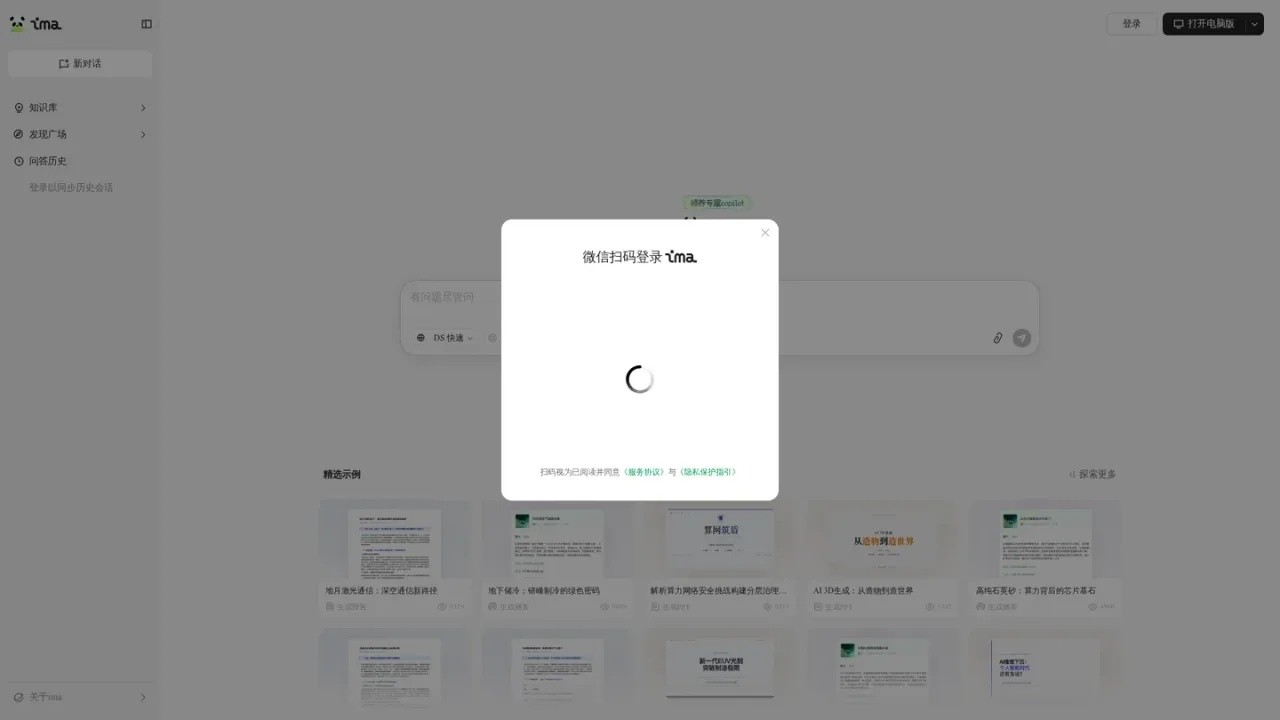
ima is Tencent's AI assistant that combines conversational Q&A with a personal knowledge base and a discovery square of curated examples. From a single workspace you can start new conversations, browse and reuse knowledge base content, review question-and-answer history, and explore featured topics. The product highlights one-click generation of reports, PPTs, and podcasts from selected subjects, with the discovery square showing example topics and usage counts. Users can log in to sync conversation history, open the desktop version, or download the client if it is not installed. Storage space can be checked from the avatar menu on desktop or the "Me" section on mobile. Access options and paid tiers are not documented on the supplied pages.
Open ima.qq.com and choose 新对话 to begin an AI conversation.
Browse 发现广场 to see featured example topics and the report, PPT, or podcast each one generates.
Pick a featured example or topic and use the generate action for reports, PPTs, or podcasts.
Sign in with WeChat scan to sync your conversation history across sessions.
On desktop, click your avatar and open 存储空间; on mobile, open 我 then 存储空间.
Generating research reports from selected topics
Creating presentation decks from example topics
Producing podcast-style audio content
Organizing and querying a personal knowledge base
Reviewing past Q&A history across sessions
The supplied pages highlight one-click generation of reports, PPTs, and podcasts from featured example topics.
Yes. The workspace lists a knowledge base section alongside new conversations, the discovery square, and Q&A history.
The pages state that logging in syncs history conversations, and WeChat scan login is offered.
Yes. The site offers to open the desktop version and provides a client download if it is not installed.
On desktop, click your avatar and open 存储空间; on mobile, open 我 and then 存储空间.
发现广场 presents featured example topics, each labeled with the type of content it generates, such as a report, PPT, or podcast.
The site offers WeChat QR code login, and scanning indicates agreement with the service agreement and privacy guidance.
See the official website for current pricing.
COMMUNITY REVIEWS
No reviews yet.
Kimi is Moonshot AI's AI assistant for chat, deep research, documents, slides, sheets, design and build tasks in one workspace.

ChatGPT is an AI assistant for chatting, creating images, uploading files, and running multi-step research with cited reports.
Notion AI is a built-in AI teammate inside Notion that chats, searches, writes, and automates work across your pages, databases, and connected apps.