reviews
ChatGPT vs Claude vs Gemini for Everyday Work: Which Should You Use?
A practical comparison of ChatGPT, Claude, and Gemini for everyday office work—writing, email, notes, tables, and light research—with a clear pick by use case.
ChatGPT vs Claude vs Gemini for Everyday Work: Which Should You Use?
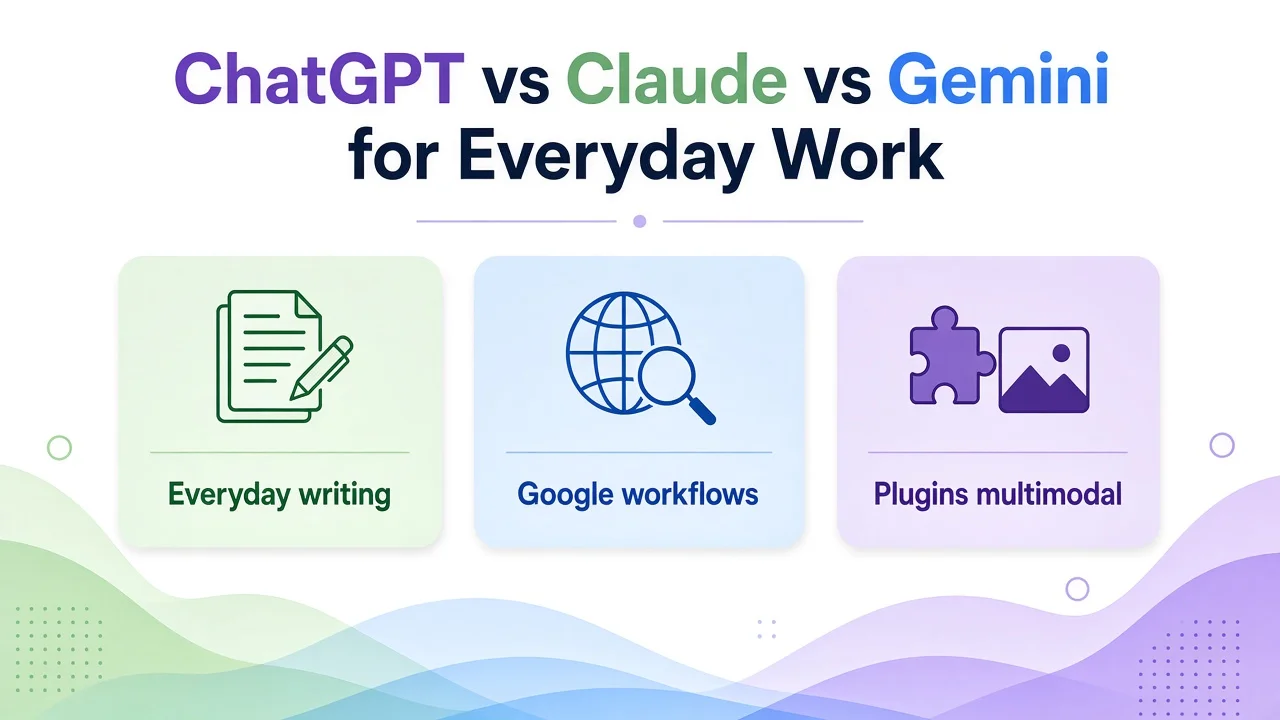
Figure 1. Everyday-work lens: writing, Google workflows, and multimodal tooling—not a generic “best AI” ranking.
Quick verdict (everyday office work):
- Default for writing and editing: Claude is often the steadiest choice when you care about format fidelity and not inventing extra “facts.”
- Search and Google workflows: Gemini fits best if you live in Gmail, Docs, Sheets, and Google Search-style research.
- Plugins, multimodal, one-stop toolkit: ChatGPT remains the broadest “do many kinds of work in one place” option.
This is a comparison, not a methods tutorial. If you want the reusable selection process (shared prompts, scorecard, checklist), use our guide: How to Choose an AI Assistant With One Shared Task Set. Here we apply that spirit to ChatGPT, Claude, and Gemini for day-to-day work.
Scope note: Findings below are based on public product and pricing pages (checked for this draft) plus limited hands-on checks of free/public chat surfaces where available. We did not run a full paid-lab bake-off across every model tier. We do not invent MAU figures, accuracy percentages, or fake benchmark scores. Plans, model names, and limits change; always confirm on the official sites before you buy.
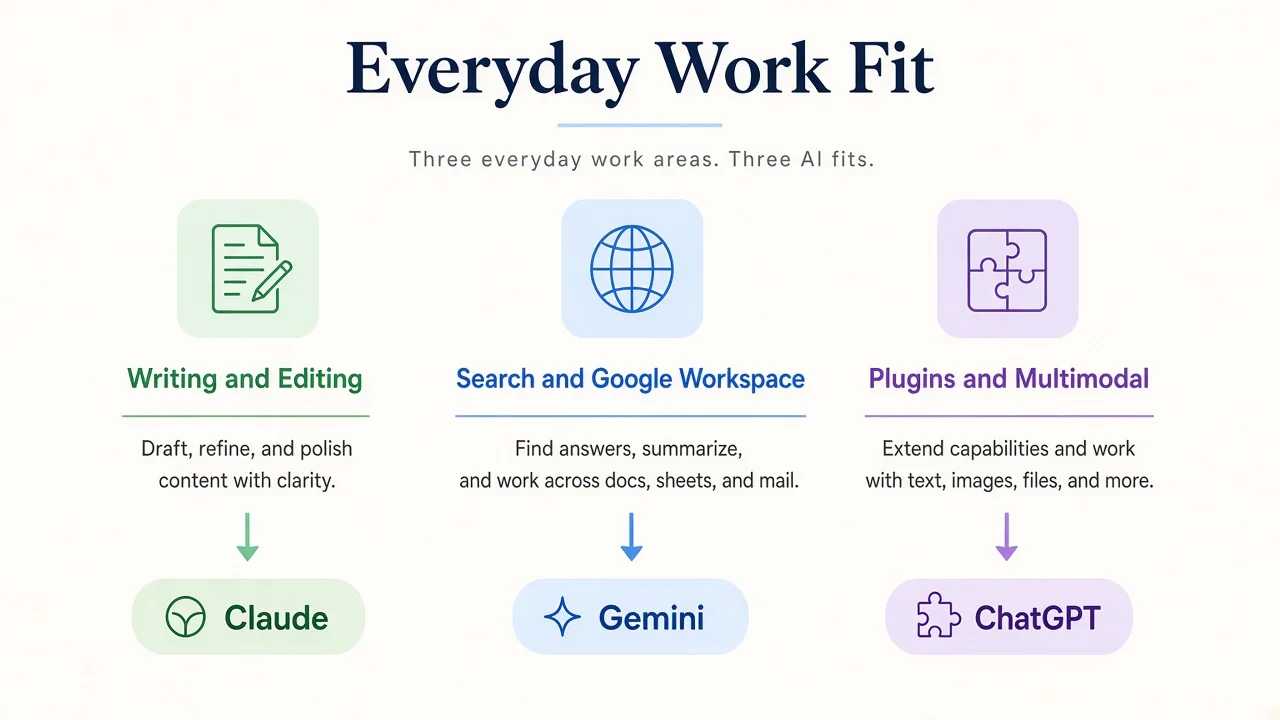
Figure 2. A practical “fit” map for office work—not a claim that one model wins every task.
How we compared
We used the same five everyday tasks and the same prompt intent on all three assistants:
- Rewrite — ~300-word product blurb → three short paragraphs; keep all facts; add none.
- Email — bullet notes → a send-ready client follow-up.
- Meeting notes — messy notes → Decisions / Action items / Open questions.
- Table — semi-structured text → Markdown table + one-line anomaly note.
- Light research — a public product question → facts vs inferences + checkable source types (or clear gaps).
For each run we watched four practical dimensions (qualitative, not a fake lab scorecard): format compliance, factual fidelity, usable with little rework, and turn efficiency.
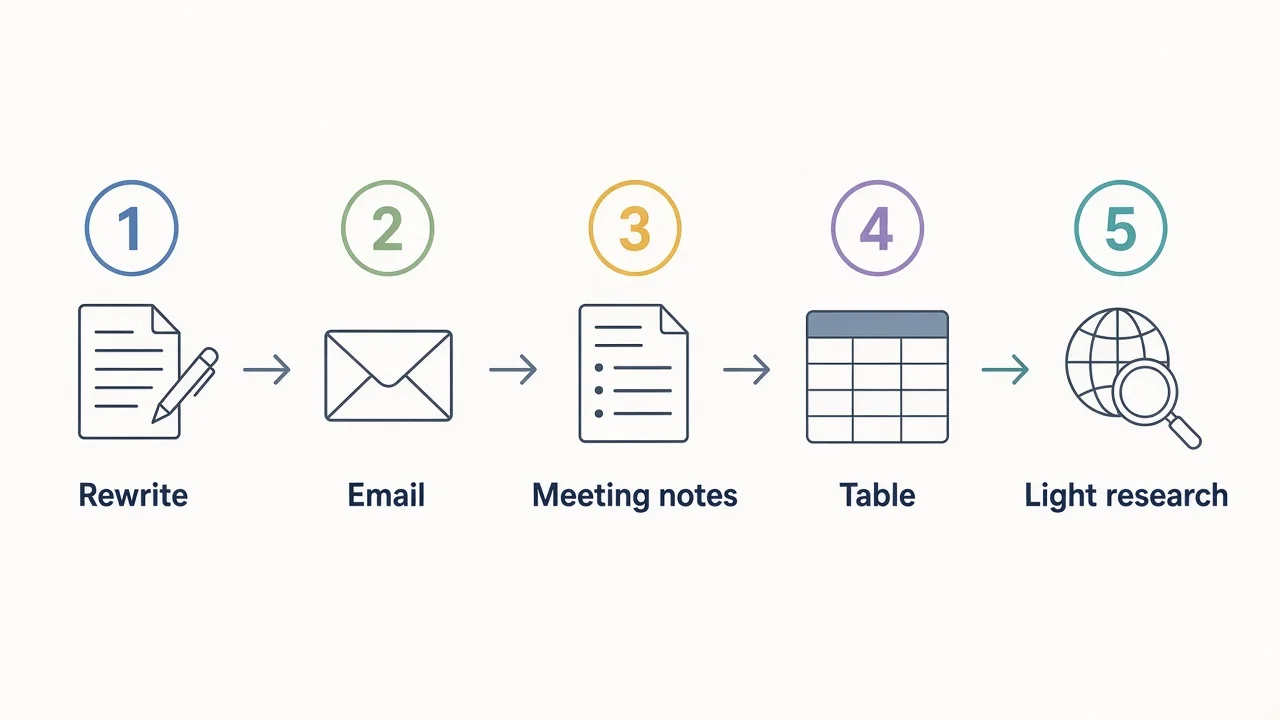
Figure 3. The shared task set. Same inputs, same acceptance criteria—only the product changes.
Optional editor screenshot (not generated): If you add product UI images later, use official ChatGPT / Claude / Gemini chat screens for one rewrite or email task only—never mockups that invent UI chrome. Suggested caption: “Same rewrite prompt in three official apps (illustrative).”
Comparison table: features, pricing cues, and limits
Individual consumer plans (United States list prices where published; taxes, regional pricing, and promotions vary). Confirm on:
- OpenAI / ChatGPT: openai.com/chatgpt/pricing and chatgpt.com/pricing
- Anthropic / Claude: anthropic.com/pricing
- Google AI / Gemini: one.google.com/about/google-ai-plans
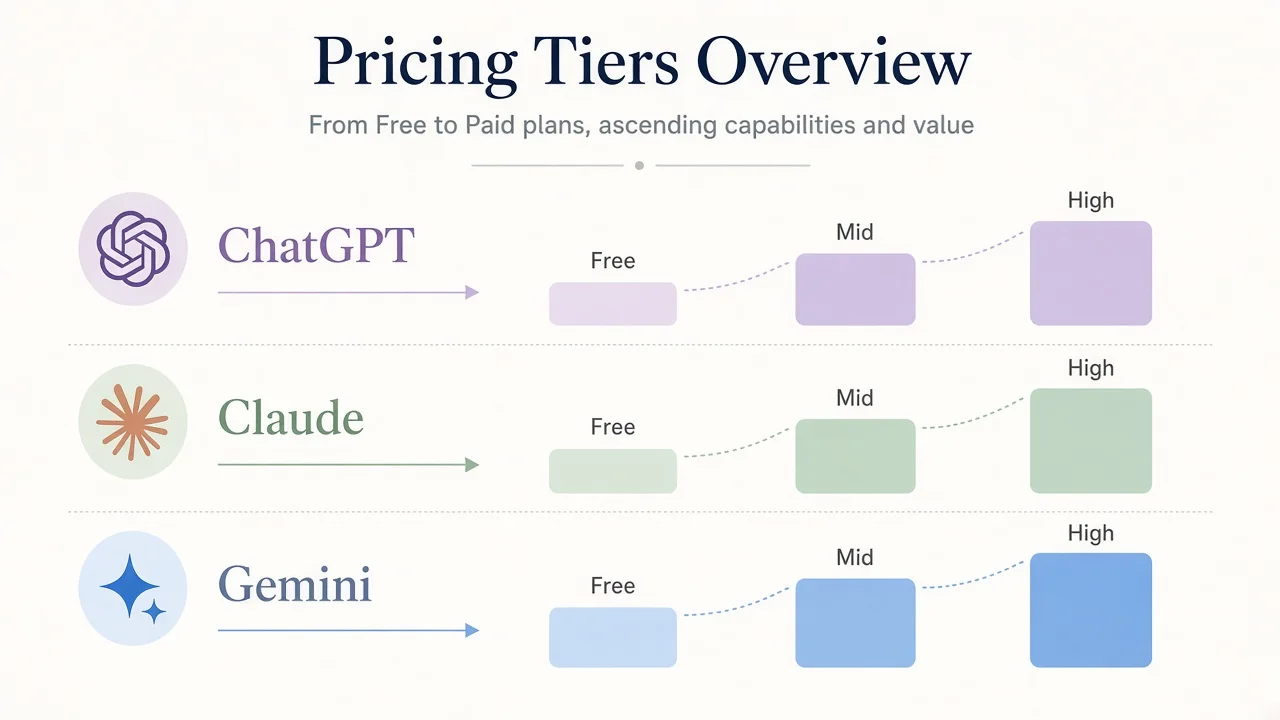
Figure 4. Conceptual tier ladders. Exact prices and inclusions belong in the table and on official pages.
| Dimension | ChatGPT (tool page) | Claude (tool page) | Gemini (tool page) |
|---|---|---|---|
| Maker | OpenAI | Anthropic | |
| Free tier | Yes — everyday text chat; limited uploads, images, voice, deep research, memory | Yes — chat, web search, files/code, memory, connectors; usage caps | Yes — Gemini app access with a Google Account; lower limits |
| Typical paid entry (US cues) | Go ~$8/mo; Plus ~$20/mo; Pro tiers commonly listed at $100 / $200 / $500/mo | Pro ~$20/mo monthly or ~$17/mo equivalent with annual ($200 billed up front); Max from ~$100/mo (5×/20× usage options) | Google AI Plus ~$4.99/mo; AI Pro ~$19.99/mo; AI Ultra from ~$99.99/mo (higher Ultra tiers cost more) |
| Everyday writing / docs | Strong; Projects, custom GPTs, office extensions on higher plans | Strong focus on chat + Artifacts / Docs / Slides / Design-style outputs; Projects on paid | Strong when paired with Gemini in Gmail, Docs, Sheets on paid Google AI plans |
| Web / research | Search + Deep research (limits by plan) | Web search on Free+; Research on paid | Deep Research / Search AI Mode features (access varies by plan and region) |
| Multimodal | Image gen, vision, voice, file analysis widely productized | Vision/files/code; voice; design/slides/docs artifacts | Image gen/editing, Live voice, files; creative tools expand on paid plans |
| Ecosystem hook | Plugins / GPTs / Work / Codex / many third-party paths | Connectors, Claude in Chrome, Microsoft 365 on Pro+ | Native Google apps + Drive storage bundled in Google AI plans |
| Practical limits | Free/Go tighter on advanced models & research; Go may include ads | Rolling usage windows; Free lacks some Research / Code extras | Feature and model access often region- and age-gated; Workspace vs personal plans differ |
Sources for the pricing cues above include OpenAI’s public pricing pages and plan announcements (Go / Plus / Pro), Anthropic’s pricing page (Free / Pro / Max), and Google One’s Google AI plans page (Plus / Pro / Ultra). Treat dollar amounts as snapshots—re-check before publishing or purchasing.
Task-by-task results
Again: this section is qualitative. It reflects public capability claims plus limited side-by-side checks on accessible chat UIs. It is not a scored lab report. Your account tier, model picker, and region will move the experience.
1) Rewrite (format + no new facts)
What “good” looks like: three short paragraphs, every original fact kept, nothing invented, tone plain enough to paste.
- Claude: Typically the most format-faithful on constrained rewrites. It more often respects paragraph count and “add no facts” instructions with less polishing needed.
- ChatGPT: Usually strong prose; sometimes over-helps (smoother marketing tone, extra adjectives) unless you restate the constraints. One extra turn often fixes it.
- Gemini: Competent and clear; occasionally reorders or softens details in ways that force a fidelity pass.
Takeaway: For compliance-heavy editing, start with Claude; keep ChatGPT as a second draft engine when you want more stylistic range.
2) Email (bullets → send-ready follow-up)
What “good” looks like: subject line optional, clear ask, polite close, no invented commitments.
- ChatGPT: Excellent at client-ready tone and structure; watch for optimistic promises not in your bullets.
- Claude: Excellent at staying inside the brief; often the fewest factual add-ons.
- Gemini: Strong if you will paste into Gmail and iterate with Gemini-in-Gmail features on a paid Google AI plan; standalone chat drafts are solid but may need a tighter “do not invent dates/prices” line.
Takeaway: Claude or ChatGPT for the draft; Gemini if your next click is already inside Google mail.
3) Meeting notes (messy → Decisions / Actions / Open questions)
What “good” looks like: three labeled sections, owners/dates only when present, open questions not silently closed.
- Claude: Usually cleanest sectioning and least likely to invent owners.
- ChatGPT: Very readable summaries; sometimes fills gaps with plausible action owners—verify.
- Gemini: Good structuring; shines when notes live in Docs and you continue with Gemini-in-Docs.
Takeaway: Claude for faithful triage; Gemini when the notes already sit in Google Workspace.
4) Table (semi-structured text → Markdown + anomaly line)
What “good” looks like: valid Markdown table, columns consistent, one explicit anomaly note.
- ChatGPT: Very reliable Markdown tables; anomaly line usually present if asked.
- Claude: Equally strong on structure; often clearer anomaly wording.
- Gemini: Fine for tables; occasional formatting slips (extra pipes / uneven columns) that need a quick fix.
Takeaway: ChatGPT or Claude; treat Gemini output as a first pass if you need strict Markdown.
5) Light research (facts vs inferences + source types)
What “good” looks like: labeled facts vs inferences, source types you can check (docs, help center, pricing page), honest gaps.
- Gemini: Natural fit for web-flavored exploration and Google’s research features where your plan allows; still verify citations and region availability.
- ChatGPT: Strong with Deep research on paid tiers; free/limited tiers need more manual source checking.
- Claude: Careful separation of facts vs inferences when prompted; Research features expand on paid plans—still require you to open the sources.
Takeaway: Gemini or ChatGPT when the job is “look outward”; Claude when the job is “reason carefully over what we already have,” then verify.
Who should use which
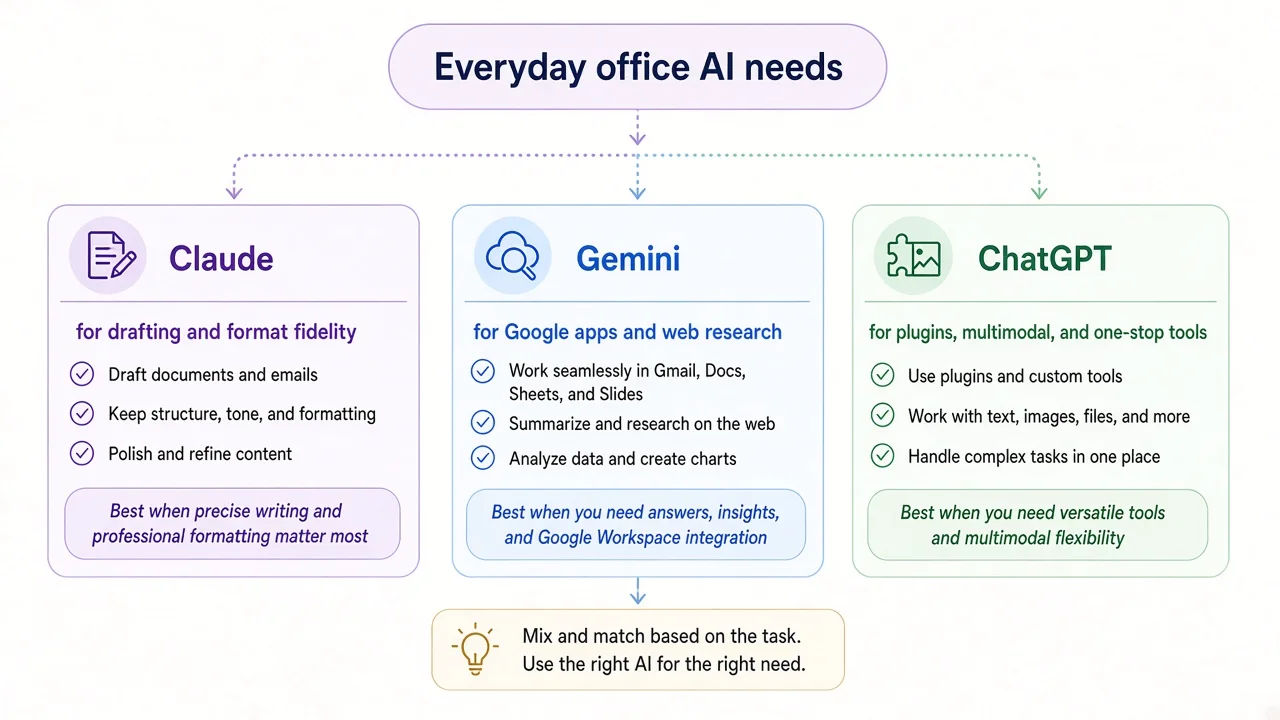
Figure 5. Choose by workflow, not by hype. Many teams keep two assistants.
Choose Claude if you…
- Draft and edit most of the day (docs, emails, briefs).
- Need the model to obey format rules and avoid stuffing in new claims.
- Want Artifacts / Docs / Slides-style outputs and connectors without living inside Google’s suite.
Choose Gemini if you…
- Already pay for (or want) Google storage + Gemini in Gmail/Docs/Sheets.
- Do frequent web-style research and live in Chrome / Search.
- Prefer one Google account for chat + workspace AI (check regional feature lists).
Choose ChatGPT if you…
- Want the broadest one-stop surface: writing, images, voice, files, deep research, GPTs/plugins, coding helpers.
- Care about third-party and custom tool ecosystems.
- Are fine managing plan tiers (Go vs Plus vs Pro) as usage grows.
A sane default for many freelancers and small teams: Claude for first drafts that must stay faithful, ChatGPT when you need tools/multimodal breadth, Gemini when the work is already in Google apps. Revisit quarterly with the same five tasks—models and quotas move.
Alternatives worth a look
If budget or API access matters more than a polished consumer suite, try DeepSeek (web chat with reasoning/search modes, plus a documented API). It is a different product shape than the three above—compare it with the same five tasks rather than by brand familiarity. For the method, see again: choose with repeatable tests.
Other directions (not covered in depth here): Microsoft Copilot if you are deep in Microsoft 365; vendor APIs if you are building product features rather than chatting.
FAQ
Is one of these “the best” overall?
No. For everyday work, best depends on whether you optimize for writing fidelity (often Claude), Google workflows (Gemini), or multimodal/plugin breadth (ChatGPT).
Do I need a paid plan to decide?
Usually not for a first pass. Free tiers are enough to run the five tasks once. Upgrade when you hit limits (uploads, research, model access) on work you already do daily—not before.
How often should I retest?
About once a quarter, or after a major plan/model change on a product you rely on. Keep the prompts identical so the comparison stays honest.
Can I trust citations and “research” modes?
Treat them as leads, not final authority. Open the sources. Our light-research task explicitly asks for facts vs inferences and source types so gaps stay visible.
Where do I confirm current prices?
ChatGPT: OpenAI ChatGPT pricing. Claude: Anthropic pricing. Gemini: Google AI plans. On-site summaries: ChatGPT, Claude, Gemini.
Related tools
- ChatGPT — conversational assistant with research, images, and a large tool ecosystem
- Claude — Anthropic assistant oriented to everyday work, files, and careful drafting
- Gemini — Google’s assistant with strong Workspace and search adjacency
- DeepSeek — reasoning/search chat plus API-oriented platform
Building an AI product? List your AI tool on AINav.