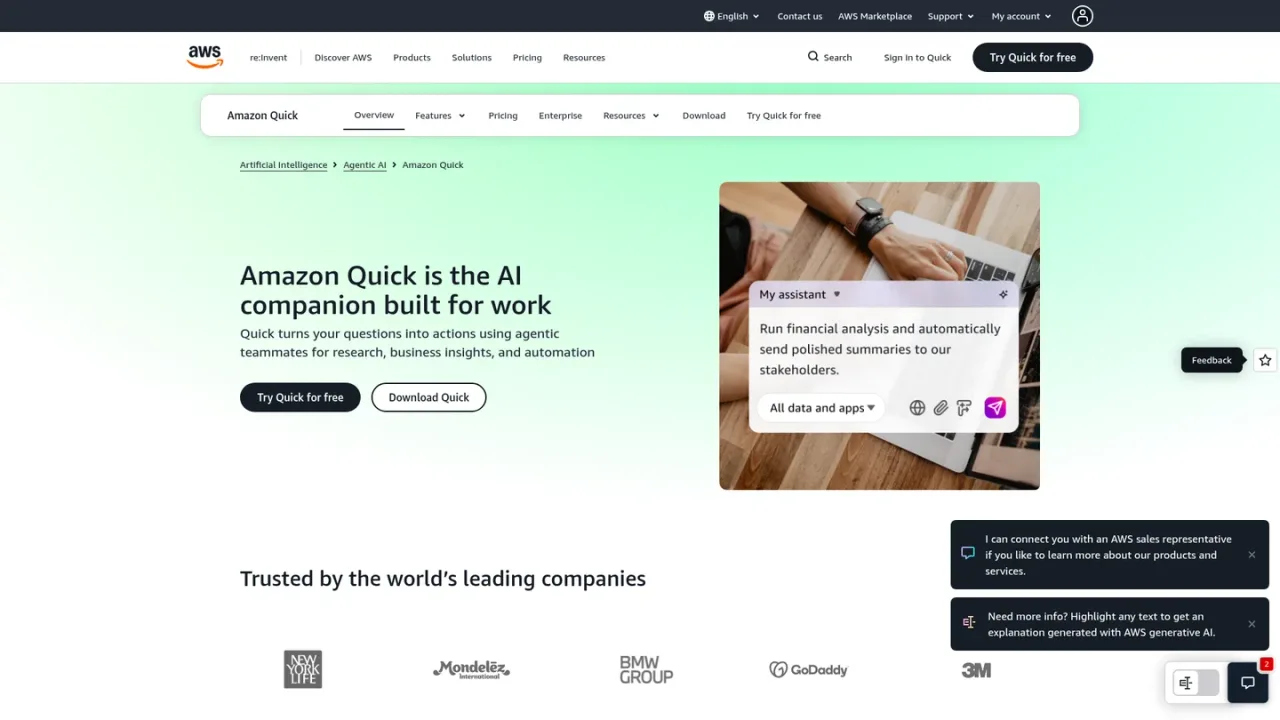
Amazon Quick is an AI companion built for work by Amazon Web Services. It turns questions into actions using agentic teammates for research, business insights, and automation. Users can chat about any topic, run in-depth research and reports, turn conversations into deliverables such as docs, sheets, decks, and apps, and automate repetitive work with Flows. Quick connects to tools like Slack, Email, and QuickBooks, and a desktop app provides proactive AI across email, messaging, and local files. Plans range from a free tier for individuals to Plus for teams of up to 300, plus organization plans (Essentials, Professional, Enterprise) that require an AWS account. A 30-day trial of the Enterprise plan is available for new customers.
How to use Amazon Quick
1
Create an account
Sign up for Quick with email or social credentials for individual and team plans; no AWS account is required. Organizations use Essentials, Professional, or Enterprise plans, which require an AWS account.
2
Ask Quick a question
Use the chat interface to ask about any topic or task, and Quick responds as an AI assistant for everyday work.
3
Run research and analysis
Ask Quick to research anything in depth to produce analysis and reports.
4
Turn conversations into deliverables
Convert conversations into docs, sheets, decks, and apps directly from Quick.
5
Automate repetitive work with Flows
Use Flows to handle daily busywork and connect the tools you already use, such as Slack, Email, and QuickBooks.
Amazon Quick Features
Agentic teammates for research, business insights, and automation
Chat about any topic or task
In-depth research, analysis, and reports
Turn conversations into docs, sheets, decks, and apps
Flows that automate repetitive daily work
Build production-ready web apps from ideas
Connect tools like Slack, Email, and QuickBooks
Desktop app with proactive AI across email, messaging, and local files
Shared Spaces for team knowledge, agents, and automations (Plus)
Browser and Microsoft 365 extensions (Plus)
Amazon Quick Use Cases
Running financial analysis and sending polished summaries to stakeholders
Researching a topic in depth and producing reports
Converting conversations into documents, spreadsheets, and presentations
Automating repetitive daily busywork with Flows
Building production-ready web apps from ideas
Sharing team knowledge, agents, and automations in Shared Spaces
Amazon Quick FAQs
Amazon Quick is an AI companion built for work that turns questions into actions using agentic teammates for research, business insights, and automation.
No. Individuals and teams can sign up for Free, Plus, or Max with email or social credentials. Organization plans (Essentials, Professional, and Enterprise) require an AWS account.
Plus costs $20 per user per month billed annually, or $25 per user per month billed monthly.
Plus is designed for teams of up to 300 users and includes user management and centralized billing.
Yes. New customers can start a 30-day trial of the Enterprise plan covering up to 25 users, with the subscription fee and the $250 infrastructure fee waived. No credit card is required to begin.
Free includes 1 GB pooled storage per user, Plus includes 10 GB per seat, and Max includes 50 GB. Storage beyond the allocation is charged at $5 per GB per month.
Quick can connect to tools you already use, such as Slack, Email, and QuickBooks.
Flows are automations in Quick that handle repetitive daily busywork.
Prices in USD. Plus and Max offer annual billing (lower rate) or monthly billing (higher rate). Professional and Enterprise require an AWS account and add a 250 USD per-account infrastructure fee. A 30-day Quick trial is mentioned. Checked 2026-11-19.
Free
$0USD / per user per month
Free for everyone; AI assistant for everyday work, research, deliverables, Flows automation, and web apps.
Chat about any topic or task
In-depth research and reports
Turn conversations into docs, sheets, decks, and apps
Quick Flows automation
Production-ready web apps
Connect Slack, Email, QuickBooks, and more
1 user maximum
1 GB pooled index storage per user
Plus
$20USD / per user per month (billed annually); 25 USD per user per month billed monthly
For teams up to 300 users needing collaboration and user management.
All Free features
Shared Spaces for teams
Browser and Microsoft 365 extensions
User management and centralized billing
Up to 300 users
10 GB storage per seat
Max
$100USD / per user per month (billed annually); 125 USD per user per month billed monthly
For frequent users needing higher usage limits.
All Plus features
5x more usage
5x index storage
Up to 300 users
50 GB pooled index storage per user
Professional
$20USD / per user per month plus 250 USD per account infrastructure fee
For organizations of any size needing advanced governance and controls; requires AWS account.
All Plus features
Unlimited users
Enterprise governance and compliance (RBAC, SSO, data sovereignty, admin controls)
Dashboards and data visualizations
Workflow automation
24/7 AWS Support
25 GB pooled storage per user
Enterprise
$40USD / per user per month plus 250 USD per account infrastructure fee
For teams building core enterprise insights and automation; requires AWS account.
All Professional features
Custom dashboard creation
Human-in-the-loop orchestration across UIs, APIs, and teams