

Notion AI
Notion AI is a built-in AI teammate inside Notion that chats, searches, writes, and automates work across your pages, databases, and connected apps.
AI Chat Assistants ToolsFreemium
AI Assistant
PRODUCT OVERVIEW
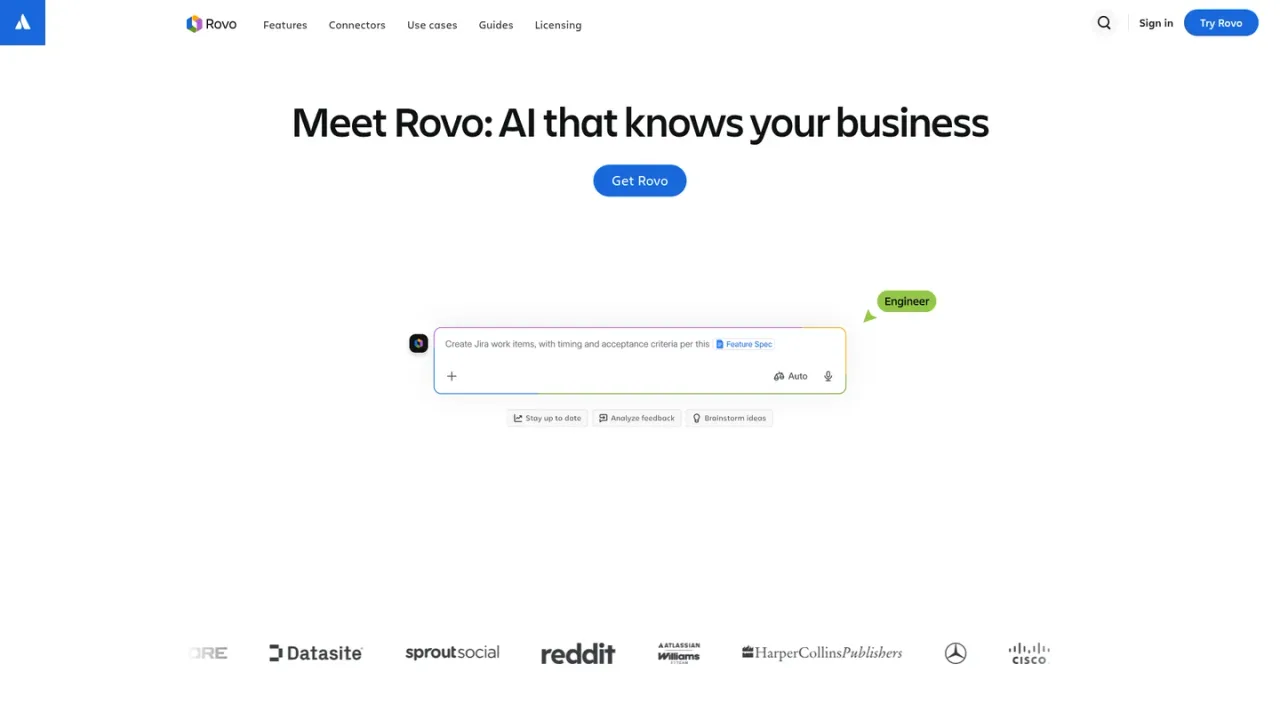
Atlassian Rovo is an AI platform built on the Teamwork Graph, which links people, projects, and code so answers reflect your organization's context. Rovo Search returns instant results across Atlassian apps and connected SaaS tools, with Smart Answers, Knowledge Cards, and admin bookmarks. Rovo Chat can dig into questions, produce cited deep-research reports, and take actions such as creating Jira tickets or scheduling meetings. Rovo Agents handle recurring work like issue organization, release notes, and triage, while Rovo Studio lets teams build agents, automations, and Forge apps from prompts in a no-code workspace. It is aimed at software, IT, and business teams; access comes with select Standard, Premium, and Enterprise Cloud plans and Teamwork Collection, metered by Rovo credits.
Rovo is available to customers with a Standard, Premium, or Enterprise Cloud plan of Jira, Confluence, Service Collection, or Teamwork Collection.
Use Rovo Search to query Atlassian apps and connected SaaS apps, and read Smart Answers with sources and Knowledge Cards.
Prompt Rovo Chat to find answers, run deep research, or take actions such as creating Jira tickets and setting up meetings.
Use the no-code Rovo Studio workspace to create agents, automations, and custom Forge apps from a prompt.
Finding documents and answers across dozens of connected apps
Drafting release notes from multiple Jira issues
Organizing issues into sprints and assigning epics
Triaging and prioritizing incoming support tickets
Creating onboarding plans for new team members
Generating cited research reports on a topic
Tracking weekly project progress with agents
Translating and creating pages in multiple languages
Rovo is available to customers with a Standard, Premium, or Enterprise Cloud plan of Jira, Confluence, Service Collection, or Teamwork Collection.
Rovo credits are Atlassian's unit for measuring AI usage and access to enriched Teamwork Graph context. The number used depends on the complexity of a user's or agent's interaction with AI features and enriched Teamwork Graph API calls.
AI is automatically activated for apps on Standard, Premium, and Enterprise plans, including Rovo. Admins can deactivate it, but then AI-powered apps such as Rovo Chat and Agents become unavailable, while Search and Studio still work.
Full Rovo AI features such as Search, Chat, Agents, and Studio require an Atlassian Cloud Standard, Premium, or Enterprise plan. Rovo Data Center connectors for Jira, Confluence, and Jira Service Management can sync data between Data Center and cloud environments.
Rovo Chat can take actions such as creating Jira tickets, sending Slack messages, and setting up Google Calendar meetings. It also supports Deep Research, which compiles a fully cited report from Atlassian apps, connected SaaS apps, and optionally the web.
Rovo Studio is a no-code AI builder for creating agents, automations, and custom Forge apps from a simple prompt.
Rovo connectors include Gmail, Google Calendar, Google Drive, Loom, GitHub, GitLab, Figma, Miro, Microsoft Teams, Outlook Mail, SharePoint, OneDrive, Box, Dropbox, Zendesk, and others listed on the connectors page.
Rovo follows Atlassian's existing security practices for each product and has completed external assessment and compliance certifications for SOC 2 and ISO 27001. Atlassian also maintains restrictive policies with its LLM providers.
Rovo is included in select Standard, Premium, and Enterprise Cloud plans and in Teamwork Collection; usage is measured in Rovo credits. Plan prices are not listed on the supplied pages.
See the official website for current pricing.
COMMUNITY REVIEWS
No reviews yet.
Notion AI is a built-in AI teammate inside Notion that chats, searches, writes, and automates work across your pages, databases, and connected apps.

Microsoft's AI assistant built into Word, Excel, PowerPoint, Outlook, and Teams, grounded in your work data with Work IQ.

Autonomous general AI agent that plans and executes tasks in a sandboxed virtual computer to deliver finished work products.

