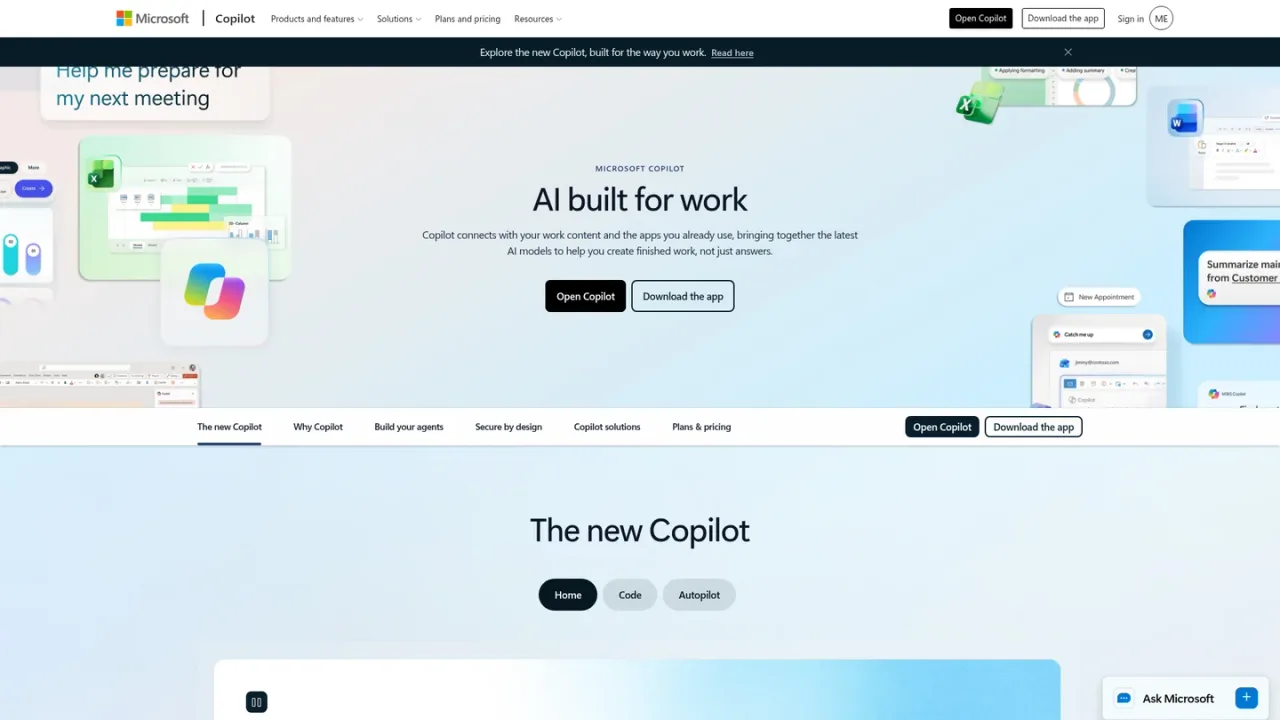
Microsoft 365 Copilot is Microsoft's AI assistant for work, integrated into apps such as Word, Excel, PowerPoint, Outlook, and Microsoft Teams. It brings together leading AI models in one experience, with Work IQ grounding answers in your company, team roles, and project context, and an Auto mode that weighs accuracy, speed, and cost to pick a model per request. Users can build work-grounded agents with Agent Builder and extend them via Copilot Studio, and work across desktop, mobile, and web. Copilot Chat is included at no additional cost for Microsoft Entra users with an eligible Microsoft 365 subscription, while Microsoft 365 Copilot add-on and bundled plans are paid subscriptions with usage-based billing for select advanced AI features.
How to use Microsoft 365 Copilot
1
Open Copilot
Sign in and open Copilot on the web to start chatting with AI grounded in your work.
2
Use Copilot inside Microsoft 365 apps
Work with Copilot in Word, Excel, PowerPoint, Outlook, and Teams where your content already lives.
3
Build a work-grounded agent
Use Agent Builder in Copilot to create personalized agents with natural language, then extend them with Copilot Studio.
4
Choose a plan
Compare individual, business, and enterprise plans to select the Copilot experience that fits your needs.
Microsoft 365 Copilot Features
Copilot integrated into Word, Excel, PowerPoint, Outlook, and Microsoft Teams
Work IQ grounding in company, team roles, and project context
Multiple leading AI models in one experience with Auto model selection
Agent Builder for creating work-grounded agents, extendable with Copilot Studio
Available across desktop, mobile, and web with voice, keyboard, or pen
Enterprise-grade security and privacy on the Microsoft 365 foundation
Microsoft 365 Copilot Use Cases
Drafting and improving documents in Word with AI assistance
Analyzing data and building spreadsheets in Excel
Creating polished presentations in PowerPoint
Managing email and calendar in Outlook with Copilot
Collaborating and catching up in Microsoft Teams with Copilot
Building custom work-grounded agents for research and data analysis
Microsoft 365 Copilot FAQs
Copilot Chat is available at no additional cost for all Microsoft Entra account users with an eligible Microsoft 365 subscription. Using agents requires an Azure subscription, and prepaid Copilot Studio capacity packs are also available.
Copilot is integrated into Word, Excel, PowerPoint, Outlook, and Microsoft Teams. Availability in some apps may vary by market and customer licensing.
Work IQ grounds Copilot in your company, your team's roles, and the context behind your projects so answers reflect your work.
Yes. Agent Builder in Copilot lets you create personalized, work-grounded agents in minutes using natural language, and you can extend and manage them with Copilot Studio.
Yes. The Microsoft 365 Copilot add-on requires a separate license for a qualifying Microsoft 365 plan.
Everyday AI is included in your license, while advanced AI work you hand off is billed as you use it. Usage-based billing applies to select advanced AI features.
Business plans offer a one-month free trial; after it ends, the subscription automatically converts to a paid subscription and a credit card is required to sign up. Individual plans also offer a one-month free trial.
Copilot works across desktop, mobile, and web using voice, keyboard, or pen. Availability of mobile apps varies by country or region.
Prices shown are in USD for the US market and may vary by currency, country, and regional factors. Copilot Chat is included at no additional cost for Microsoft Entra users with an eligible Microsoft 365 subscription. Usage-based billing applies to select advanced AI features.
Copilot Chat
$0USD / included with eligible Microsoft 365 subscription
Secure, enterprise-ready AI chat included at no additional cost for Microsoft Entra account users with an eligible Microsoft 365 subscription.
Web-grounded AI chat powered by the latest large language models
Copilot in select Microsoft 365 apps
Access and use agents, priced on a metered basis
IT control with enterprise data protection and agent management
Microsoft 365 Personal
$9.99USD / month
Individual plan for one person with Copilot in desktop apps, 1 TB of cloud storage, and higher usage than free.
For 1 person; sign in on 5 devices at once
Word, Excel, PowerPoint, and Outlook desktop apps with Copilot
1 TB of secure cloud storage
Advanced Copilot chat with higher usage than free
Higher usage than free for AI image creation and visual AI assistance
Microsoft 365 Premium
$19.99USD / month
Individual plan that adds extensive Copilot usage and access to features exclusive to Premium and Pro on top of Microsoft 365 Personal.
Everything in Microsoft 365 Personal
Advanced Copilot chat with extensive usage
Extensive usage for AI image creation and visual AI assistance
Access to Copilot features currently exclusive to Premium & Pro
Limited usage for agentic AI including advanced research and analytics
Microsoft 365 Pro
$99.99USD / month
Individual plan with the highest Copilot usage limits and 5 TB of shared cloud storage, billed monthly only.
Everything in Microsoft 365 Premium
5 TB of shared, secure cloud storage
Advanced Copilot chat with highest usage
Highest usage for agentic AI including advanced research and analytics
Microsoft 365 Business Standard with Copilot
$23.50USD / user/month, paid yearly
Business plan with Copilot built into apps, Work IQ, and core identity management for up to 300 users. Annual subscription that auto-renews.
Copilot in Word, Excel, PowerPoint, Outlook, and Teams
AI chat grounded in work data with LLM choice
Pre-built agents for research and data analysis
Core identity and access management for up to 300 users
Desktop, web, and mobile versions of apps
Microsoft 365 Business Premium with Copilot
$32.00USD / user/month, paid yearly
Integrated business plan combining productivity, Copilot, and advanced security. Annual subscription that auto-renews.
Copilot in Word, Excel, PowerPoint, Outlook, and Teams
AI chat grounded in work data with LLM choice
Policy-based identity and access management for up to 300 users
Email and threat protection against phishing, malware, and cyber attacks
Discovery, classification, and protection of sensitive data
Microsoft 365 Copilot (add-on)
$30.00USD / user/month, paid yearly
Enterprise add-on that brings work-grounded Copilot into Microsoft 365 apps. Requires a separate license for a qualifying Microsoft 365 plan; annual subscription that auto-renews.
AI chat grounded in your business data with Work IQ
Copilot in Teams, Outlook, Word, PowerPoint, and Excel
Create and use agents with Copilot Studio
Enterprise-grade security, privacy, and compliance