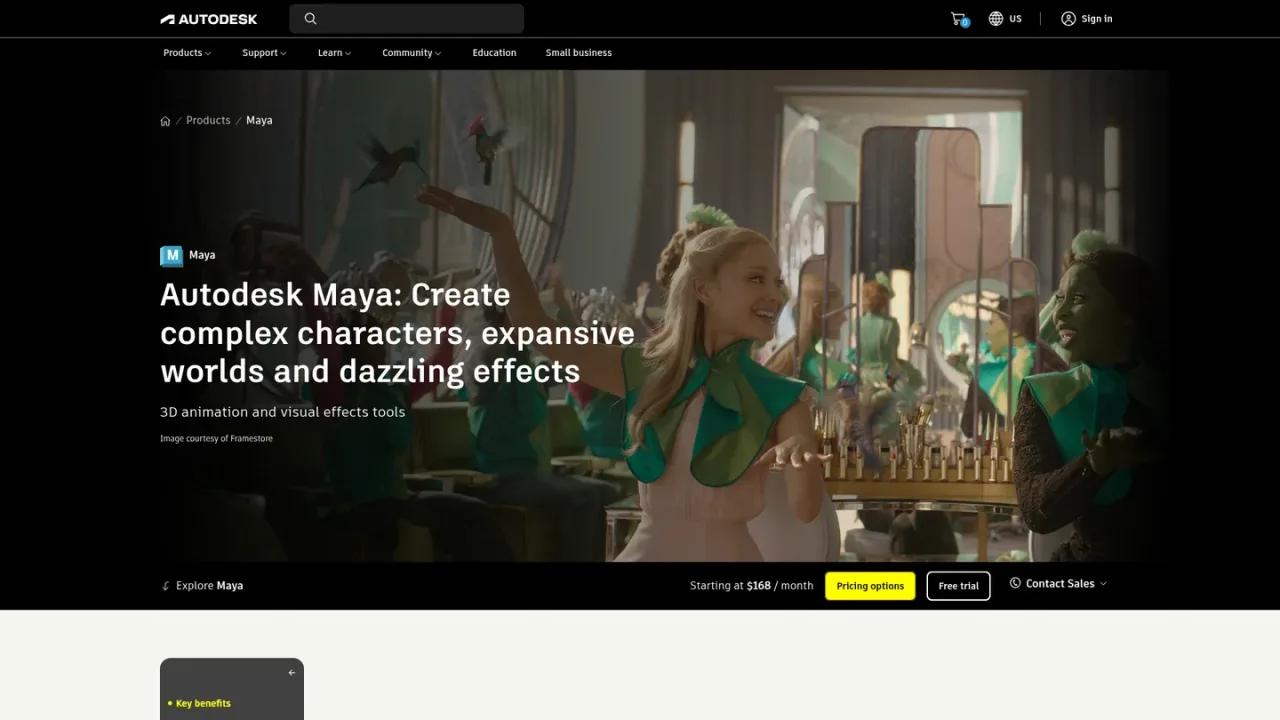
Autodesk Maya is a professional 3D animation and visual effects toolset used by modelers and animators in film, TV, and games. It combines modeling, layout, rigging and animation, physically accurate effects and simulations through Bifrost, look development with LookdevX, and rendering for stylized or realistic results. Artists can customize workflows with APIs and scripting, build content procedurally, and use AI features such as MotionMaker for character motion, ML Deformer, generative textures, and the Autodesk Assistant tech preview. Open standards like OpenUSD support collaboration. Maya runs on Windows, macOS, and Linux, is available through subscriptions or Flex tokens, and offers a 30-day free trial.
How to use Autodesk Maya
1
Start a trial or subscribe
Begin a 30-day free trial from the Maya trial page, or purchase a monthly, 1-year, or 3-year subscription through Autodesk.
2
Download and install
After signing in to your Autodesk account, find Maya under your products, select a version, platform, and language, then download and install.
3
Model and rig characters
Use Maya's modeling tools to build characters, props, and environments, then rig them with the animation toolset.
4
Animate with AI assistance
Use MotionMaker to generate character motion from a few keyframes or a motion path, with human, canine, and horse motion styles.
5
Build effects and look development
Create simulations and effects with Bifrost and author procedural materials with the LookdevX plug-in.
6
Render and collaborate
Produce stylized or realistic renders, and use integrated open standards such as OpenUSD to improve collaboration.
Autodesk Maya Features
Modeling tools for 3D characters, props, and environments
Rigging and animation toolsets
Physically accurate simulations and effects with Bifrost
Procedural material authoring with LookdevX
Rendering for stylized or realistic animation
MotionMaker AI for generating character motion
ML Deformer for fast, interactive character deformation
Generative textures via third-party solutions in LookdevX
Customization through APIs and scripting
Integrated open standards such as OpenUSD
Autodesk Maya Use Cases
Creating 3D characters and environments for film and TV
Animating character motion for pre-viz, hero, or background shots
Building physically accurate effects like explosions and ocean surfaces
Authoring procedural materials across multiple tools
Producing professional animation renders from hair and fur to intricate environments
Customizing tools and pipelines with MEL and Python
Collaborating across studios using OpenUSD workflows
Autodesk Maya FAQs
Maya is a professional 3D modeling, layout, animation, FX, and rendering toolset for creating realistic characters and effects for film, TV, and games.
It is used by artists such as modelers and animators across the film, TV, and games industries.
Maya runs on Microsoft Windows, Apple macOS, and Linux.
On Autodesk's US site, a monthly subscription is $255, an annual subscription is $2,010, and a three-year subscription is $6,025.
Yes. Autodesk offers a 30-day free trial of Maya from the date of download.
With a subscription you can install Maya on up to three computers or devices, but only the named user can sign in and use it on a single computer at any given time.
Documented features include MotionMaker for character motion, ML Deformer, generative textures through third-party solutions in LookdevX, and the Autodesk Assistant tech preview.
Students and teachers at qualified academic institutions worldwide are eligible for free access to Autodesk software for one year through the Autodesk Education Community.
Autodesk Maya Official Information
Company
Autodesk
Website
https://autodesk.com/products/maya/overview
Documentation
https://help.autodesk.com/view/MAYAUL/2027/ENU/
Contact
https://www.autodesk.com/support
Autodesk Maya Pricing
Paid
Prices are in USD as listed on Autodesk's US site. Annual and multi-year subscriptions include a 30-day return policy; monthly subscriptions include a 15-day return policy. A 30-day free trial is available. Students and educators at qualified institutions may be eligible for free educational access.
Monthly subscription
$255USD / month
A no-contract monthly subscription for flexible access to the full Maya toolset.
Avoids a long-term commitment
Can change to a 1-year or 3-year term anytime in your Autodesk account
15-day return policy for monthly subscriptions
Annual subscription
$2010USD / year
A one-year subscription that saves over the monthly price and suits short-term projects.
Save 33% over the monthly price
30-day return policy on annual subscriptions
Guaranteed pricing and uninterrupted access for 12 months
Three-year subscription
$6025USD / 3 years
A three-year subscription that protects against price increases for three years.