MiniMax Agent
MiniMax Agent is an AI workspace for coding, research, and creative tasks, with plugins, skills, custom agents, and a free M3.1-Flash model.
AI Chat Assistants ToolsFreemium
AI Assistant
PRODUCT OVERVIEW
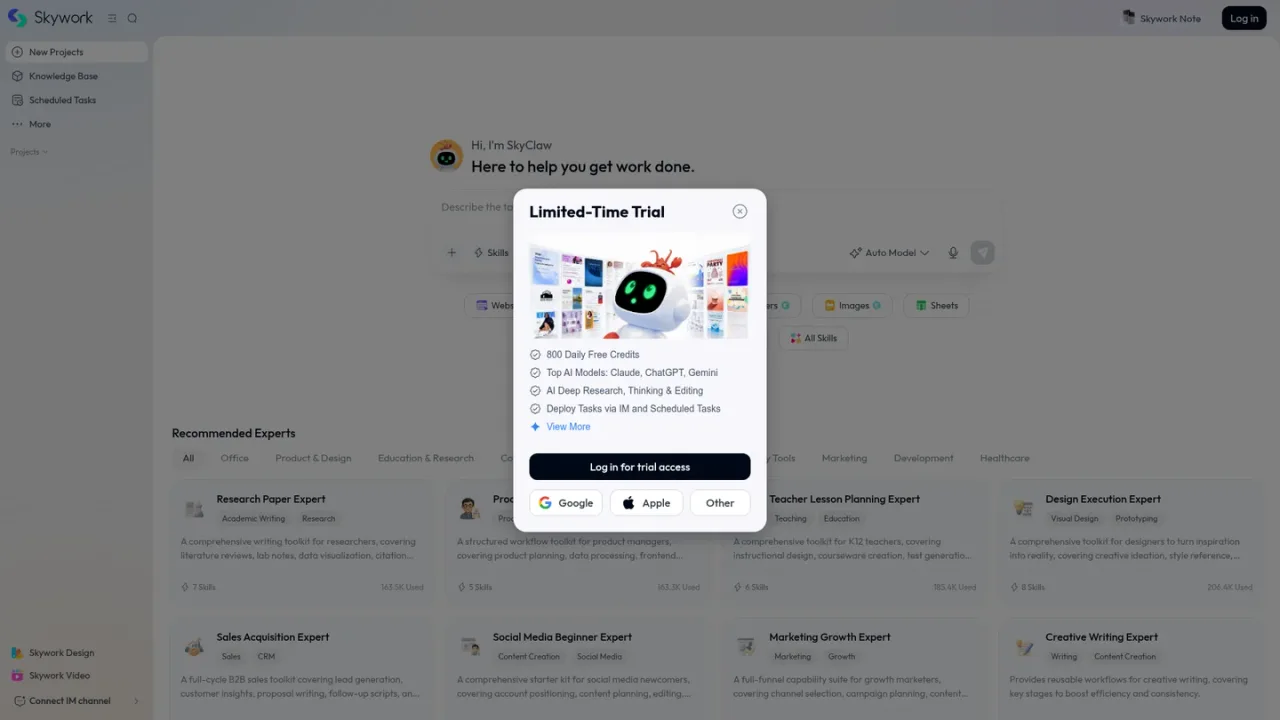
Skywork is an AI workspace agent that combines multiple AI models and expert workflows to handle multi-step tasks in one general workspace. It can create and refine documents, slides, spreadsheets, full-stack websites, images, posters, and videos, and it supports scheduled tasks, a knowledge base, and IM channel connections. Expert toolkits target roles such as researchers, product managers, teachers, designers, marketers, and sales teams. Skywork is available on the web and through iOS and Android apps, with a help center, tutorials, and FAQ for onboarding.
Researchers managing literature reviews, citations, and manuscript polishing
Product managers planning products, processing data, and taking meeting notes
Teachers designing instruction, creating courseware, and generating tests
Designers moving from ideation and style references to prototypes and final delivery
Marketers planning campaigns, distributing content, and reviewing growth data
Sales teams generating leads, writing proposals, and preparing follow-up scripts
Creating presentations, spreadsheets, websites, images, and videos from one workspace
Skywork describes itself as an AI workspace agent that handles multi-step tasks in one general workspace. It can produce documents, slides, sheets, websites, images, posters, and videos.
Skywork supports documents, slides, sheets, websites, images, posters, and videos, including multi-track video editing. It also offers Skywork Design, Skywork Video, Skywork Poster, and Skywork Note.
Yes. Skywork lists expert toolkits for roles including research, product management, teaching, design, sales, marketing, social media, video production, data analysis, and legal work.
Skywork lets you switch models or use Auto Model, which it describes as a smart mix of top AI models for tasks. The model list shown on the homepage includes several ChatGPT, Claude, Gemini, DeepSeek, and GLM options.
Yes. The Skywork workspace includes Scheduled Tasks and a Knowledge Base, and the help center notes that design guidelines can be added to the knowledge base.
Yes. Skywork lists an IM Connect feature and a Connect IM channel option in the workspace.
Skywork provides a Help Center with tutorials, a changelog, and an FAQ at skywork.ai/help. Feedback can be submitted through the help center or sent to feedback@skywork.ai.
Yes. Skywork links to an iOS app on the App Store and an Android app on Google Play.
See the official website for current pricing.
COMMUNITY REVIEWS
No reviews yet.
MiniMax Agent is an AI workspace for coding, research, and creative tasks, with plugins, skills, custom agents, and a free M3.1-Flash model.

Microsoft's AI assistant built into Word, Excel, PowerPoint, Outlook, and Teams, grounded in your work data with Work IQ.

Coze is an AI agent platform where you delegate work to AI teammates that use files, tools, and scheduled cloud tasks.