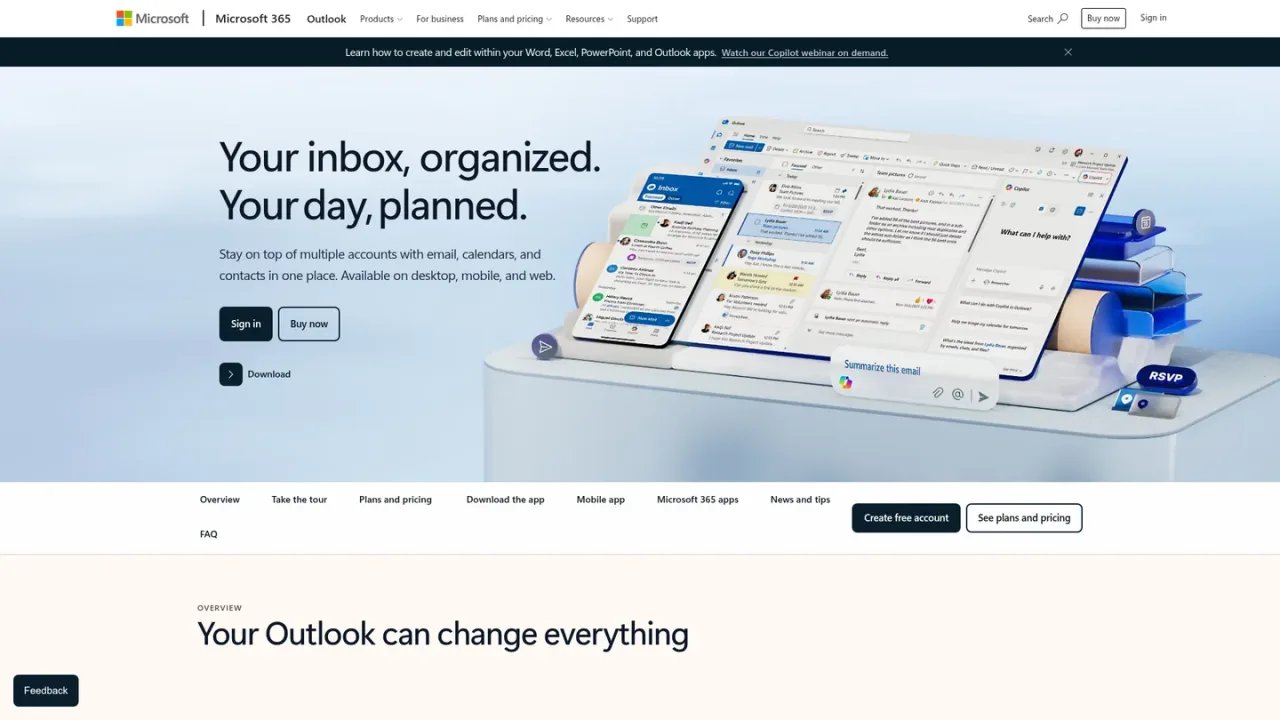
Copilot in Outlook is Microsoft's AI email assistant built into the Outlook experience. It helps you move from first thought to ready-to-send by drafting emails from a prompt and refining tone, length, and clarity, while coaching helps you send with confidence. It can also summarize key details and questions in long conversations so you spend less time in your inbox. Copilot in Outlook currently works with outlook.com, hotmail.com, live.com, and msn.com email addresses, and Copilot is included with a Microsoft 365 Personal or Family subscription. Outlook itself is available on desktop, mobile, and web, and a free Outlook app can be downloaded.
How to use Copilot in Outlook
1
Open Outlook
Sign in to Outlook on desktop, mobile, or web using a supported outlook.com, hotmail.com, live.com, or msn.com email address.
2
Start a draft with Copilot
Tell Copilot what you want to say and let it draft the email, then refine tone, length, and clarity before sending.
3
Summarize a long thread
Use Copilot to summarize key details and any questions specific to you in long email conversations.
Copilot in Outlook Features
Drafts emails from a prompt and helps refine tone, length, and clarity
Coaching helps ensure emails have the right clarity, length, and tone
Summarizes key details and questions in long email threads
Included with Microsoft 365 Personal or Family subscriptions
Works with outlook.com, hotmail.com, live.com, and msn.com email addresses
Copilot in Outlook Use Cases
Drafting a new email quickly from a short prompt
Polishing an email's tone and length before sending
Catching up on a long email thread by summarizing key details
Identifying questions directed specifically to you in a conversation
Copilot in Outlook FAQs
It is an AI assistant built into Outlook that drafts emails, helps refine tone, length, and clarity, and summarizes long conversations.
Copilot in Outlook currently works with outlook.com, hotmail.com, live.com, and msn.com email addresses.
Yes. Copilot is included with a Microsoft 365 Personal or Family subscription, and AI features are only available to the subscription owner.
Yes. Copilot can summarize key details and any questions specific to you in long conversations.
Yes. Copilot helps refine the tone, length, and clarity of a draft, and coaching helps you send with confidence.
Microsoft 365 Personal is listed at $9.99 per month or $99.99 per year, with a one-month free trial available.
Premium includes everything in Personal plus advanced Copilot with extensive usage, exclusive Copilot features, and limited usage for agentic AI.
Yes. AI features are only available to the subscription owner, cannot be shared, and usage limits apply.
Prices shown in USD for the United States market. Copilot in Outlook is included with Microsoft 365 Personal or Family subscriptions; AI features are only available to the subscription owner and usage limits apply. Copilot in Outlook currently works with outlook.com, hotmail.com, live.com, and msn.com email addresses.
Microsoft 365 Personal
$9.99USD / month
A subscription for one person that includes Microsoft 365 desktop apps with Copilot, including Copilot in Outlook.
For 1 person
Sign into 5 devices at once
Word, Excel, PowerPoint, Outlook, and OneNote desktop apps with Copilot
Higher usage limits than free for select Copilot features
1 TB of secure cloud storage
Microsoft 365 Premium
$19.99USD / month
A subscription that includes everything in Microsoft 365 Personal plus advanced Copilot with extensive usage.
Everything in Microsoft 365 Personal
Advanced Copilot chat with extensive usage
Extensive usage for AI image creation in Copilot
Access to Copilot features currently exclusive to Premium & Pro
Limited usage for agentic AI including advanced research and analytics
Microsoft 365 Pro
$99.99USD / month
A monthly subscription that includes everything in Microsoft 365 Premium plus the highest Copilot usage limits.
Everything in Microsoft 365 Premium
Advanced Copilot chat with highest usage
Highest usage for agentic AI including advanced research and analytics