
Slack AI
AI built into Slack that summarizes conversations and files, answers questions from your workspace knowledge, and generates workflows.
AI Chat Assistants ToolsFreemium
AI Search & Research Tools
PRODUCT OVERVIEW
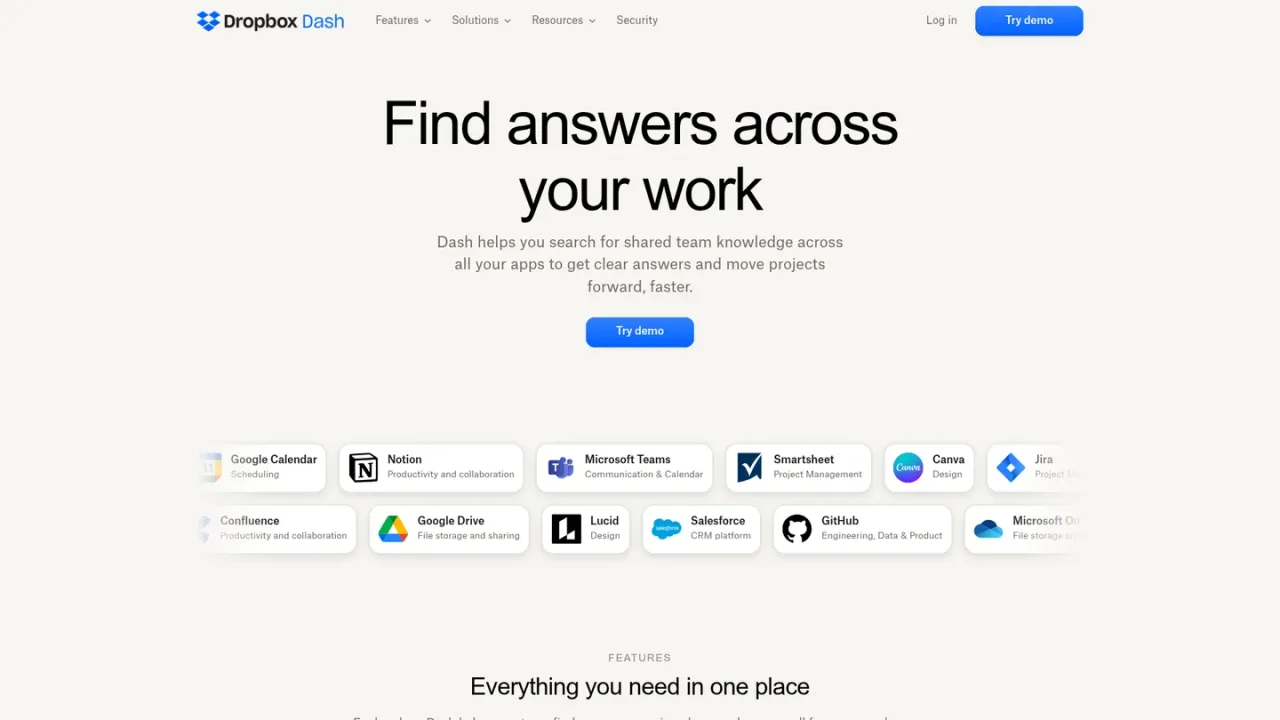
Dropbox Dash is an AI-powered universal search and knowledge tool from Dropbox. It connects to apps your team already uses—such as Google Drive, OneDrive, Gmail, Notion, Slack, Confluence, Jira, Asana, and Dropbox—so you can search files, emails, links, and messages from one place instead of switching tools. Dash uses AI to return context-relevant results, and its Chat feature summarizes documents and answers natural-language questions drawn from your content. Stacks let you group related files, links, and apps into shareable hubs, while a start page surfaces pinned documents, meetings, and recent activity. Built-in access governance respects existing permissions in connected apps, and Dash does not store or duplicate your files. It is aimed at individuals and teams, especially knowledge workers and IT teams, managing information spread across many platforms. Dash is available on desktop, web, and mobile, with a free trial signup and sales contact for teams.
Link tools such as Google Drive, OneDrive, Gmail, Notion, Slack, Confluence, Jira, Asana, and Dropbox so Dash can index content with permission.
Use AI-powered universal search to find files, images, videos, emails, and links across connected apps from a single search bar.
Pose natural-language questions and get context-aware answers, with long documents and threads summarized at a glance.
Group related files, links, and apps into Stacks to share knowledge and simplify collaboration without reworking folder structures.
Pin key documents, tasks, and tools on the start page and stay in sync with meetings and recent activity.
Finding files, emails, and links across multiple work apps from one search bar
Getting quick answers and document summaries without opening files
Preparing for meetings by pulling together calls, emails, proposals, and deal history
Organizing campaign briefs, decks, and brand assets into shareable Stacks
Reusing approved marketing content to draft posts, decks, and emails
Helping IT teams manage access to information spread across platforms
Dropbox Dash is an AI-powered universal search tool that helps you find files, links, and knowledge across your connected apps, with AI Chat for answers and summaries.
It is built for individuals and teams who work across multiple tools, especially knowledge workers, IT teams, and anyone managing large volumes of information spread across platforms.
Dash integrates with Google Drive, OneDrive, Gmail, Notion, Slack, Confluence, Jira, Asana, Dropbox, Microsoft 365, and more.
No. Dash does not store or duplicate your content; it indexes metadata and content with permission from connected apps without moving or copying files.
Yes. Dash includes built-in access governance that respects existing permissions from your connected apps.
Yes. Dash is available on desktop, web, and mobile.
Dash adds AI-powered Chat for instant insights, universal search across tools, Stacks for grouping content, and access control that respects existing app permissions.
The Dash website offers a free trial signup and a demo, and teams can contact sales for more information.
The supplied pages show a free trial signup and a contact-sales option but do not list plan prices or billing periods.
See the official website for current pricing.
COMMUNITY REVIEWS
No reviews yet.
AI built into Slack that summarizes conversations and files, answers questions from your workspace knowledge, and generates workflows.

Enterprise search for AI apps and agents, with knowledge bases, agentic retrieval, RAG pipelines, and permission-aware access to enterprise data.

Enterprise AI platform that grounds assistants and agents in company knowledge, with enterprise search, content creation, and agent building.