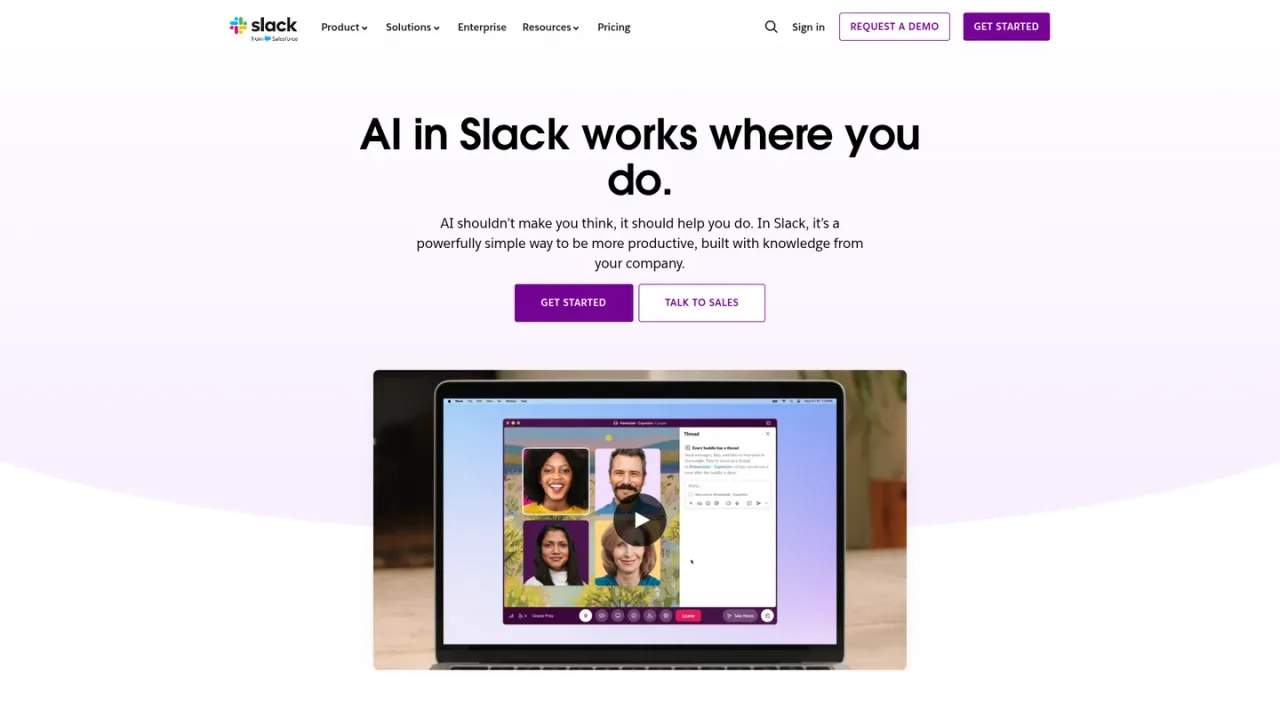
Slack AI is the native artificial intelligence layer built into the Slack collaboration platform. It works where teams already communicate, using the shared conversation history, files, and connected app data in a workspace as its knowledge source. Core capabilities include channel and thread summaries, meeting summaries with transcripts and action items, AI search that answers questions from conversations and shared files, daily recaps, file summaries, and AI workflow generation from a single prompt. Slackbot acts as a personal AI agent that understands workspace context and can help prepare for meetings, analyze reports, and draft project briefs. AI features are available across paid Slack plans, with advanced capabilities such as AI search, workflow generation, and Slackbot on higher tiers; a free plan includes basic AI features. Access is through the Slack website and apps.
How to use Slack AI
1
Start with a Slack workspace
Create or sign in to a Slack workspace; AI features are available across paid Slack plans, and the free plan includes basic AI features.
2
Summarize a channel or thread
Use AI conversation summaries to catch up on channels and threads without reading every message.
3
Ask AI search a question
Type a question in the Slack search bar to get answers drawn from conversations and shared files.
4
Generate a workflow from a prompt
Describe the workflow you need and let Slack AI and Workflow Builder build it from a single prompt.
5
Use Slackbot for workspace context
Ask Slackbot to help prepare for meetings, analyze reports, or create project briefs using workspace knowledge.
Slack AI Features
AI conversation summaries for channels and threads
Meeting summaries with transcripts, key takeaways, and action items
AI search answers from conversations and shared files
AI daily recaps across teams and projects
AI file summaries for documents shared in Slack
AI workflow generation from a single prompt
Slackbot personal AI agent that understands workspace context
Enterprise search across connected apps, databases, and systems
AI results respect the user's chosen client language and can translate in-line messages
Slack AI Use Cases
Catch up on unread channels and threads without scrolling
Find answers from past conversations and shared files
Prepare for meetings and draft project briefs with Slackbot
Build workflows from a prompt without coding
Get a daily digest of activity across teams and projects
Summarize documents shared in Slack
Slack AI FAQs
AI in Slack runs inside the collaboration platform where teams already work, using the organization's shared conversation history and files as a knowledge source rather than a separate browser tab or standalone assistant.
AI features are available across all paid Slack plans. The free plan includes basic AI features, while advanced AI capabilities such as AI search, AI workflow generation, and Slackbot are listed on Business+ and Enterprise+.
Slack AI can summarize channels and threads, provide daily recaps, summarize files shared in Slack, and produce meeting summaries with transcripts, key takeaways, and action items.
You type a question in the Slack search bar, and AI search returns answers drawn from conversations and shared files.
According to Slack's FAQ, customer data is not used to train large language models, and LLM providers do not have access to customer data; the LLMs are hosted within Slack's AWS virtual private cloud.
Yes. You can localize the Slack client into different languages, AI results respect your chosen language, and AI can translate certain in-line messages into another language.
Slackbot is a personal AI agent in Slack that understands conversations, files, and projects in the workspace and can help prepare for meetings, analyze reports, and create project briefs; plan limits apply.
Yes. AI workflow generation lets you build workflows from a single prompt using Slack AI and Workflow Builder.
Prices are in USD per user per month. Pro and Business+ list monthly and annual billing rates; a 50% discount applies for the first 3 months for eligible online purchases within the first 7 days of creating a team. Enterprise+ pricing requires contacting sales. AI features are included across paid plans, with advanced AI capabilities on Business+ and Enterprise+.
Free
$0USD / free forever
A free Slack plan for basic chat and collaboration with limited history and basic AI features.
90 days of message history
Up to 10 apps
1:1 meetings and 1:1 external messages
Basic AI: conversation summaries, Slackbot, AI workflow generation, AI search, daily recaps, file summaries
Pro
$8.75USD / per user / month, when paying monthly; 7.25 per user / month when paying annually
A paid plan for growing teams with unlimited message history, unlimited integrations, group meetings, and basic AI features.
Unlimited message history
Unlimited app integrations
Group meetings and group external messages with up to 250 orgs
Basic AI: conversation summaries, Slackbot, AI workflow generation, AI search, daily recaps, file summaries
Business+
$18USD / per user / month, when paying monthly; 15 per user / month when paying annually
A plan for scaling organizations that adds advanced AI capabilities and stronger administration and security controls.
Unlimited message history and unlimited app integrations
Advanced AI: conversation summaries, Slackbot, AI workflow generation, AI search, daily recaps, file summaries
SAML-based single sign-on
SCIM user management
EMM integration support and native data loss prevention
Enterprise+
The most comprehensive Slack plan, with enterprise-grade AI and enterprise search; pricing is available by contacting sales.
Enterprise-grade AI features
Enterprise search across connected apps, databases, and systems