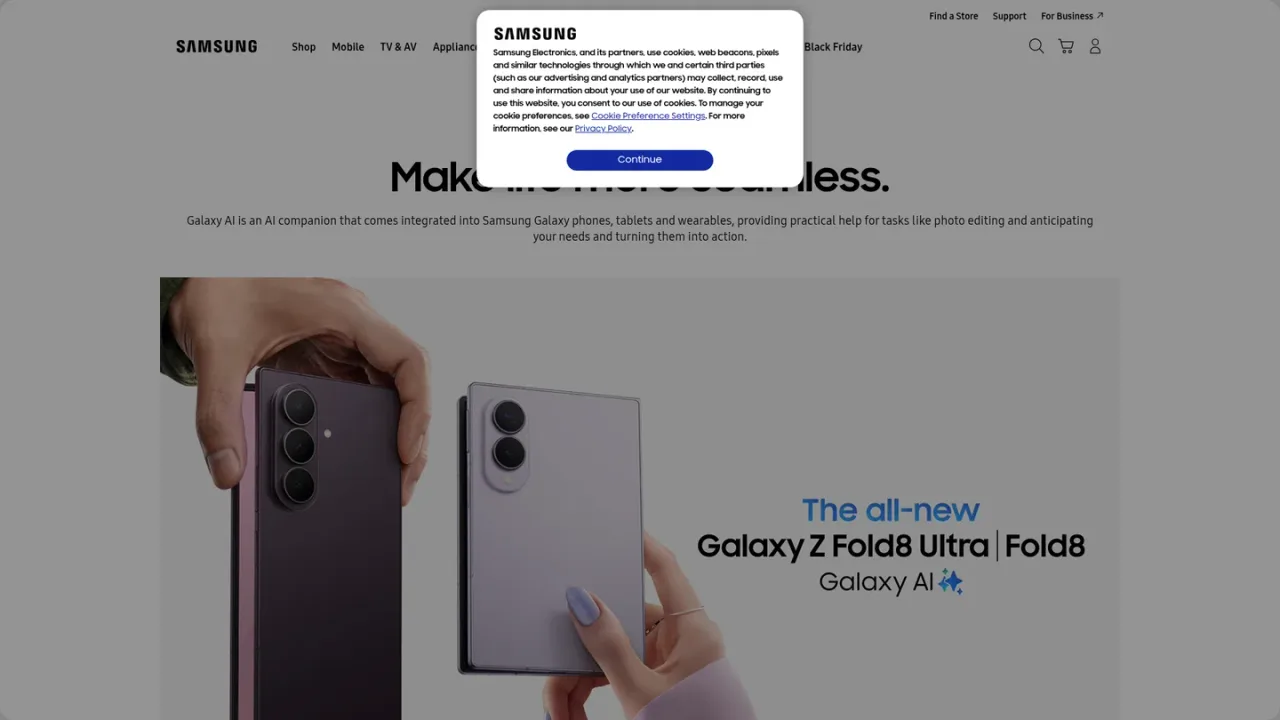
Samsung's built-in AI suite for Galaxy devices, offering context-aware assistance, writing and editing tools, photo and video editing, and real-time translation.
Galaxy AI is Samsung's built-in artificial intelligence suite for Galaxy smartphones, tablets, watches, earbuds and other supported devices. It combines a personal device assistant (Bixby) with context-aware features like Now Nudge and Now Brief, which surface suggestions and daily recaps based on what is happening on screen. Productivity tools include Writing Assist for proofreading, reformatting, rewording and summarizing text, plus Transcript Assist and Note Assist. Creative features such as Photo Assist, Creative Studio and My FanCam support photo editing, custom sticker creation and subject-tracking video crops. Communication tools include Interpreter for real-time translated audio and text, and Call Assist features like Live Translate. Galaxy AI is intended for everyday users who want smarter, more efficient workflows directly on their devices. Availability varies by model, region and OS version, and some features require a Samsung Account and internet connection.
How to use Galaxy AI
1
Check device compatibility
Confirm that your Galaxy device supports Galaxy AI. Smartphones from the S24 series onward are supported, and tablet and wearable support depends on model and OS version.
2
Use the Galaxy AI icon
In supported apps and screens, tap the four-star Galaxy AI icon to bring up a list of relevant actions, then select the action you want.
3
Let automatic features run
Some Galaxy AI features run automatically in the background by default, while others require you to trigger them manually.
4
Customize feature behavior
Enable or disable individual Galaxy AI features and adjust how they function in certain situations to match your preferences.
Galaxy AI Features
Bixby personal device assistant with natural language commands
Now Nudge context-aware suggestions based on on-screen activity
Now Brief daily insights, news, calendar events and personal recaps
Writing Assist for proofreading, reformatting, rewording and summarizing text
Photo Assist and Creative Studio for photo editing and custom content creation
My FanCam subject-tracking video crops in the Gallery
Interpreter real-time translated audio to Galaxy Buds and text on phone
Transcript Assist and Note Assist for productivity
Document Scan automatic detection and cleanup of document photos
Energy Score health insights
Galaxy AI Use Cases
Proofreading and summarizing text on your phone with Writing Assist
Editing photos and creating personalized stickers with Photo Assist and Creative Studio
Converting wide-angle videos into subject-centered tracking shots with My FanCam
Getting context-aware shortcuts and suggestions via Now Nudge
Reviewing daily news, calendar events and activity recaps with Now Brief
Translating conversations in real time with Interpreter and Galaxy Buds
Scanning and cleaning up document photos with Document Scan
Asking Bixby for commands and advice using natural language
Galaxy AI FAQs
Galaxy AI is built into Samsung smartphones from the S24 series onward, as well as tablets and wearables such as Galaxy Watch and Galaxy Buds, though support depends on model and OS version.
Some features run automatically in the background, while others can be triggered by tapping the four-star Galaxy AI icon in supported apps and screens.
Key features include Bixby, Now Nudge, Now Brief, Writing Assist, Photo Assist, Creative Studio, My FanCam, Interpreter, Transcript Assist, Note Assist and Document Scan.
Yes, the availability of certain Galaxy AI features may vary by region and model, so check that a specific feature is supported on your model in your region.
As of July 2026, Photo Assist, Creative Studio and Writing Assist support 41 languages; Now Nudge supports 16; Now Brief supports 13; and Call Assist, Note Assist, Interpreter and Transcript Assist support 22.
Yes, certain Galaxy AI features can be customized, including enabling or disabling them and choosing how they function in certain situations.
Some Galaxy AI features require a compatible device, a Samsung Account and an internet connection.
Now Brief delivers quick snapshots of useful information throughout the day, including news, calendar events, personal recaps, reminders and recommendations.
Galaxy AI basic features are free; future enhanced features or new services may be offered on a paid basis. Feature availability varies by region, device model, OS version and carrier. Checked 2026-11-19.
Galaxy AI (basic features)
$0USD / free
Galaxy AI basic features provided by Samsung are free and come integrated into supported Galaxy phones, tablets and wearables.