
Free
$0USD
For developers and small projects getting started with the Gemini API.
- Limited access to certain models
- Free input and output tokens
- Google AI Studio access
- Content used to improve Google products
AI Coding Assistant
PRODUCT OVERVIEW
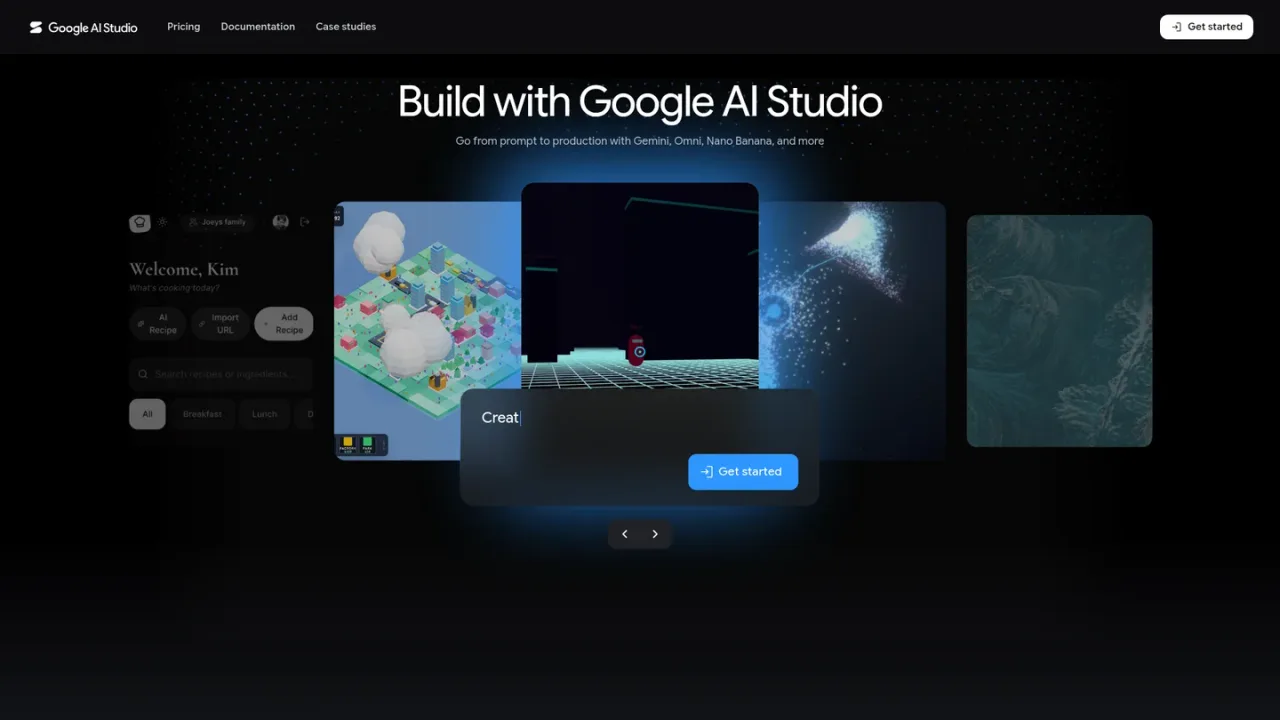
Google AI Studio is Google's developer environment for exploring and building with Gemini, Veo, Nano Banana, Lyria, and related generative models. It combines a prompt playground for text, image, video, speech, and music generation with API key management, official GenAI SDKs, and documentation for the Gemini API. Developers can use tools such as Google Search grounding, code execution, file search, and managed agents to assemble production workflows. Access starts free with limited model availability, while paid usage adds higher rate limits, context caching, Batch API discounts, and advanced models.
Sign in at aistudio.google.com and start a new chat or select a model such as Gemini, Nano Banana, Veo, or Gemini TTS to experiment with prompts.
Open the API keys page to generate and manage keys, then monitor resource usage from the same console.
Use the Google GenAI SDK for Python, JavaScript/TypeScript, Go, or Java to call the Gemini API from your application.
Connect built-in tools such as Google Search, Google Maps, code execution, URL context, and file search, or build managed agents in a hosted environment.
Upgrade to paid billing for higher rate limits, context caching, Batch API cost reductions, and access to Google's most advanced models.
Prototyping generative AI features before production deployment
Generating and editing images with Nano Banana
Creating video content from text or image prompts with Veo
Building conversational agents with the Interactions API
Transcribing speech with Gemini Transcribe models
Grounding responses with Google Search or Google Maps data
Processing long documents and multimodal inputs
Generating speech or music for applications
Google AI Studio usage is free of charge in all available regions, and the Gemini API has a free tier with limited access to certain models. Paid usage adds higher rate limits and advanced features.
The Free tier offers limited access to certain models and free input and output tokens, with content used to improve Google products. The Paid tier provides higher rate limits, context caching, Batch API access, advanced models, and does not use content to improve Google products.
Paid usage is billed per 1M tokens in USD at model-specific input, output, and context caching rates. Some models have time-limited promotional prices, and the Batch API offers a 50% cost reduction.
The Google GenAI SDK is available for Python, JavaScript/TypeScript, Go, and Java, and is the recommended library for accessing the Gemini API.
Built-in tools include Google Search, Google Maps, code execution, URL context, computer use, and file search, and they can be combined with function calling.
Yes. Nano Banana models generate and edit images, and Veo models create video content from text or image prompts.
Managed Agents give Gemini a workspace to plan and complete tasks, including writing and running code, searching the web, and creating files in a hosted sandbox environment.
You must be 18 or older, and use is intended for developers building with Google AI models for professional or business purposes, not for consumer use.
Google AI Studio usage is free of charge in all available regions. Gemini API paid usage is billed per 1M tokens in USD, with model-specific rates and time-limited promotional prices; Batch API offers a 50% cost reduction.
For developers and small projects getting started with the Gemini API.
For production applications that require higher volumes and advanced features; billed per 1M tokens at model-specific rates.
For enterprise deployments, powered by Gemini Enterprise Agent Platform.
COMMUNITY REVIEWS
No reviews yet.

SenseNova is SenseTime's large-model API platform offering text chat, multimodal understanding, image generation and tool calling via OpenAI-compatible endpoints.


