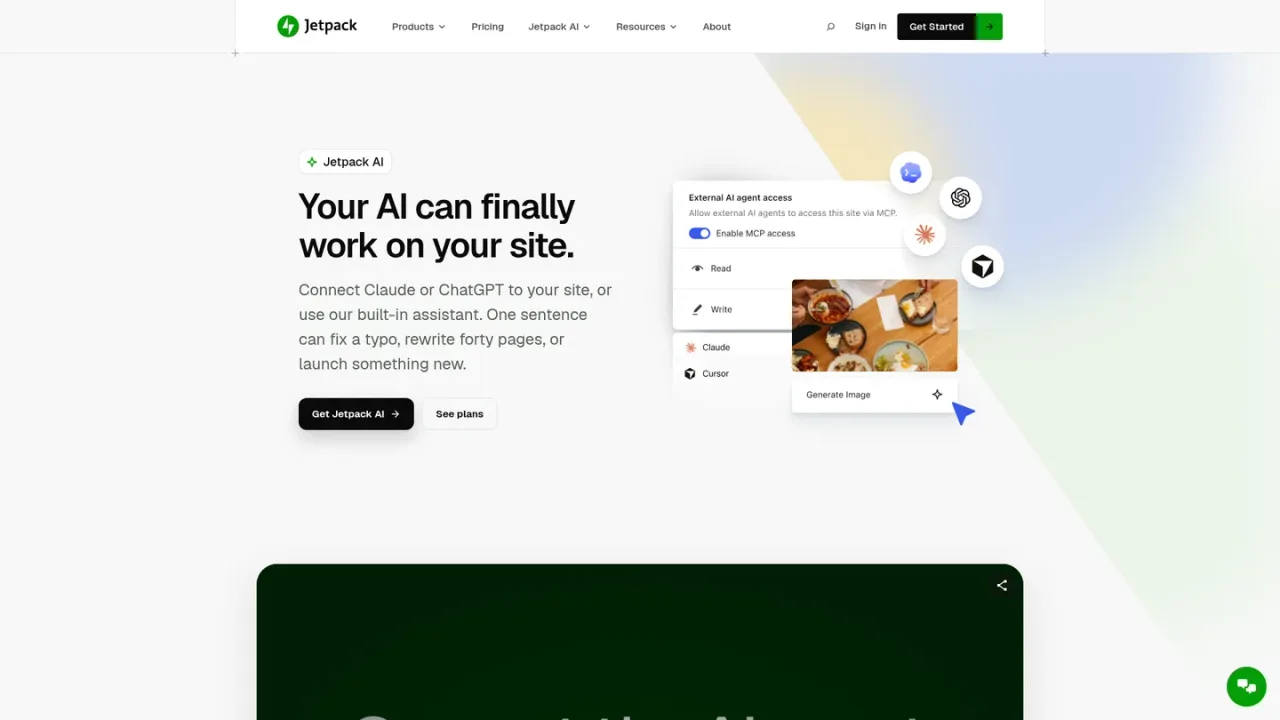
Jetpack AI is an AI assistant built into the WordPress block editor by Automattic, the company behind Jetpack. It generates blog posts, detailed pages, structured lists and tables, creates featured images, and helps with titles, summaries, tone adjustment and spelling or grammar correction without leaving the editor. Site owners can also connect ChatGPT, Claude, Claude Code or any MCP-compatible agent to work on the real site through their own WordPress permissions, with read and write toggles and an activity log. A free tier offers 20 requests, while the paid Jetpack AI plan adds high request capacity, agent connections and priority support; agent access is also included in Jetpack Complete.
How to use Jetpack AI
1
Install Jetpack and open the editor
Install the Jetpack plugin on a WordPress site, connect a free WordPress.com account, and open the block editor where the Jetpack AI block is available.
2
Generate content from a prompt
Use prompt-based generation to draft blog posts, pages, lists or tables, then adjust tone and accept or ignore suggested spelling and grammar corrections.
3
Create titles, summaries and images
Ask Jetpack AI to generate title options, summaries and featured images based on your post content and SEO best practices.
4
Connect ChatGPT, Claude or an MCP agent
Turn on agent access under Jetpack → Jetpack AI, then connect ChatGPT, Claude, Claude Code or another MCP-compatible agent so it can act on your connected sites within your permissions.
5
Review changes in the activity log
Check the Jetpack AI activity log and your site's Activity Log to see what changed and when, and use Jetpack Backup to restore a prior point if needed.
Jetpack AI Features
Prompt-based generation of blog posts, pages, lists and tables in the WordPress editor
Featured image generation without leaving the editor
Title and summary generation based on post content
Adaptive tone adjustment for formal or conversational text
Spelling and grammar correction with accept-or-ignore suggestions
Connect ChatGPT, Claude, Claude Code or any MCP-compatible agent
Read and write access toggles per site and per action, with confirmation for writes
Activity log recording of agent actions
Undo changes with Jetpack Backup
Jetpack AI Use Cases
Drafting and rewriting WordPress posts and pages from a prompt
Generating featured images and title options for blog posts
Fixing spelling and grammar across site content
Updating pages that mention an outdated price through a connected agent
Reviewing site content and stats through Claude or ChatGPT
Managing multiple connected sites from one AI agent
Jetpack AI FAQs
It can generate blog posts, detailed pages, structured lists and comprehensive tables, plus featured images, titles and summaries.
Yes, the Jetpack AI block is available for free up to 20 requests. You can upgrade to continue using it after the initial 20 requests.
The paid plan includes high request capacity for typical site creation and management, and a fair usage policy may apply in unusually high-use cases.
Claude and ChatGPT connect directly, Claude Code works on the site itself, and any MCP-compatible agent can connect the same way. Agent access is off until you turn it on under Jetpack → Jetpack AI.
It never gets more than your own WordPress permissions, and read and write access are separate toggles per site and per action, with writes waiting for your confirmation.
Every action is recorded in the Jetpack AI activity log, and content changes also appear in your site's Activity Log. With Jetpack Backup you can restore the site to a point before the change.
You can specify whether you want formal or conversational tone, and Jetpack AI adjusts the generated text accordingly.
Jetpack AI analyzes your text, identifies potential spelling and grammar errors, and suggests corrections you can accept or ignore.
Prices are per month for the first year, billed yearly; renewals are at full price. The paid plan has high request capacity subject to a fair usage policy. Free AI agent access is a limited-time offer for Jetpack sites ending November 30, 2026.
Jetpack AI Free
$0USD / per month
A free tier for trying Jetpack AI inside the WordPress editor with a limited request quota.
Quota of 20 requests
Prompt-based content generation
Generate text, images, tables and lists
Adaptive tone adjustment
Title and summary generation
Jetpack AI
$4.95USD / per month for the first year, billed yearly
The paid Jetpack AI plan for regular content creation, with high request capacity and agent connections. The first-year discount applies only to year one; renewals are at full price.
High request capacity, subject to fair usage limits