LangSmith Developer
$0USD / per seat per month, plus usage
AI Agent Builders Tools
PRODUCT OVERVIEW
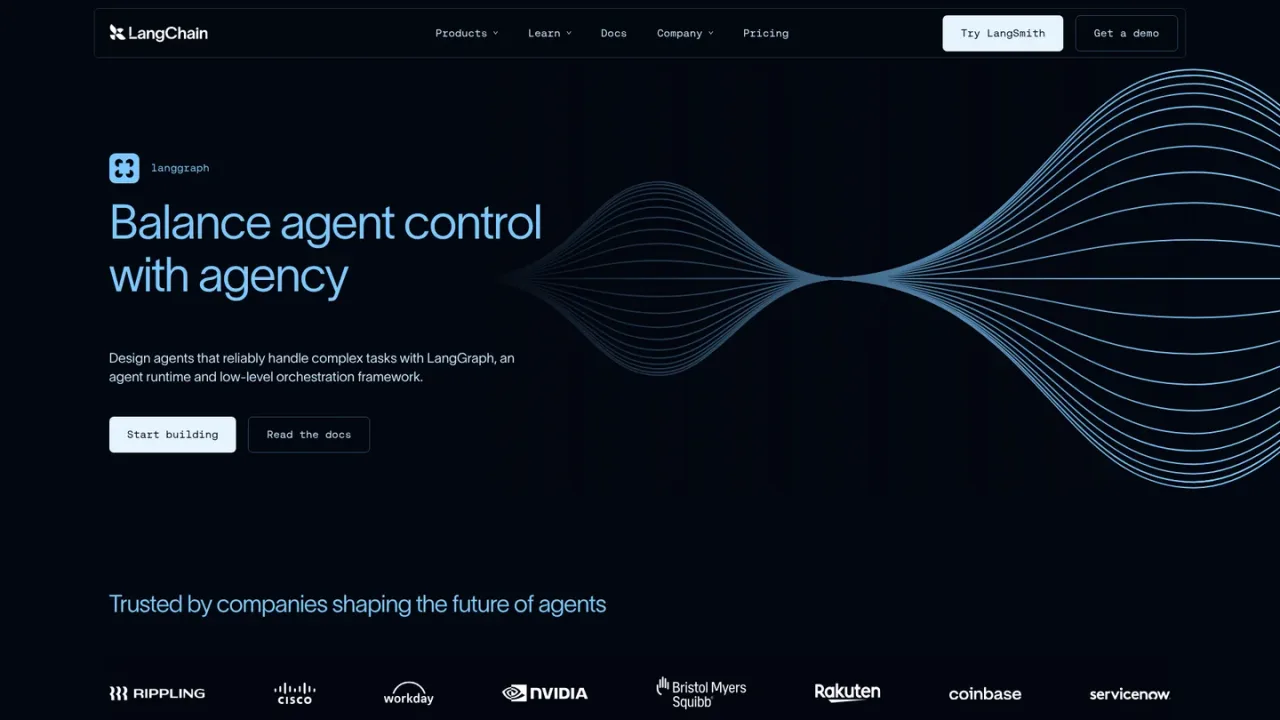
LangGraph is an agent runtime and low-level orchestration framework from LangChain for designing agents that reliably handle complex tasks. It gives developers fine-grained control over agent logic instead of a single black-box architecture, with documented support for human-in-the-loop interrupts, workflows and agents, memory, and streaming of intermediary steps and final output. It is aimed at engineering teams building bespoke, company-specific agents and streaming workflows, and it is designed not to add overhead to your code. LangGraph is an MIT-licensed open-source library that is free to use, and it can be paired with the commercial LangSmith platform for debugging, evaluation, and deployment.
Use the Start building link to reach the official LangGraph GitHub repository and install the library.
Follow the official LangGraph overview documentation to understand the runtime and orchestration model.
Use the documented workflows-and-agents guidance to structure your agent logic with low-level control.
Follow the docs on adding memory and on interrupts to support stateful and human-in-the-loop behavior.
Use the streaming documentation to surface intermediary steps and final output in your application.
Building bespoke agents for company-specific tasks
Designing streaming agent workflows
Adding human-in-the-loop review to agent runs
Adding memory to stateful agents
Pairing an open-source agent framework with LangSmith for debugging and deployment
LangGraph provides a more expressive framework for handling company-specific tasks without restricting users to a single black-box cognitive architecture.
According to the official FAQ, LangGraph will not add any overhead to your code and is specifically designed with streaming workflows in mind.
Yes. LangGraph is an MIT-licensed open-source library and is free to use.
The official LangGraph overview documentation is available at docs.langchain.com under the OSS Python LangGraph section.
Yes, the documentation includes guidance on interrupts for human-in-the-loop behavior.
Yes, the documentation includes a guide on adding memory to LangGraph agents.
Yes, streaming is documented, and LangGraph is described as designed with streaming workflows in mind.
LangSmith is LangChain's separate commercial agent engineering platform for debugging, evaluating, and deploying agents; the supplied pricing page lists its plans separately from the free LangGraph library.
Official managed LangSmith pricing checked 2026-11-09. These prices cover hosted services used with LangGraph, not a license fee for the open-source framework. Traces, deployment resources and model usage may incur additional charges.
COMMUNITY REVIEWS
No reviews yet.
Open agent engineering platform and open source frameworks for building, testing, deploying, monitoring, and improving AI agents.

Create AI assistants that connect to thousands of apps and perform tasks across your workflows.

Enterprise AI agent platform for building, governing, and optimizing voice and digital agents across customer service, employee workflows, and long-running processes.