Lens Studio
0/ free creation software
AI App & Low-Code Builders Tools
PRODUCT OVERVIEW
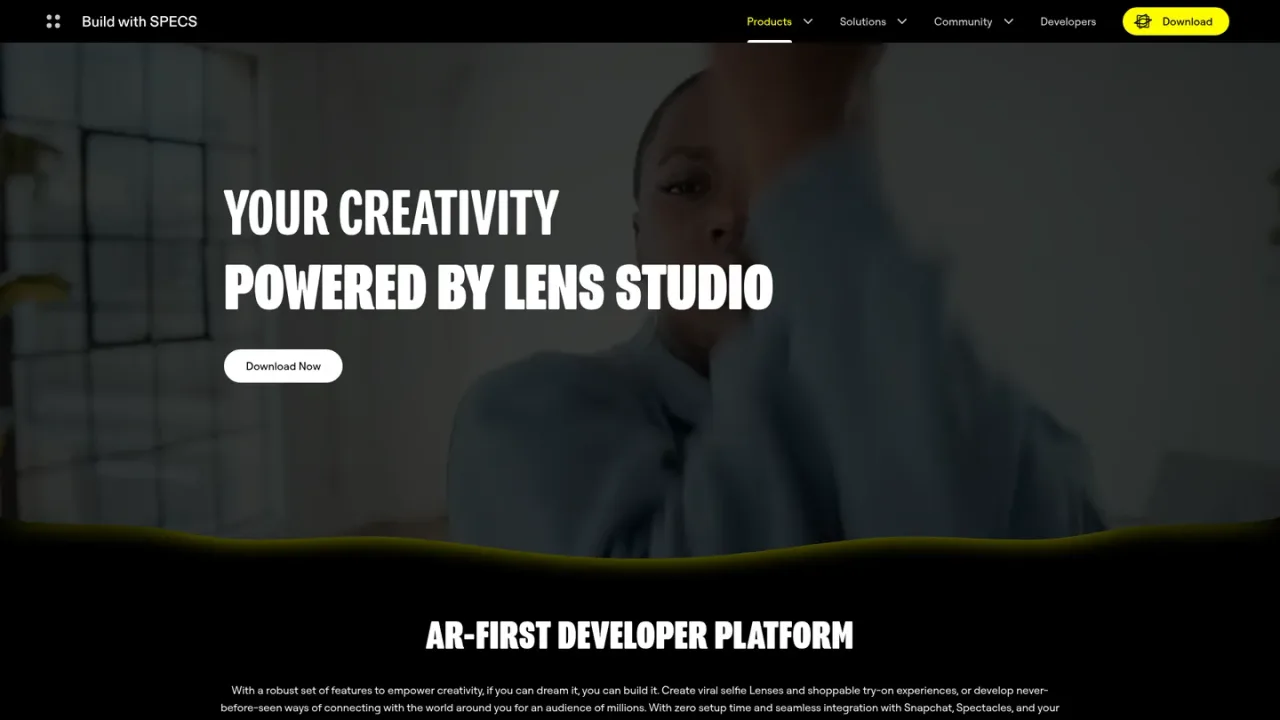
Lens Studio is Snap's free AR development platform for creating augmented reality experiences that run across Snapchat, Spectacles, and mobile and web applications via Camera Kit. It combines a modular editor with JavaScript and TypeScript support, package management, and plugins, plus a GenAI Suite that generates custom ML models and 2D or 3D assets from text or image prompts without coding. Developers can build selfie Lenses, shoppable try-on experiences, and spatial Connected Lenses for Spectacles using Sync Framework and multiple preview windows. An AI Assistant trained on Snap's learning materials helps answer development questions. Lens Studio is aimed at beginner and advanced creators, AR developers, and brands, with community resources, a Creator Marketplace, and Lens Creator Rewards.
Get the Lens Studio editor from the official download page and install it on your development machine.
Start a new Lens project in the editor and use its modular plugins, JavaScript and TypeScript support, and package management to build your AR experience.
Use the GenAI Suite with text or image prompts to create custom ML models and 2D or 3D assets without coding.
Use Connected Lenses, Sync Framework, and multiple preview windows to develop shared spatial experiences for Spectacles.
Share Lenses to Snapchat, Spectacles, and web or mobile apps through Camera Kit.
Creating viral selfie Lenses for Snapchat
Building shoppable try-on AR experiences
Developing shared spatial experiences for Spectacles
Generating custom 3D assets and ML models with GenAI
Extending the editor with custom plugins
Yes, the official page describes Lens Studio as Snap's free AR development platform.
You can download it from the official download page at ar.snap.com/download.
Lenses can be shared to Snapchat, Spectacles, and web and mobile apps through Camera Kit.
The GenAI Suite lets you build Lenses with text or image prompts without coding, while the editor also supports JavaScript and TypeScript for advanced development.
It enables custom creation of ML models and 2D and 3D assets from simple text or image prompts.
Yes, Lens Studio supports Connected Lenses, Sync Framework, and multiple preview windows for developing on Spectacles.
Yes, an AI Assistant with knowledge of Snap's learning materials can answer development questions.
Official documentation is available at docs.snap.com/lens-studio/home.
Official pricing rechecked 2026-11-10. Snap explicitly states that Lens Studio creation and organic Lens publishing are free. Paid advertising, outside production services and hardware are separate.
COMMUNITY REVIEWS
No reviews yet.