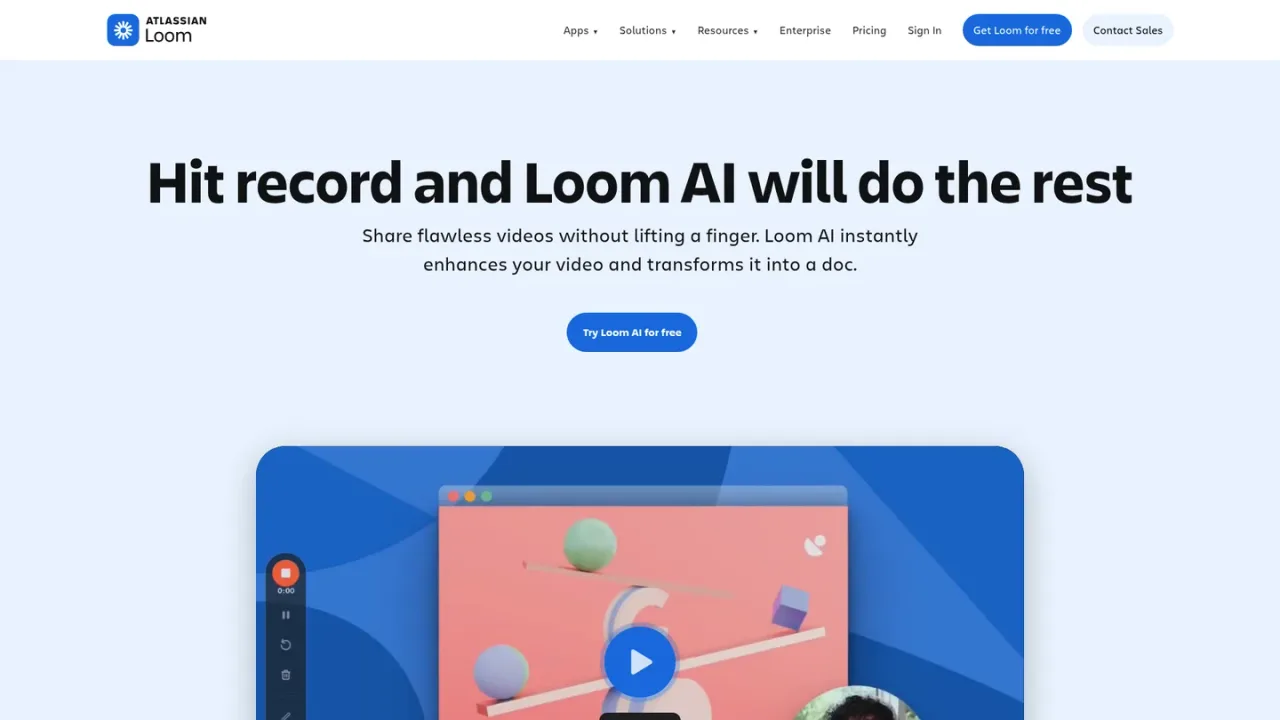
AI video enhancement that auto-generates titles, summaries, chapters, and docs, removes filler words and silence, and turns recordings into tasks and messages.
Loom AI is an AI layer built into Loom's screen and meeting recording platform. After you record, it automatically generates titles, summaries, chapters, and call-to-action links, removes filler words and silence, and can turn a video into a written document, a Jira or Linear issue, or a shareable message. It also produces AI meeting notes, action items, and recap emails. Auto-enhancement works in 50+ languages, while AI workflows currently generate documentation in English. It suits teams documenting processes, engineers filing bug reports, and anyone sharing async video updates. Access is through the Business + AI plan, with a 14-day free trial, and the Enterprise plan; a free Starter tier covers basic recording.
How to use Loom AI
1
Record a video or meeting
Use Loom's desktop app, Chrome extension, or mobile app to capture your screen, camera, and audio, or record a meeting.
2
Let Loom AI enhance automatically
After recording, Loom AI generates a title, summary, chapters, and CTA, and removes filler words and silence.
3
Turn video into a doc or task
Use AI workflows to convert the recording into a document, a Jira or Linear issue, or a message to share alongside the link.
4
Review meeting notes and recaps
For recorded meetings, Loom AI produces notes, action items, and automatic recap emails.
Loom AI Features
Auto-generated titles, summaries, chapters, and CTA links
Filler word and silence removal
Video-to-text automation into docs, Jira or Linear issues, and messages
AI meeting notes, action items, and recap emails
Auto-enhancement in 50+ languages
AI workflows that generate documentation in English
Loom AI Use Cases
Documenting processes and SOPs from a screen recording
Filing bug reports in Jira or Linear with video context
Sharing async video updates with auto-generated summaries
Capturing meeting notes and action items without typing
Writing messages and emails to accompany a video link
Loom AI FAQs
A workspace Admin can upgrade to the Business + AI or Enterprise plan in workspace settings under the Plan and Billing tab.
Yes, the Business + AI plan can be tried free for 14 days upon signing up for Loom.
It auto-generates titles, summaries, chapters, and CTA links, removes filler words and silence, and can turn the video into a document, issue, or message.
Auto-enhancement features such as titles and summaries are generated in 50+ languages; AI workflows currently generate documentation in English only.
OpenAI receives transcript data as text files to generate titles and summaries; it does not receive full videos or audio.
For recorded meetings, Loom AI produces notes, action items, and automatic recap emails.
The free Starter plan allows 25 videos per member; to record more, you need to upgrade to a Business plan.
You can be billed monthly, or save 17% by paying annually; credit card payment is accepted.
Prices shown are per user per month when billed annually; monthly billing is available and annual billing saves up to 17%. Business + AI includes a 14-day free trial. Enterprise pricing requires contacting sales.
Starter
$0USD / per user / month
Free tier for getting started with video communication, with limited recording length and video count.
Up to 25 videos per person
5-minute screen recordings
Unlimited meeting length
Transcriptions in 50+ languages
Up to 50 workspace members
Business
$18USD / per user / month, billed annually
Paid plan with unlimited videos and recording time plus basic editing and branding removal.
Unlimited videos and recording time
Basic waveform editing
Remove Loom branding
Upload and download videos
Priority support
Business + AI
$24USD / per user / month, billed annually
Adds the full Loom AI suite, including auto-enhancement, video-to-text automation, and meeting recaps.
Auto titles, summaries, chapters, and CTA
Filler word and silence removal
AI workflows and video-to-text automation
Auto meeting notes and recap emails
Admin insights
Enterprise
Organization plan with advanced security, admin controls, and dedicated support; pricing requires contacting sales.