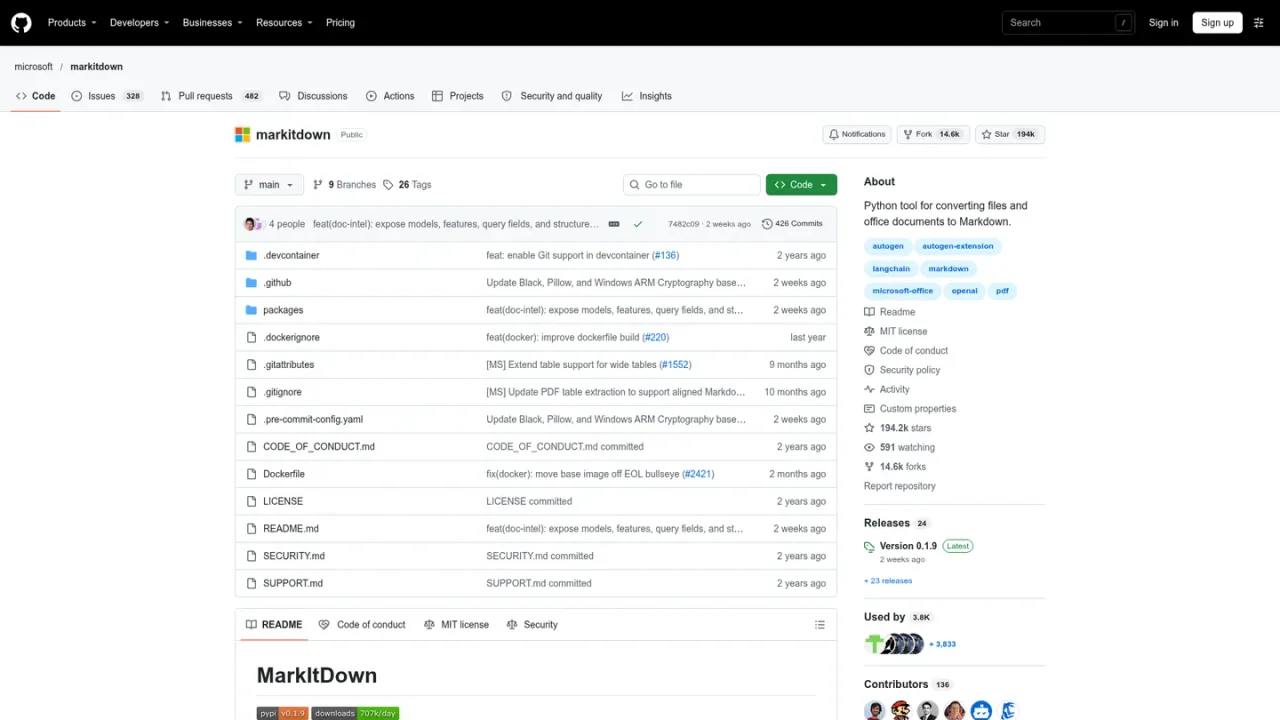
Microsoft open-source Python utility and CLI that converts PDFs, Office documents, images, audio, HTML, and other files into Markdown for LLM and text-analysis pipelines.
MarkItDown is a lightweight Microsoft open-source Python utility and command-line tool for converting files to Markdown for use with LLMs and related text analysis pipelines. It preserves document structure such as headings, lists, tables, and links. Supported inputs include PDF, PowerPoint, Word, Excel, images (EXIF metadata and captioning), audio (EXIF metadata and speech transcription), HTML, text-based formats (CSV, JSON, XML), ZIP files, YouTube URLs, and EPubs. It requires Python 3.10 through 3.14 and is installed via pip. Optional dependencies enable specific formats, and third-party plugins are supported. Optional Azure Document Intelligence and Azure Content Understanding integrations provide cloud-based conversion and are billed as Azure API calls. Image captioning and speech transcription rely on web-hosted services. The project is published under the MIT license.
How to use MarkItDown
1
Install the package
Install MarkItDown from PyPI, for example with pip install markitdown, to use it as a Python library or command-line tool.
2
Convert a file from the CLI
Run the markitdown command against a supported file to produce Markdown output on the command line.
3
Use the Python API
Import MarkItDown in Python and call its conversion methods to turn documents into Markdown inside your own scripts and pipelines.
4
Add optional plugins
Install optional dependencies or plugins, such as the OCR plugin, to extend conversion to additional formats or scenarios.
5
Run with Docker
Build and run the provided Dockerfile to use MarkItDown in a containerized environment.
MarkItDown Features
Converts PDF, PowerPoint, Word, Excel, images, audio, HTML, CSV/JSON/XML, ZIP, YouTube URLs, and EPubs to Markdown
Preserves document structure such as headings, lists, tables, and links
Usable via Python API, command-line interface, or Docker
Optional per-format dependencies and third-party plugin support
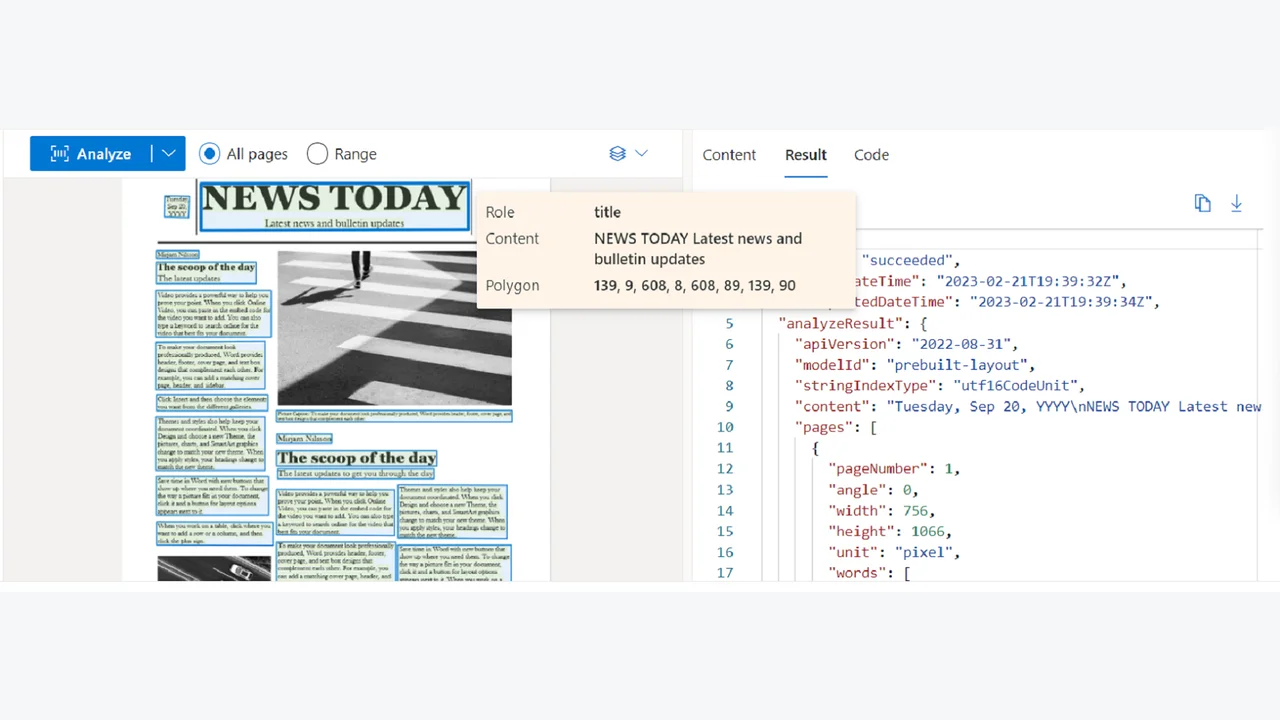
Optional Azure Document Intelligence and Azure Content Understanding integrations (billable Azure API calls)
Requires Python 3.10 through 3.14; installable via pip
MarkItDown Use Cases
Preparing documents as Markdown for LLM prompts and pipelines
Text analysis and indexing of office documents
Batch conversion of files via CLI or Docker
Extending conversion with plugins such as OCR
MarkItDown FAQs
It converts files and office documents such as PDFs, Word, PowerPoint, Excel, images, audio, HTML, and other formats into Markdown.
You can use it as a Python library, from the command line, or through the provided Docker setup.
The package is published on PyPI, and the source code is available in the microsoft/markitdown GitHub repository.
Yes, the repository is published under the MIT license.
Yes, it supports plugins, including an OCR plugin, and optional Azure Document Intelligence and Content Understanding integrations.
It aims to keep structure such as headings, lists, links, and tables so the Markdown output is useful for LLM and text-analysis workflows.
No, the optional Azure Document Intelligence and Content Understanding integrations are Azure services billed separately by Azure.
MarkItDown is published under the MIT license and installed via pip; the repository states no price for the software itself. Optional Azure Document Intelligence and Azure Content Understanding conversions are billable Azure API calls, and image captioning/speech transcription rely on web-hosted services.
MarkItDown (MIT license)
0
Open-source Python utility and CLI published under the MIT license and installable via pip. Optional Azure services used for some conversions are billed separately by Azure.
MIT license
Install via pip install 'markitdown[all]'
Converts PDF, PowerPoint, Word, Excel, images, audio, HTML, CSV/JSON/XML, ZIP, YouTube URLs, EPubs and more
Optional plugins and Azure Document Intelligence / Azure Content Understanding integrations (billable Azure API calls)