F0
$0USD / per month, limited character allowance
AI Subtitles & Translation Tools
PRODUCT OVERVIEW
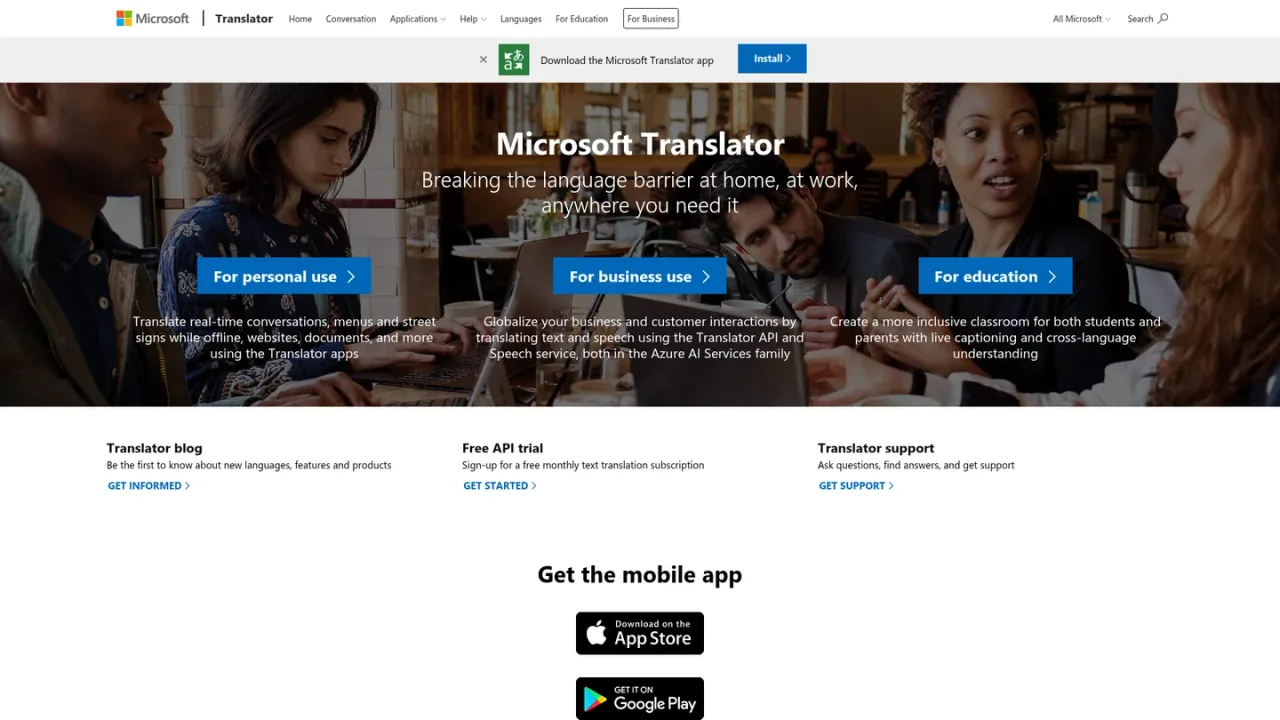
Microsoft Translator is a translation service from Microsoft that helps break language barriers at home, at work and in education. Its apps translate real-time conversations, menus and street signs even while offline, as well as websites and documents. For business, the Translator API and Speech service in Azure AI Services let organizations globalize customer interactions by translating text and speech. Educators can use live captioning and cross-language understanding to build more inclusive classrooms. The service is available through mobile apps on iOS, Android and Amazon, plus web and desktop experiences, with a free monthly text translation API trial for developers.
Install the Microsoft Translator app on iOS, Android or Amazon, then enter or speak text to get translations.
Use the conversation feature to translate real-time spoken dialogue between people who speak different languages.
Download language packs to translate menus, street signs and other text without an internet connection.
Use Translator to translate web pages and documents into your preferred language.
Sign up for the free monthly text translation subscription and use the Translator API and Speech service in Azure AI Services.
Travelers translating signs and menus offline
Businesses localizing customer interactions via API
Educators creating inclusive classrooms with live captioning
Individuals translating websites and documents
You can translate real-time conversations, menus and street signs (even offline), websites, and documents using the Translator apps.
Yes, Microsoft offers a free monthly text translation subscription trial for the Translator API.
The Microsoft Translator app is available for iOS, Android and Amazon devices.
Yes, the apps can translate menus and street signs while offline.
It provides live captioning and cross-language understanding to help create more inclusive classrooms for students and parents.
Businesses can use the Translator API and Speech service, both part of Azure AI Services, to translate text and speech.
Visit the Translator support page to ask questions, find answers and get support.
Official pricing rechecked 2026-11-10. F0 includes 2 million characters/month shared across standard translation and custom training. S1 prices are reference USD pay-as-you-go rates, not a subscription bundle. Model training and hosting, image translation and commitment tiers are priced separately; regional/contract rates may vary.
COMMUNITY REVIEWS
No reviews yet.

Baidu AI Cloud machine translation service supporting 200+ languages, text, document, image, and speech translation, with API and private deployment options.