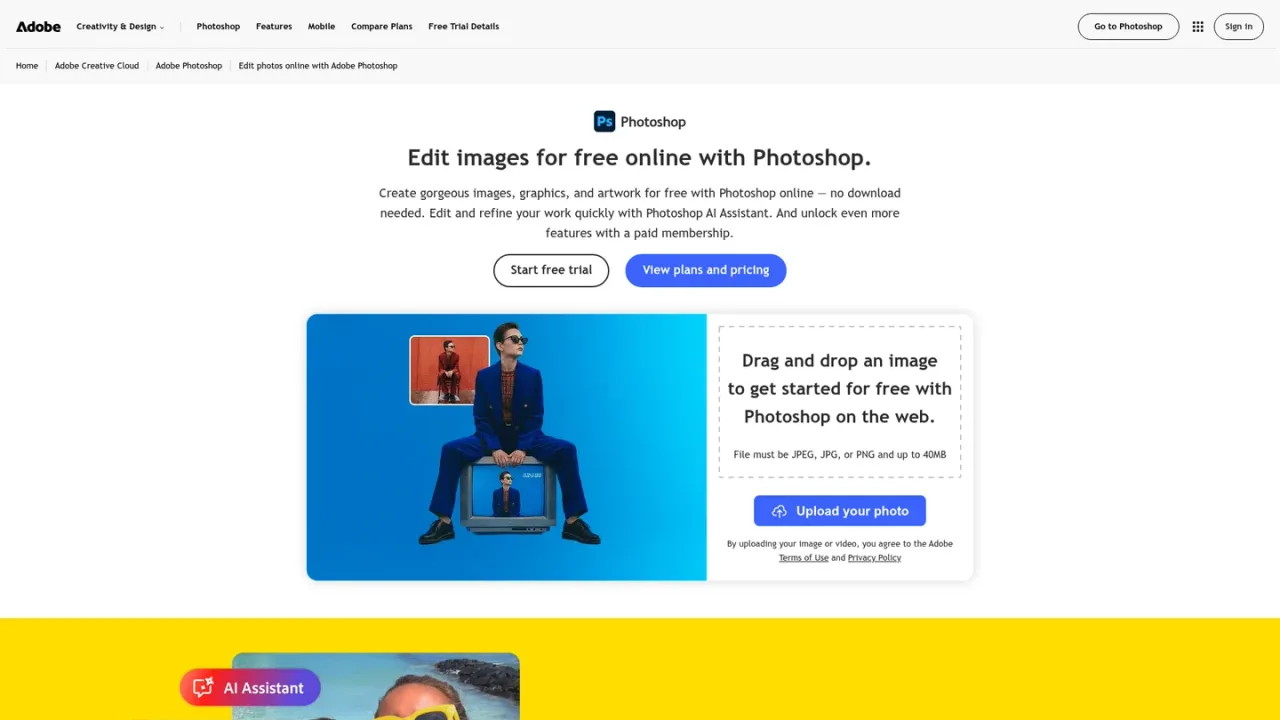
Photoshop on the web is Adobe's browser-based edition of Photoshop, letting you edit images without downloading software. It combines precise retouching tools like Spot Heal with generative AI features such as Generative Fill and Generative Expand, powered by Adobe Firefly, to add or remove elements and extend backgrounds. You can adjust hue and saturation, add text using over 30,000 fonts, and work with JPEG, PNG, and PSD files. Photoshop AI Assistant (beta) lets you describe edits in natural language on web and mobile. The web app suits creators of all skill levels and is available with any Photoshop plan, including the Photoshop Mobile and Web plan; a free trial is offered, but there is no free version for uploading and editing your own photos.
How to use Photoshop on the web
1
Upload an image
Drag and drop or select a JPEG, JPG, or PNG file up to 40MB and 8,000 x 8,000 pixels to start editing in the browser.
2
Use AI Assistant
On web, open an image or blank document and click the Photoshop AI Assistant (beta) icon in the right-hand menu to describe your edit.
3
Apply AI Markup
In the Contextual Task Bar, choose AI Markup to leave text prompts or quick sketches on the canvas for targeted edits (web only).
4
Adjust colors and add text
Use hue and saturation sliders for color changes, and add text with over 30,000 fonts to create graphics and posters.
Photoshop on the web Features
Photoshop AI Assistant (beta) for natural-language edits on web and mobile
Generative Fill and Generative Expand powered by Adobe Firefly
Spot Heal for removing flaws
Hue and saturation sliders for color adjustments
Add text with over 30,000 fonts
Support for JPEG, PNG, and PSD files
AI Markup for text prompts or sketches on canvas (web only)
Photoshop on the web Use Cases
Retouching and enhancing photos in a browser
Removing unwanted objects or extending backgrounds with generative AI
Creating social posts and posters with text and images
Making color adjustments for vibrant hues
Photoshop on the web FAQs
There is no free version for uploading and editing your own photos. You can try guided tutorials without an Adobe account, or start a free trial or sign up for a Photoshop plan.
Photoshop on the web is available with any Photoshop plan, including the Photoshop Mobile and Web plan, which can be purchased in-app on iPhone.
You can upload JPEG, JPG, or PNG files up to 40MB and maximum dimensions of 8,000 x 8,000 pixels.
On web, open an image or blank document and click the Photoshop AI Assistant (beta) icon in the right-hand menu. On mobile, use the prompt bar to type or speak your edit.
No, Photoshop AI Assistant (beta) is currently available on web and mobile, but not on Photoshop on desktop.
AI Markup lets you leave text prompts or quick sketches on the canvas to apply edits to specific parts of an image. It is available on web but not on mobile.
Yes, you can add text using over 30,000 fonts and adjust size, spacing, and color.
It includes Photoshop on iPhone and iPad with premium features and full access to Photoshop on the web.
Prices shown are for the individual plan, annual, billed monthly, in US dollars. A free trial is available; there is no free version for uploading and editing your own photos.
Photoshop
$22.99USD / per month, annual, billed monthly
Individual Photoshop plan for creating graphics, photos, and art on desktop, web, and mobile.
Access to Photoshop on desktop, web, and mobile
Create graphics, photos, and art
Annual subscription billed monthly
Creative Cloud Pro
$69.99USD / per month, annual, billed monthly
Includes 20+ apps such as Photoshop, Illustrator, and Premiere, plus Adobe Firefly creative AI. New subscribers may pay US$34.99/mo for the first 3 months.
20+ Creative Cloud apps including Photoshop
Adobe Firefly creative AI
Annual subscription billed monthly
Promotional first 3 months at US$34.99/mo for new subscribers
Photography
$19.99USD / per month, annual, billed monthly
Photoshop and Lightroom across devices, Lightroom Classic, and 1TB of cloud storage.