
Notion AI
Notion AI is a built-in AI teammate inside Notion that chats, searches, writes, and automates work across your pages, databases, and connected apps.
AI Chat Assistants ToolsFreemium
AI Assistant
PRODUCT OVERVIEW
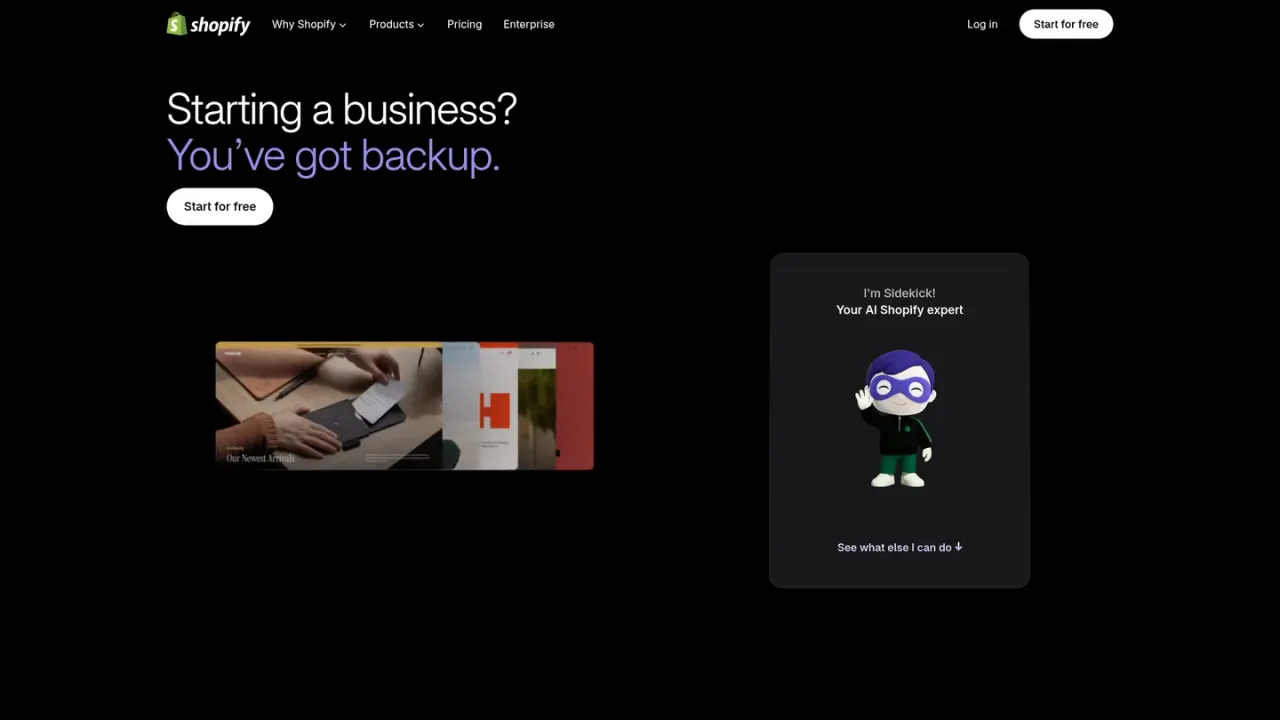
Sidekick is Shopify's AI commerce assistant, built into every Shopify store as an always-available expert for launching and running a business. It works across several roles: a designer that turns a store idea into a custom design, a photo editor that upgrades phone photos into studio-style product shots, a writer that drafts product copy, tech support that helps lock in a domain and get set up to sell, and a marketer that creates social and marketing content. Because it has direct access to your Shopify data and understands commerce workflows, it can answer questions and take action in your admin rather than just give generic advice. Staff use it according to their existing admin permissions, and it adapts to your store's language settings. Sidekick is included with a Shopify plan, with features and usage limits varying by plan.
In your Shopify admin, click the purple glasses icon. No setup or configuration is required.
Type a request such as picking a theme, adding product photos, or customizing your design, and Sidekick responds in the chat.
Use suggested prompts like /product-description, /social-posts, /weekly-summary, or /shipping-audit to begin common commerce tasks.
Sidekick can complete tasks in your admin, such as creating customers and companies or writing ShopifyQL queries for performance data.
Drafting SEO-friendly product descriptions
Analyzing pricing and finding ways to boost sales
Creating social media content for products
Getting a weekly performance summary
Setting up discounts and offers
Building an email marketing campaign
Organizing products into smart collections
Auditing shipping configurations
No. Sidekick is included with your Shopify plan, though features and usage limits vary by plan.
Every staff member can use Sidekick based on their admin permissions, so team members only interact with data and features they are authorized to use.
Sidekick has direct access to your Shopify data, understands commerce workflows, and can take action in your admin, which generic AI tools cannot do.
Yes. Sidekick adapts to your store's language settings and can help you in multiple languages.
Open your Shopify admin and click the purple glasses icon. There is no setup or configuration; just start asking questions.
It can help design your store, edit product photos, write product copy, assist with domain setup, and create social and marketing content.
Yes. For example, it can create customers and companies for you and write ShopifyQL queries for web performance and payments data.
No. Sidekick requires no setup or configuration; you open it from your Shopify admin and begin asking questions.
Sidekick is included with a Shopify plan; features and usage limits vary by plan. The Sidekick page advertises starting for free, then 3 months for $1/mo, but plan-level prices are not listed on the supplied pages.
See the official website for current pricing.
COMMUNITY REVIEWS
No reviews yet.
Notion AI is a built-in AI teammate inside Notion that chats, searches, writes, and automates work across your pages, databases, and connected apps.

Quark is an AI flagship app with Qwen-powered chat, AI search, creation, summarization, cloud storage, and scanning tools.

ChatGPT is an AI assistant for chatting, creating images, uploading files, and running multi-step research with cited reports.