Community
$0USD / free forever
AI Workflow Automation Tools
PRODUCT OVERVIEW
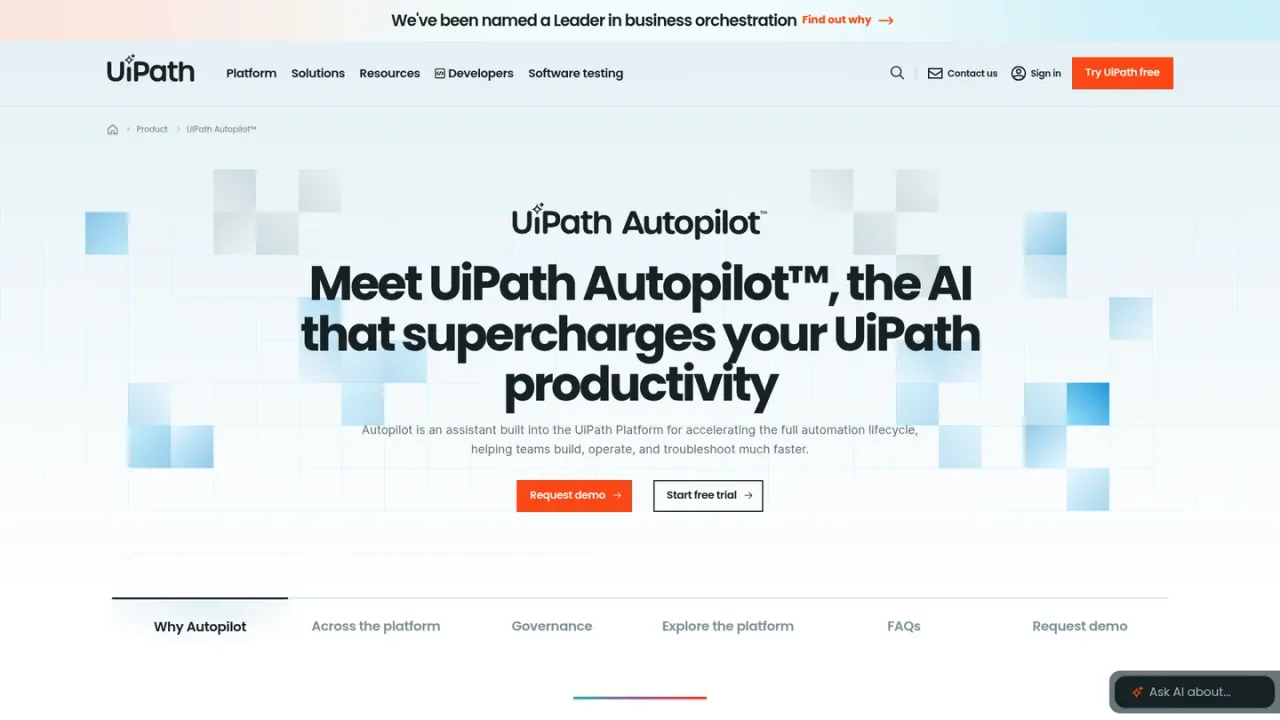
UiPath Autopilot is an AI assistant embedded across the UiPath Platform rather than a separate app. It reads the product surface you are working in and tailors help to that context, so teams can build, operate, and troubleshoot automations faster. In Studio it generates workflows, expressions, and API calls from plain-language descriptions; in Maestro it captures workflows from live systems and translates business requirements into BPMN designs; in Test Manager it generates tests from requirements and analyzes results; and in Orchestrator it monitors job health and suggests fixes. It can also scaffold agents without code, generating prompts, schemas, and API-based tools. Autopilot is included with a UiPath license, supports GPT, Gemini, Claude, or your own compatible model, and logs every action through the UiPath AI Trust Layer with admin-defined tools, policies, and packages. Access options include a free-forever Community plan, a Basic plan starting at $25 per month, and Standard and Enterprise plans available via sales.
Sign in to the UiPath Platform and open a supported product such as Studio, Maestro, Test Manager, or Orchestrator, where Autopilot appears natively.
Type a description of the workflow, agent, test, or process you want; Autopilot uses the context of the product surface to shape its response.
Inspect the generated workflows, expressions, API calls, prompts, schemas, BPMN designs, or tests before using them in your project.
Autopilot uses only admin-approved tools, policies, and packages, and every action is logged through the UiPath AI Trust Layer.
Automation developers describing a workflow in plain language to generate it in Studio
Business analysts translating requirements into executable BPMN process designs in Maestro
QA teams generating tests from requirements and analyzing results in Test Manager
Operations teams monitoring job health and resolving incidents in Orchestrator
Citizen developers scaffolding agents without writing code
Teams standardizing on approved tools and policies while auditing AI actions
No. Autopilot is built into the UiPath Platform and appears natively in products such as Studio, Maestro, Test Manager, and Orchestrator, with IXP support coming next.
Autopilot is native to Studio, Maestro, Test Manager, and Orchestrator today, and IXP support is described as coming next.
Autopilot is described as included with your UiPath license. UiPath plan pricing varies by tier, with Community free forever, Basic starting at $25 per month, and Standard and Enterprise available via sales.
Autopilot supports GPT, Gemini, Claude, or your own compatible model.
Admins define approved tools, policies, and packages, and every Autopilot action is logged and runs through the UiPath AI Trust Layer.
Yes. In Test Manager, Autopilot generates tests from requirements and analyzes results to help keep automation quality high across the SDLC.
Yes. In Orchestrator, Autopilot monitors queues and schedules, surfaces failures early, and helps resolve incidents in plain language.
UiPath offers a free-forever Community plan that includes starting with UiPath Autopilot, and a 60-day free trial is available for the Standard plan.
Official UiPath platform pricing checked 2026-11-09. These are platform tiers, not a standalone price for every AI capability. Users, robots and some usage require additional purchases; document extraction is not included in Basic. Confirm the required capability with UiPath.
COMMUNITY REVIEWS
No reviews yet.

Agentic process automation platform for building, orchestrating, and governing AI agents, RPA bots, and document workflows across enterprise systems.

Agentic automation platform that turns complex document packets into verifiable, auditable intelligence for enterprise workflows.