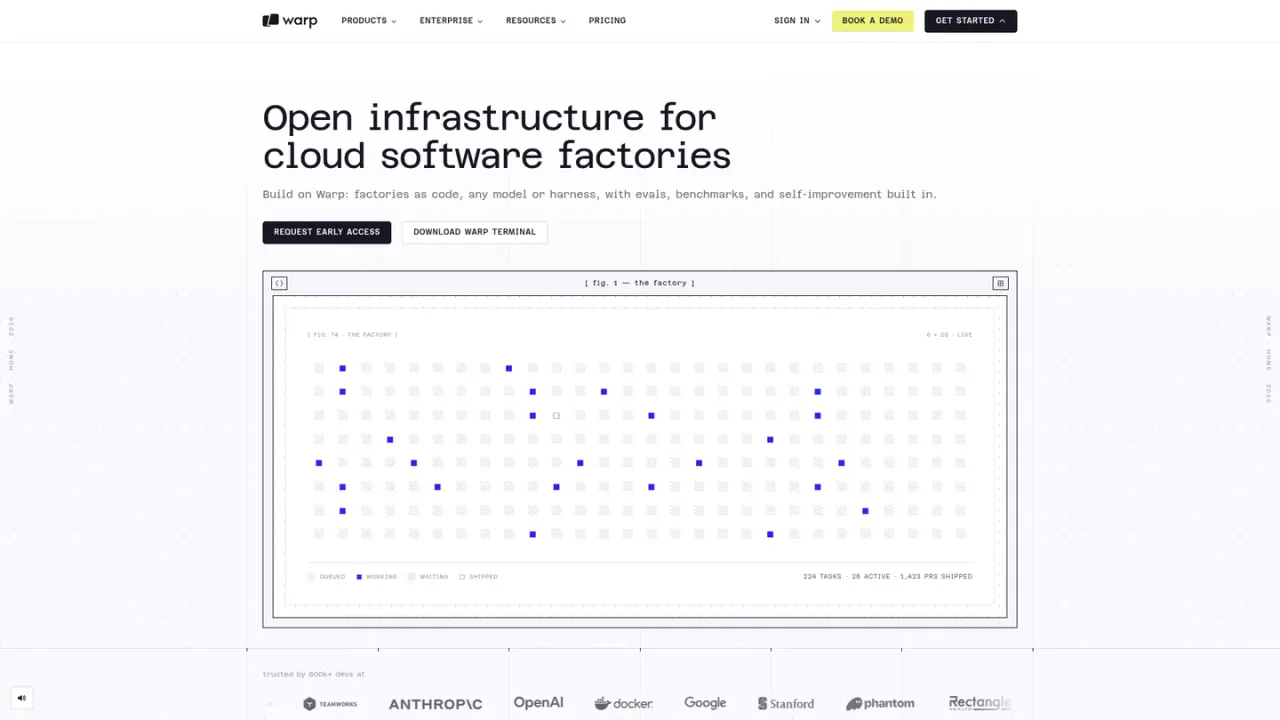
Warp is an agentic development environment built around a GPU-accelerated, Rust-based terminal that is now open source. It combines a modern terminal with coding agents, the Warp Agent CLI, and Warp Factories, which run fleets of agents wired to your SDLC and triggered by issues, Slack messages, or schedules. Teams define factories as code in a factory.yaml with agents, models, permissions, and approval gates, and can bring their own model or harness such as Claude Code or Codex. Work flows in through Slack, Linear, Jira, GitHub, and GitLab, and data can live in Warp's cloud or self-hosted. Access ranges from a free plan to Build, Max, Business, and Enterprise tiers, with usage-based agent billing.
How to use Warp
1
Download Warp Terminal
Install Warp for macOS, Linux, or Windows from the official download page and sign in to use the terminal and its agent features.
2
Define a factory as code
Create a factory.yaml plus supporting agent files that declare repositories, secrets, MCP servers, integrations, and agent defaults, then check it into your repo.
3
Connect work sources
Wire the factory to Slack, Linear, Jira, GitHub, or GitLab so work is triggered by issues, messages, or schedules.
4
Choose models or harnesses
Use Warp's built-in agents or bring your own model or harness such as Claude Code or Codex, depending on your plan.
5
Review agent output
Factory agents coordinate from triage through review to a mergeable PR, looping humans in when they need help.
Warp Features
GPU-accelerated, Rust-based modern terminal, now open source
Warp Agent CLI that works in any terminal
Warp Factories defined as code in factory.yaml
Bring your own model or harness such as Claude Code or Codex
Integrations with Slack, Linear, Jira, GitHub, and GitLab
Cloud runners on Linux, Mac, and Windows
Self-hosted or Warp-hosted deployment options
SOC 2 Type 2 attestation
Warp Use Cases
Automating first-pass code review on every PR
Reproducing bugs and routing fixes
Scoping, migrating, and validating refactors
Investigating alerts and summarizing incident next steps
Running fleets of coding agents across the SDLC
Warp FAQs
A factory is a fleet of agents wired to your SDLC, triggered by an issue, a Slack message, or a schedule, and coordinated by Warp Factories from triage through review to a mergeable PR.
As code, in a factory.yaml plus supporting agent files. You define triggers, agents, models, and approval gates, then check it into your repo like any other config.
No. You can bring your own model or harness, such as Claude Code or Codex, and Warp Factories works with whatever your team prefers.
No. Factories is a separate product, and work comes in through tools like Slack, Linear, Jira, GitHub, and GitLab. Warp Terminal has built-in factory integrations if you use it.
Factory runs are usage-based on every plan. Pay as you go is billed at 20% above API rates, while Build and Business use API rates, and Enterprise supports custom commercial terms.
Yes, Warp works offline once you're logged in and core terminal features work as expected. Some cloud-based features, such as block sharing and Warp AI, will not work offline.
No. Warp does not allow OpenAI, Anthropic, Google, or other model providers to train their models on your data, regardless of plan.
Yes. Warp Terminal is open source, and the public repository is available on GitHub.
Prices are in USD. Build, Max, and Business list monthly and annual rates; annual rates are shown per month. Agent usage is usage-based and additional usage can be purchased. Enterprise pricing is custom.
Free
$0USD / month
For developers who want Warp's modern terminal with the flexibility to use Warp's AI or bring their own.
State-of-the-art modern terminal
Warp Agent CLI access
Additional agent usage at pay-as-you-go rates
Bring your own AI inference
Limited cloud agents access
Build
$20USD / month
For developers who want flexible access to AI that scales with usage. Annual billing is $18/month.
$20 of agent usage included each month at API rates
Full Warp Agent access to frontier and open-source models
Add-on agent usage, auto-reload, and team-wide spend cap
Highest codebase indexing limits
Unlimited Warp Drive objects and collaboration
Max
$200USD / month
For developers who need maximum AI capacity with all the flexibility of Build. Annual billing is $180/month.
$200 of agent usage included each month (10x Build)
Add-on agent usage, auto-reload, and team-wide spend cap
Everything in Build
Business
$50USD / user/month
For teams scaling AI-powered development, up to 25 seats. Annual billing is $45/user/month.
$20 of agent usage included per seat each month at API rates
Team usage metrics
Admin-configurable data controls
Bring your own API keys and custom inference endpoints
SAML-based SSO
Enterprise
For organizations needing advanced control, security, and scale. Custom pricing via sales.