

Media.io
All-in-one AI creative platform for generating and editing videos, images, and audio from prompts, images, or URLs.
AI Video & Animation ToolsFreemium
AI Video Generator
PRODUCT OVERVIEW
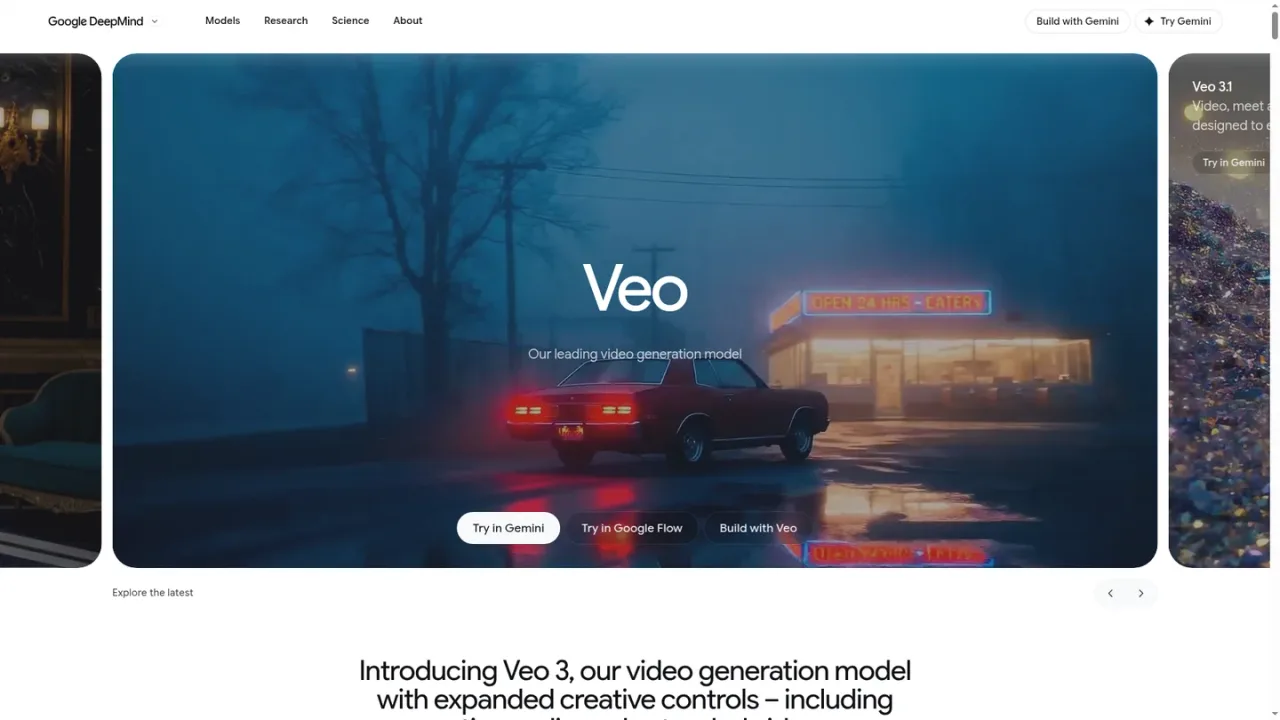
Veo is Google DeepMind's leading video generation model, designed to empower filmmakers and storytellers. It generates cinematic video with native audio from prompts, with Veo 3.1 emphasizing greater realism and fidelity through real-world physics and audio, improved prompt adherence, and expanded creative control and consistency across video and audio. The model is positioned for creative video workflows, and Google documents several ways to access it: trying it in the Gemini app, using it in Google Flow, building with it through the Gemini API, and exploring it in Google AI Studio. A prompt guide is published to help users learn how to prompt the model. Veo is presented as a specialized model within Google DeepMind's broader model lineup rather than a general-purpose assistant.
Open the Veo experience in the Gemini app to generate video from prompts.
Use Google Flow, Google's AI filmmaking tool, to work with Veo for video creation.
Developers can integrate Veo video generation through the Gemini API video documentation.
Use the Veo Studio bundle in Google AI Studio to experiment with the model.
Consult the official Veo prompt guide to learn how to write effective prompts.
Filmmakers prototyping cinematic scenes from prompts
Storytellers generating video with synchronized audio
Creators producing video clips in Google Flow
Developers integrating video generation through the Gemini API
Experimenting with prompts in Google AI Studio
Veo is Google DeepMind's leading video generation model, designed to empower filmmakers and storytellers by generating cinematic video with audio.
Yes. Veo 3.1 is described as bringing video and audio together, with native audio and creative control across audio.
Google lists options to try Veo in the Gemini app, use it in Google Flow, build with it via the Gemini API, and explore it in Google AI Studio.
Veo 3.1 emphasizes greater realism and fidelity through real-world physics and audio, improved prompt adherence, and new levels of creative control and consistency.
Yes. Google provides Gemini API video documentation for building with Veo.
Yes. Google DeepMind publishes an official Veo prompt guide.
Google Flow is described as Google's AI filmmaking tool, and it is one of the listed places to try Veo.
Google's page on Veo 3 mentions expanded creative controls including native audio and extended videos.
The supplied pages do not list Veo pricing, plans, or billing periods.
See the official website for current pricing.
COMMUNITY REVIEWS
No reviews yet.
All-in-one AI creative platform for generating and editing videos, images, and audio from prompts, images, or URLs.

Wan is an AI video creation platform for generating and editing cinematic videos from multimodal inputs, with native 30-second storytelling and precise editing.

Browser-based AI photo and video editor with templates, auto captions, text-to-speech, background removal, and AI generation tools.