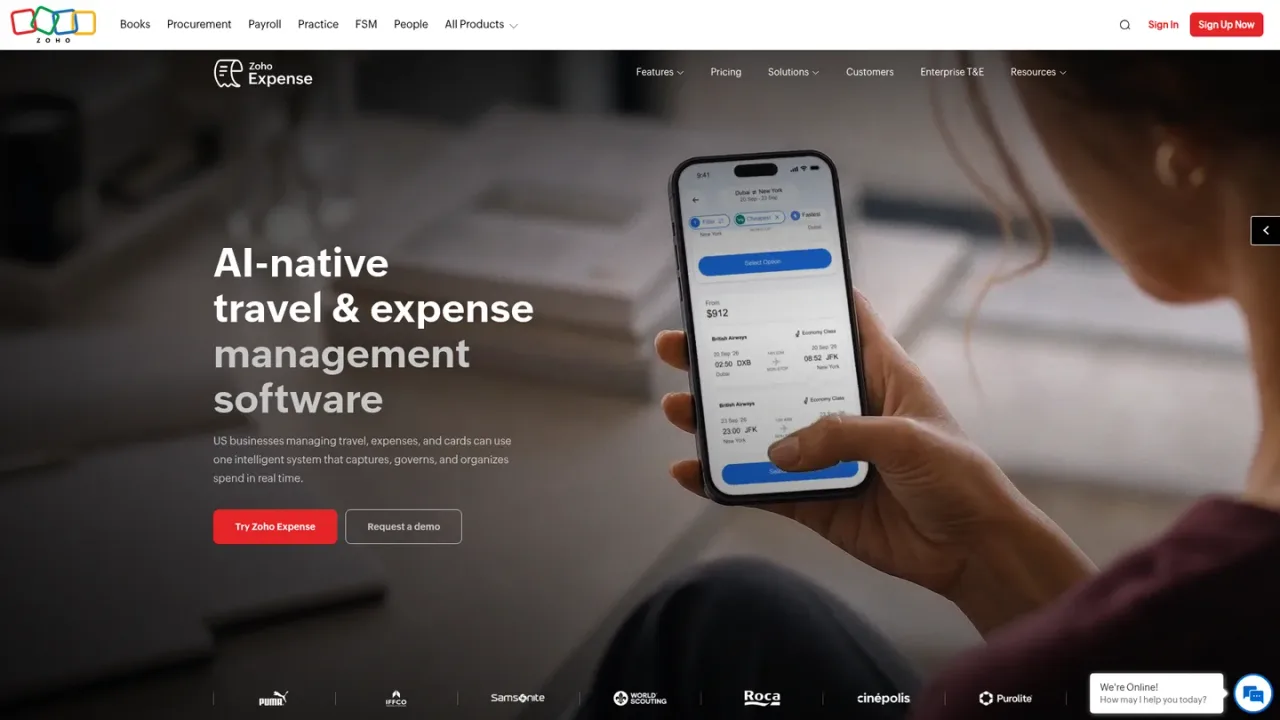
Zoho Expense is an expense reporting and spend management platform that uses native AI to automate travel and expense workflows. Employees can record expenses, attach receipts, submit reports, request advances, and create travel requests, while approvers review, approve, or reject submissions and admins configure organization settings, roles, and policies. The platform supports receipt tracking, mileage tracking, per diem, petty cash, corporate cards, budgets, expense rules, and audit and compliance. It integrates with Zoho Books and other systems, and offers mobile apps for iOS and Android. Access options include a free plan and paid Standard and Premium plans, with pricing available on the official pricing page.
How to use Zoho Expense
1
Sign up and set up your organization
Create a Zoho Expense account, then configure your organization profile, invite users, assign roles, and set preferences as an admin.
2
Record expenses and attach receipts
As a submitter, add expenses, attach one or more receipts, and use receipt tracking to capture expense details.
3
Submit expense reports and requests
Compile expenses into reports, submit them for approval, and create travel requests or advance requests as needed.
4
Approve or reject submissions
Approvers can review submitted records and approve or reject them; out-of-office approvers can appoint delegates.
5
Track mileage and per diem
Use mileage tracking and per diem features to record and calculate eligible expense amounts.
6
Manage corporate cards and budgets
Connect corporate cards, set budgets, and apply expense rules and policies to control spend.
7
Integrate with accounting
Connect Zoho Expense with Zoho Books and other integrations to sync expense data.
8
Use mobile apps
Download the iOS or Android app to capture expenses and manage reports on the go.
Zoho Expense Features
AI-powered expense management
Receipt tracking and multi-receipt attachment
Expense report submission and approval workflows
Mileage tracking
Per diem management
Petty cash management
Corporate card management
Budgets and expense rules
Audit and compliance support
Integrations with Zoho Books and other systems
Zoho Expense Use Cases
Employees submitting expense reports with receipts
Approvers reviewing and approving expense submissions
Finance teams automating expense reimbursement
Organizations tracking mileage and per diem
Managing corporate card expenses
Enforcing expense policies and budgets
Auditing expense compliance
Syncing expense data with accounting systems
Zoho Expense FAQs
Zoho Expense supports multiple expense creation methods, including manual entry and receipt tracking; see the official help documentation for details.
The official FAQ addresses receipt language and format support; refer to the knowledge base article for the specific languages and formats covered.
Yes, Zoho Expense allows attaching multiple receipts to an expense, as documented in the official knowledge base.
Zoho Expense defines Admin, Approver, and Submitter roles, each with dedicated help documentation and permissions.
Yes, approvers can appoint other approvers to act on their behalf when they are out of office.
Yes, Zoho Expense offers integration with Zoho Books, and help documentation covers the setup.
Yes, Zoho Expense provides mobile apps for iOS and Android, available via the App Store and Google Play.
Zoho Expense offers Free, Standard, and Premium plans; pricing details are available on the official pricing page.
Prices are in USD for the US edition and exclusive of local taxes. Standard and Premium are per user/month billed annually (yearly billing saves up to 25%). A custom enterprise plan is available via quote.
FREE
$0USD / per month
For small businesses looking to start their expense management journey. Maximum users: 3.
Receipt capture with AI-powered OCR
Zoho Prepaid Mastercard
Expense reports
Expense tracking via personal cards
Mileage expenses via GPS
Accounting integrations
Global tax compliance
Multi factor authentication
Multi-currency expenses
Customer/project tracking
STANDARD
$3USD / per user/month, billed annually
For growing businesses looking to manage expenses end to end.
Free plan features
Itemised receipt capture with AI-powered OCR in 38+ languages
Corporate card management
Real-time card feeds for Visa & Mastercard
Multiple expense policies
Attendee expense management
Custom user roles
Expense access delegation
Cash advance management
ACH payments
PREMIUM
$5USD / per user/month, billed annually
For enterprises looking for high level customization and to automate their T&E management.
Standard plan features
Employee self-booking with OBT
Access to global inventory (hotels, flights)
Guest booking
Inbuilt travel desk management tool
GSA compliant automated per diem management
Auto mileage capture with live tracking
Live budget tracking
Advanced approval management and policy customization