Writer free edition
0/ free edition
AI Documents & PDF Tools
PRODUCT OVERVIEW
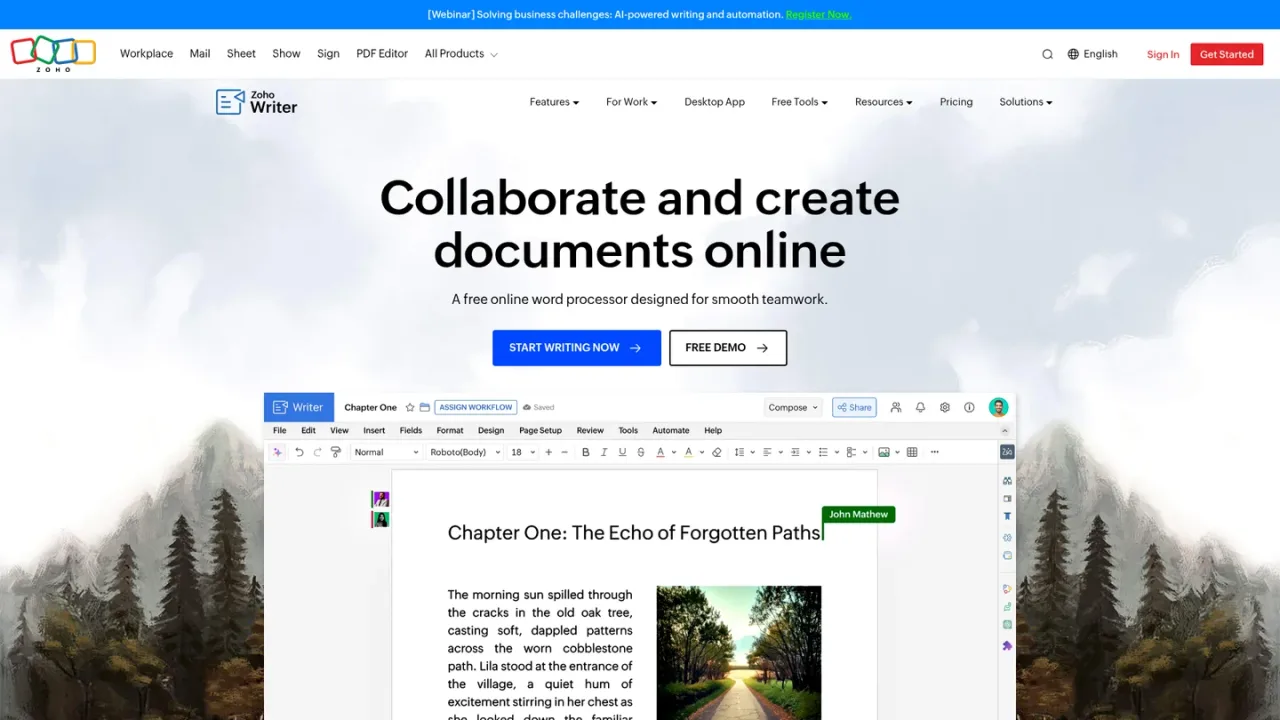
Zoho Writer is a cloud-based word processor for writing, editing, collaboration, and publishing. Its Zia AI assistant can generate documents, create and edit text, shorten, summarize, rephrase, check grammar and spelling, suggest style improvements, translate into 70+ languages, and detect duplication. Writer supports DOCX and Google Docs compatibility, fillable forms, e-signatures, approval workflows, and no-code document automation with merge templates. It offers full offline mode, mobile apps for iOS and Android, and desktop apps for Windows, Linux, and macOS. It suits authors, business professionals, copywriters, and bloggers. A free plan is available, with paid automation credits and add-ons.
Sign up for Zoho Writer and start a new document or import an existing DOCX or Google Docs file.
Invoke Zia to generate, edit, shorten, summarize, rephrase, translate, or check grammar and plagiarism in your document.
Create fillable forms or convert PDFs to fillable forms, then collect e-signatures and manage approval workflows.
Use merge templates and the visual automation flow designer to generate personalized documents and forms at scale.
Enable offline mode or use the desktop app to edit without internet; changes sync automatically when you reconnect.
Authors and bloggers drafting and editing articles
Business professionals creating and collaborating on documents
Copywriters generating and refining marketing copy
Teams automating personalized document generation
Organizations collecting e-signatures and managing approval workflows
Users needing offline document editing with sync
Zoho Writer is a cloud-based word processor for writing, editing, collaboration, and publishing, with AI-powered assistance, document automation, forms, and e-signatures.
Zia, the AI assistant, can generate documents, create, edit, shorten, summarize, and rephrase text, check grammar and spelling, suggest style improvements, translate into 70+ languages, and detect duplication.
Yes, Zoho Writer is compatible with MS Word and Google Docs, allowing you to create, import, edit, and save documents in DOCX and Google Docs formats, plus other formats like .docm, .dot, .rtf, .odt, .txt, .html, and .pdf.
Yes, Zoho Writer offers a full offline mode and desktop apps, so you can create and edit documents without an internet connection; changes sync automatically when you go online.
Yes, Zoho Writer is a free word processor with unrestricted access to its features upon sign-up. Document automation includes free monthly credits, and additional credits can be purchased.
Zoho Writer automates personalized document and form creation, digital signature collection, and includes a visual automation flow designer for no-code workflows.
Zoho Writer supports over 55 languages, including English, French, Spanish, German, Arabic, and Indian languages such as Tamil, Telugu, Malayalam, and Hindi.
Zoho Writer integrates with Zoho apps like CRM, Bigin, Books, Invoice, Projects, People, and Recruit; signature apps like Zoho Sign, Docusign, Adobe Sign, and Signeasy; content platforms like WordPress and Medium; and more.
Official pricing checked 2026-11-10. Writer editing is free; document automation is a separate add-on. WorkDrive storage subscriptions and external AI provider costs are separate; taxes extra.
COMMUNITY REVIEWS
No reviews yet.

AI writing partner that proofreads, rewrites, adjusts tone, detects AI text and plagiarism, and offers AI agents and a document editor.

Online AI translation for text, documents, web pages and audio/video, with polishing, grammar correction and writing helpers.