guides
How to Evaluate AI Email Writing Tools Before You Buy
Freeze five real outbound drafts, then score AI email writers on hallucination, merge fields, tone, retention, and seat walls before you annual-pay.
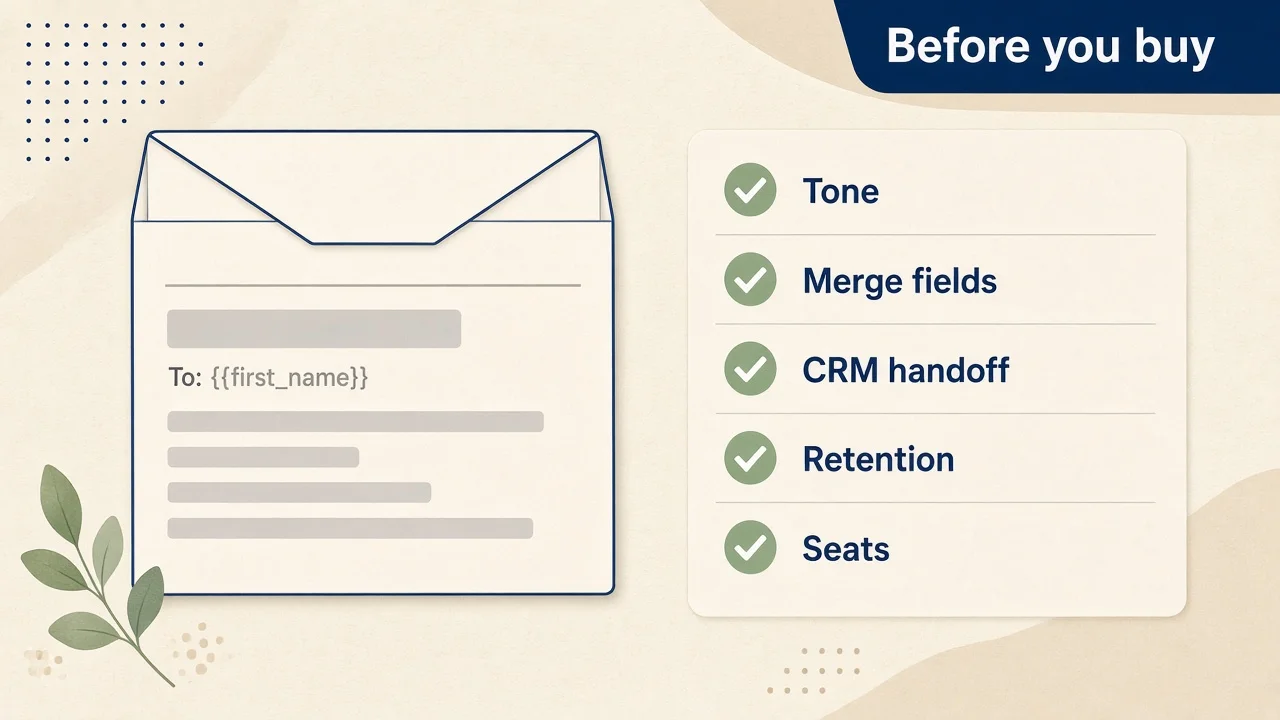
Buying an AI email writer after one polished demo reply is how teams ship invented renewal dates, empty {{first_name}} fields filled with guesswork, and outbound threads that left the tenant without anyone reading the retention clause. The cost is a bad annual seat plus a week of “the AI said they were churning” archaeology with your CRM owner.
This is a pre-buy evaluation guide, not a “best AI email” ranking. Marketing short-copy suites and writing-polish tools already have their own AINav lanes. Customer-support chatbots are a different buy. Here the job is narrower: sales / customer-success outbound — subject lines, follow-up sequences, merge fields, CRM handoff — with a frozen draft pack, before you put a card on file.
Directory pointers (not a scoreboard): mailbox-native copilots such as Copilot in Outlook and draft assist via Microsoft Copilot in Word; writing-suite email templates in Jasper and Copy.ai; a polish layer via Grammarly; and CRM-adjacent lifecycle assist via HubSpot AI. Browse the wider set under /category/ai-email-writing.
Bottom line: Freeze five real follow-up drafts (cold, follow-up #2, renewal, apology, intro) → run the five pillars below → map free drafts vs paid seats from live vendor pages → annual-commit only if merge-field behavior is safe and retention/training switches are explicit. Split by need: live in Outlook all day → mailbox Copilot path; brand-governed sequences across channels → Jasper / Copy.ai suite; already-written drafts that need tone polish → Grammarly; CRM lifecycle emails → HubSpot AI as adjacent, not a full rewrite suite. Do not annual-pay on day one if training or retention is unclear.
Findings: public docs + limited hands-on framing (verification 2026-11-06, Asia/Shanghai). Re-open vendor pricing, privacy, and data-processing pages before you pay. No invented MAU, open/reply rates, or locked dollar conclusions where pages are ambiguous.
Who this is for / Out of scope
For: SDRs and AEs drafting cold + follow-ups; CSMs writing renewals and apologies; founders who live in Outlook/Gmail and want a checklist before adding a paid AI layer.
Out of scope: “Top 10 AI email” galleries, inbound support chatbot buying (see the related chatbot guide), Superhuman-class tools not listed on AINav as clickable /tool pages, and any vendor whose public pricing we cannot state from today’s live page—those stay out of hard price conclusions here.
Freeze the pack before you open pricing
Write these down before the first trial login:
- Five real outbound scenarios with known facts: cold outreach, follow-up #2, renewal reminder, apology, warm intro.
- One CRM row with empty optional fields (missing title, missing company size) to test invention.
- One tone brief (formal vs casual) and, if relevant, one bilingual mix prompt.
- One data rule (who may see outbound drafts; training on/off; whether prompts leave the mailbox/tenant).
If a vendor cannot run your five drafts, their feature matrix is marketing.
The five evaluation pillars
| # | Pillar | Pass looks like | Fail looks like |
|---|---|---|---|
| 1 | Same 5 scenarios | Facts stay grounded; trap claims refused | Invented renewal dates, fake meetings, confident wrong history |
| 2 | Merge fields / CRM | {{first_name}} (and empty fields) stay literal or clearly flagged | Empty field invents a name/title |
| 3 | Tone controls | Formal ↔ casual stays stable; multilingual mix does not scramble | Tone drifts mid-thread; languages bleed |
| 4 | Retention & training | One-sentence statement from public docs | Vague “may improve models”; no kill-switch for eval |
| 5 | Seats & limits | Free drafts vs paid seats mapped from live pages | Guessed “unlimited email”; hidden suite bundle surprise |
Pillar 1 — Same five scenarios
Paste the identical five briefs into each candidate. Screenshot any claim that invents a customer fact you did not supply.
Pass: cold stays cold; follow-up #2 references only prior public context you gave; renewal/apology/intro refuse missing facts. Fail: fluent prose citing a QBR that never happened.
How tools tend to split (public shape + limited hands-on):
- Copilot in Outlook — drafts and thread summaries inside the mailbox, grounded in Microsoft 365 work context when licensed; first fit when the buyer already lives in Outlook. Confirm whether your SKU is Copilot Chat (eligible M365) vs a paid Microsoft 365 Copilot / Business-with-Copilot plan on Microsoft’s live pricing page.
- Microsoft Copilot in Word — useful when the sequence starts as a long draft doc before paste-into-mail; not a CRM sequencer by itself.
- Jasper / Copy.ai — writing-suite / GTM workflow lanes with email-shaped templates and brand context; evaluate as suite email, not mailbox-native.
- Grammarly — polish / tone / rewrite layer over text you already wrote; weak as a cold-sequence generator if you expect full outbound drafting.
- HubSpot AI — CRM lifecycle adjacency; test whether assist stays tied to HubSpot records rather than free-form invention.
Pillar 2 — Merge fields and CRM handoff
Feed a template with {{first_name}}, {{company}}, and one empty optional field. Ask the tool to personalize.
Pass: empty fields stay blank, bracketed, or clearly marked “missing.” Fail: the model invents “Alex at Acme” when the CRM row is empty.
Mailbox Copilot paths should stay inside your Microsoft Graph permissions—verify on Microsoft’s Copilot privacy FAQ that prompts/responses follow your M365 retention and are not used to train underlying foundation models (re-confirm on the live FAQ for your SKU). Suite tools (Jasper / Copy.ai) need an explicit CRM or CSV merge story—do not assume HubSpot sync exists because a landing page mentions “personalization.” HubSpot AI should be scored on whether personalization reads from HubSpot properties you can audit.
Pillar 3 — Tone controls and multilingual mix
Run the same renewal draft twice: formal, then casual. If you send bilingual threads, ask for one paragraph English + one paragraph in your second language.
Pass: register stays stable; languages stay in their lanes. Fail: casual apology becomes slangy; bilingual output mixes scripts mid-sentence.
Grammarly’s public plans emphasize tone detection/adjustment and generative prompts with monthly prompt caps on Free/Pro—use it as the polish gate after drafting. Jasper’s Brand Voice / Audiences framing is a suite strength if you already maintain brand rules. Copilot-in-mailbox tone depends on prompt quality and your org’s Copilot settings—screenshot today’s UI; do not invent a “tone slider” that is not there.
Pillar 4 — Permissions, retention, training
Before pasting customer emails or CRM notes into any third-party writer, read the privacy / data-processing / generative-AI terms for that product SKU.
Checklist (fill from public pages only):
- Retention window for drafts, prompts, and chat logs
- Whether content is used to train foundation models (default on/off)
- Tenant / mailbox boundary vs data leaving to a SaaS writer
- Admin disable for generative features during eval
- Subprocessors your security review must list
Public shapes verified 2026-11-06 (Asia/Shanghai)—re-open live pages before you pay:
- Microsoft Copilot pricing FAQ states prompts and responses are logged under your data retention policies, available for eDiscovery/Purview capabilities depending on plan, and are not used to train the underlying large language models—confirm on the live Microsoft Copilot pricing/FAQ page for your SKU.
- Grammarly publishes a Product Improvement and Training control: on by default for Free / Premium / single-user Pro; Enterprise / sales-purchased org plans default off. Toggle location is documented on Grammarly Support—screenshot your account type before assuming “enterprise default.”
- Jasper’s public pricing/trust copy states customer data is not permitted for third parties to train their AI models and that Jasper does not use your data to train AI models—re-confirm on jasper.ai/pricing and security.jasper.ai.
- Copy.ai / HubSpot AI — map retention and training from their current trust/privacy pages for the exact SKU; if you cannot finish the one-sentence statement, keep them in trial only.
If you cannot finish the one-sentence retention+training statement, do not annual-pay.
Pillar 5 — Seats, free drafts, and suite bundles
| Label | Meaning | Verify on the public page |
|---|---|---|
| Completely free / included | Draft without a new card | Daily/monthly caps? Which M365 plan includes Outlook Copilot Chat vs full Copilot? |
| Soft cap / prompts | Works until a meter | Grammarly Free vs Pro prompt caps; Jasper trial length |
| Seat uplift | Per-user AI on a suite | Jasper Pro seat vs Business custom; Copy.ai Chat vs Enterprise |
| CRM bundle | AI inside HubSpot plan ladder | Free tools vs paid Hub / seat math—open live HubSpot pricing |
Indicative shapes only—open live pages on purchase day:
- Microsoft — Copilot plans & pricing: Business Standard/Premium with Copilot listed as bundled yearly user pricing; Microsoft 365 Copilot Business as an add-on; Copilot in Outlook called out in the plan matrix. Everyday AI vs usage-based advanced experiences (Cowork / Autopilot / some APIs) are separate—screenshot today’s footnotes.
- Grammarly — plans: Free ($0) vs Pro (publicly listed from about $12 on the plans page at verification) vs Enterprise via Superhuman Go framing; generative AI prompts capped (e.g. Free 100 / Pro 2,000 per member / month on the public compare table—re-check live).
- Jasper — pricing: Pro publicly listed around $69/seat/month monthly or ~$59/seat/month yearly; Business custom; 7-day Pro trial commonly advertised.
- Copy.ai — prices: self-serve Chat plan publicly listed (e.g. ~$29/mo annual framing with seat/credit bundles) plus Enterprise tiers with workflow credits—treat as suite GTM pricing, not “email-only.”
- HubSpot AI — open HubSpot’s live CRM/Marketing pricing; do not invent Free vs Starter AI inclusions from memory if the pricing widget fails to load.
Do not hardcode vendor dollars into the decision memo. Prefer shapes (free / trial / seat / custom) when the page is ambiguous.
Completely free vs capped / suite
| Path | Fit | Watch-out |
|---|---|---|
| Mailbox-native Copilot (Outlook) | Teams already in Microsoft 365 who need draft/summarize in-thread | Confirm Chat vs paid Copilot SKU; usage-based extras |
| Writing-suite email templates (Jasper / Copy.ai) | Brand voice + multi-channel sequences | You may be buying a whole marketing/GTM suite—not an email SKU |
| Polish layer (Grammarly) | Tone/clarity on human-written drafts | Prompt caps; training default on individual plans |
| CRM-adjacent (HubSpot AI) | Lifecycle email tied to HubSpot records | Not a generic cold-email factory |
| Annual seat before pillar 4 is green | Almost never | Retention surprise on customer threads |
Decision tree
- Pillar 4 unclear → stop; keep manual drafts; no annual.
- Need drafts inside Outlook with tenant grounding → Copilot in Outlook path (verify SKU).
- Need brand-governed multi-channel sequences → Jasper / Copy.ai bake-off on the same five drafts.
- Need polish only → Grammarly after humans write the facts.
- Need CRM property-safe personalization → HubSpot AI adjacent test, then decide whether a separate writer is still required.
- Only after pillars 1–3 stay green for a week of real outbound → buy the smallest paid rung; re-check retention on day 8.
One-week checklist
Day 0: freeze five drafts + empty-field CRM row; create a throwaway mailbox/project. Days 1–2: run pillar 1 on all candidates; screenshot inventions. Day 3: merge-field empty test. Day 4: tone + multilingual mix. Day 5: fill retention/training one-pager from public docs. Day 6: map free vs paid limits from live pricing. Day 7: decide keep trial / drop / buy smallest seat—annual only if 0–6 passed.
FAQ
Is this the same as evaluating support chatbots?
No. Chatbots own inbound deflection and knowledge grounding. This guide is outbound email drafting with merge fields and CRM risk. Different failure modes.
Can I trust “increases reply rate 3×” marketing?
Not without your five-draft pack. Vendor demos cherry-pick clean CRM rows. Log invented facts yourself.
Mailbox Copilot vs writing suite?
If the buyer lives in Outlook and needs Graph grounding, start with Copilot in Outlook. If brand voice across ads/email/web matters more than mailbox residence, start with Jasper / Copy.ai and polish with Grammarly.
What about tools not listed here?
Use the same five pillars. Do not invent a clickable /tool link for unlisted Superhuman-class products—link their public site only if you must name them, and keep AINav internal links to listed tools.
Related on AINav
Copilot in Outlook · Microsoft Copilot in Word · Grammarly · Jasper · Copy.ai · HubSpot AI · AI Email Writing category · Jasper vs Copy.ai vs ChatGPT for marketing copy · Evaluate AI customer support chatbots before you buy
List your AI tool → /submit